
A city attorney asks whether Microsoft Loop should replace Word for formal legal opinions and filings. How should the team describe Loop versus Word?
Select an answer to reveal the explanation.
Short Explanation
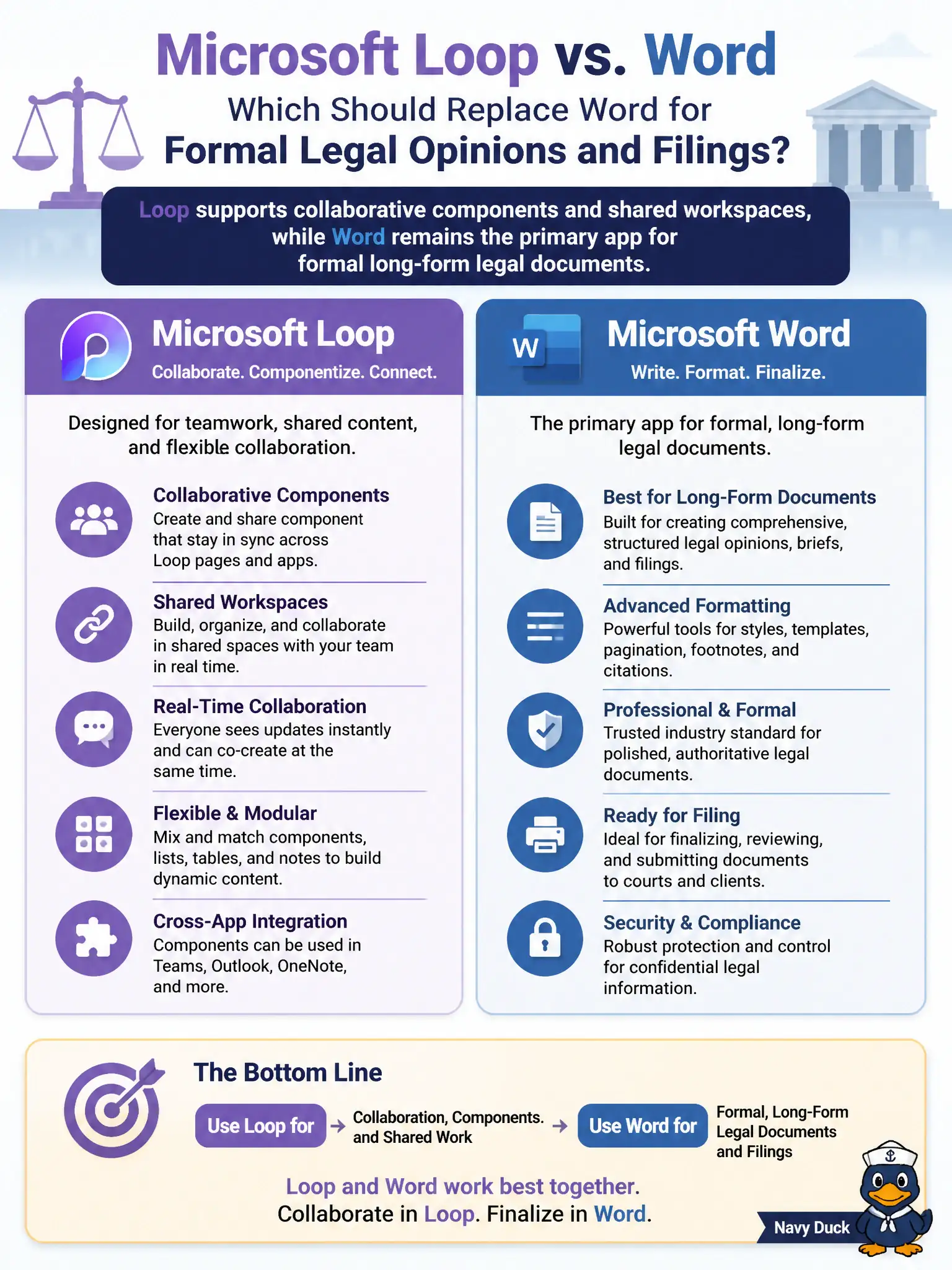
Think of Loop like sticky notes that several people can edit at once on a shared board — great for moving pieces of work around. Word is still the leather-bound brief for formal legal writing. Loop complements Word; it does not retire it for opinions and filings.
Full Explanation
Microsoft Loop supports collaborative components and shared workspaces for flexible co-creation, while Word remains the primary app for formal long-form legal documents such as opinions and filings. A city attorney’s office should keep formal legal artifacts in Word (with governed storage) even when Loop helps working groups ideate.
Claiming Loop fully replaces Word for contracts, opinions, and court filings fails professional document norms and exam framing. Claiming Word is only for offline drafts and Loop is required for any Microsoft 365 document fails. Claiming Loop is limited to email signatures and cannot hold collaborative content fails Loop’s purpose.
Exam caveat: courts and counterparties often expect Word or PDF artifacts—confirm filing format requirements before changing authoring tools. Operational check: use Loop for cross-team working notes if desired, finalize opinions in Word templates, and store signed PDFs in the matter’s SharePoint library with retention. Record the choice in the municipal service catalog so help-desk scripts stay consistent. Record the choice in the municipal service catalog so help-desk scripts stay consistent. Record the choice in the municipal service catalog so help-desk scripts stay consistent.