
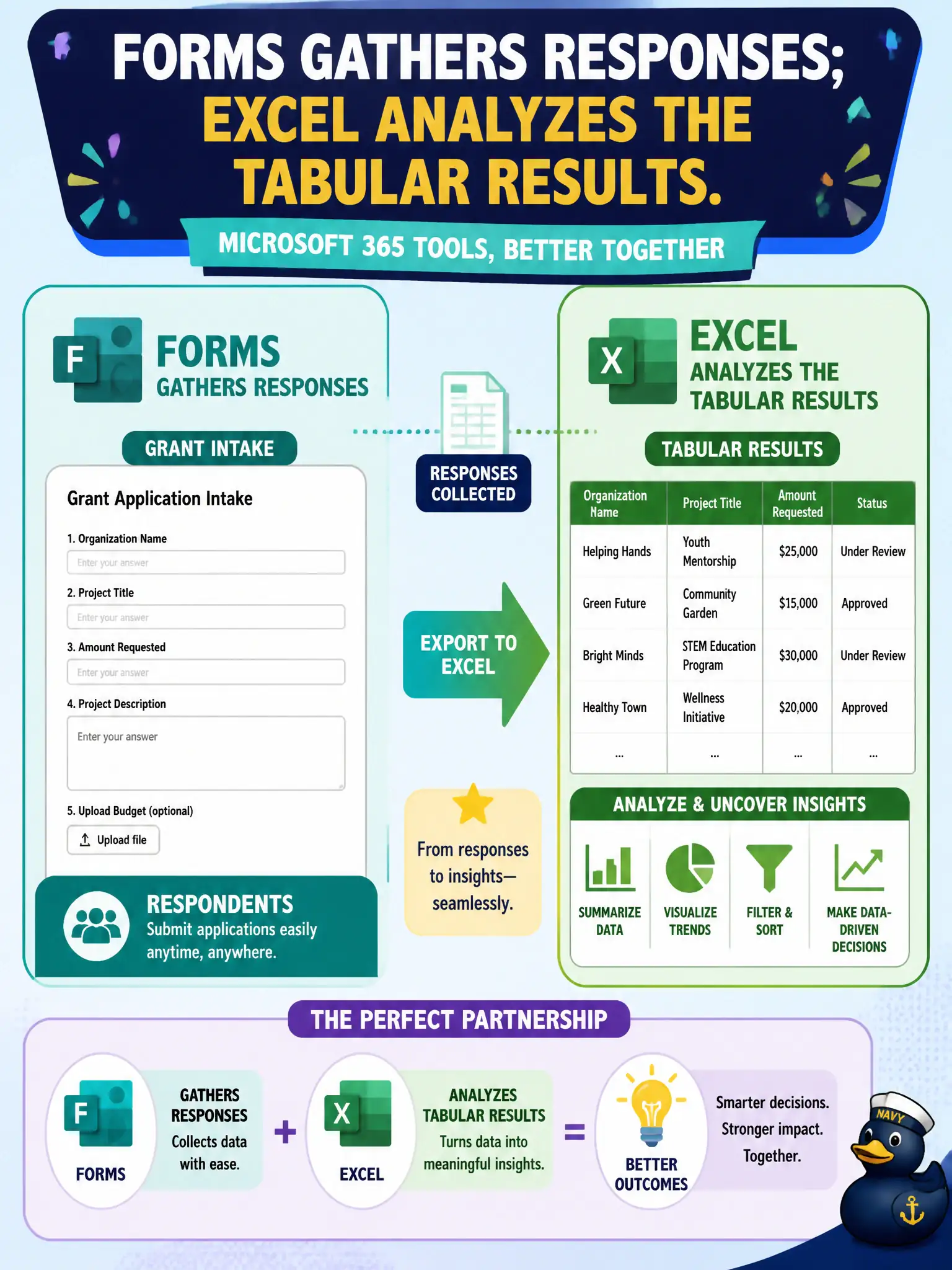
A grant team builds a Forms intake then dumps results to Excel for analysis. How do those Microsoft 365 productivity tools complement each other?
Select an answer to reveal the explanation.
Short Explanation
Forms is the intake clipboard; Excel is the analysis workbench. Capture answers in Forms, then slice the table in Excel. Different jobs, better together.
Full Explanation
Forms and Excel complement each other when Forms gathers survey responses and Excel analyzes the tabular results. A grant team’s intake-then-analyze workflow is the classic Microsoft 365 productivity pairing for municipal data collection and review.
Saying Excel gathers public survey responses while Forms is only for Gantt capital schedules reverses the tools. Claiming Forms permanently blocks Excel exports fails because exporting or analyzing responses in Excel is a common pattern. Claiming both apps only schedule Bookings appointments fails conceptually: neither Forms nor Excel is a booking engine in this pairing.
Exam caveat: personally identifiable grant-applicant data in Forms/Excel needs access restriction and retention aligned with grant rules. Operational check: lock Form response access to the grant team, export to Excel in a secured library, and delete or archive raw responses per the grant retention schedule. Record the choice in the municipal service catalog so help-desk scripts stay consistent. Record the choice in the municipal service catalog so help-desk scripts stay consistent. Record the choice in the municipal service catalog so help-desk scripts stay consistent.