
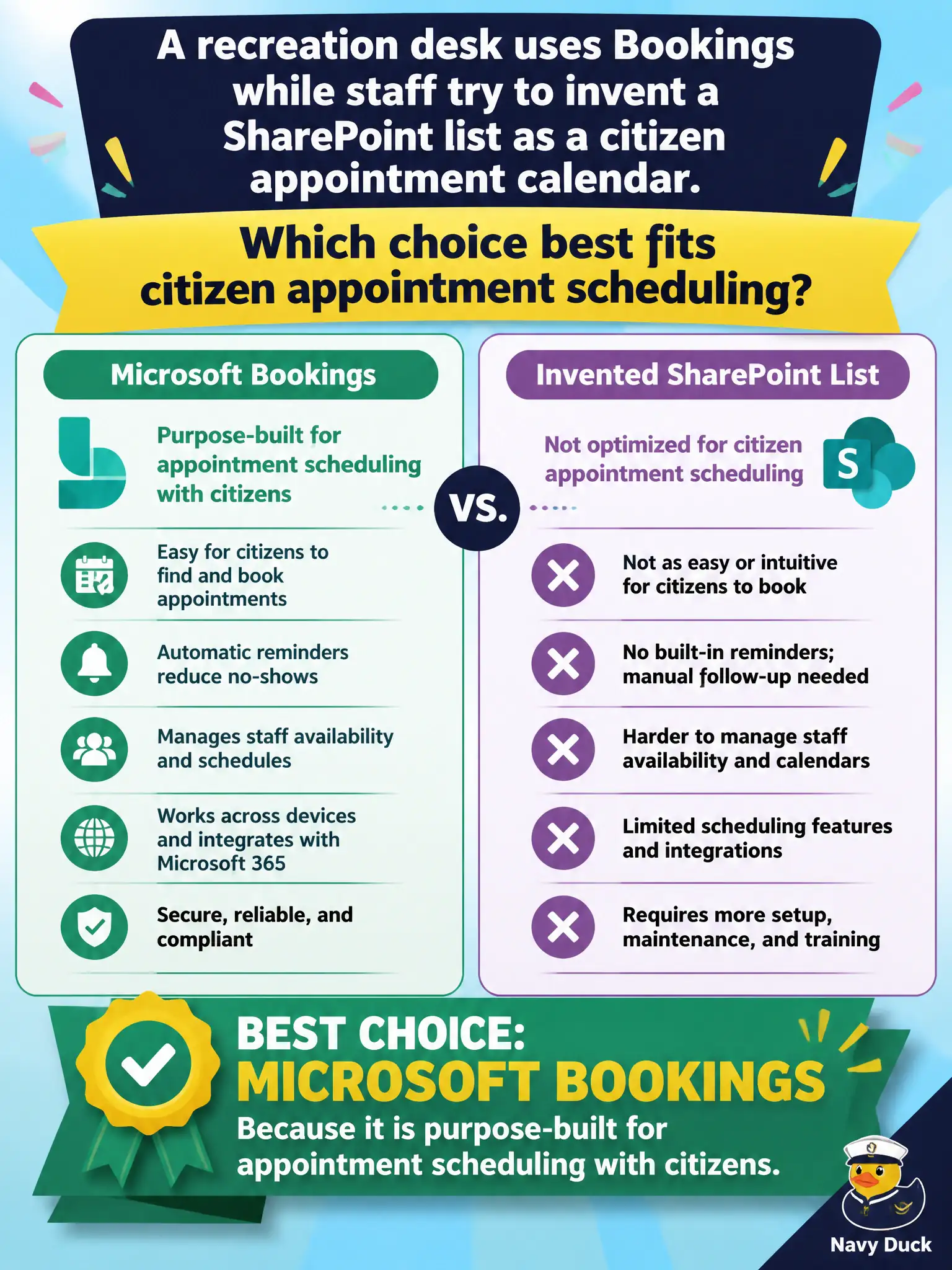
A recreation desk uses Bookings while staff try to invent a SharePoint list as a citizen appointment calendar. Which choice best fits citizen appointment scheduling?
Select an answer to reveal the explanation.
Short Explanation
Residents booking recreation slots need Bookings, not a homemade SharePoint list calendar. Purpose-built appointment scheduling beats inventing a tracker and hoping citizens can use it.
Full Explanation
Microsoft Bookings is purpose-built for appointment scheduling with citizens, so a recreation desk should use Bookings rather than inventing a fake calendar from unrelated tools. Purpose-built scheduling reduces no-shows and staff email load for recreation slots.
A custom SharePoint list pretending to be a calendar fails as the best fit because lists are general tracking, not a complete citizen booking experience. Publishing Microsoft To Do personal tasks publicly fails privacy and product intent. Emailing Excel charts weekly fails as an online reservation system for residents.
Exam caveat: recreation bookings may collect minor personal data—post privacy notices and retention rules on the Bookings page. Operational check: configure services and hours in Bookings, test a resident reservation, confirm staff calendar impact, and retire the shadow SharePoint “calendar list” workaround. Record the choice in the municipal service catalog so help-desk scripts stay consistent. Record the choice in the municipal service catalog so help-desk scripts stay consistent. Record the choice in the municipal service catalog so help-desk scripts stay consistent. Record the choice in the municipal service catalog so help-desk scripts stay consistent.