
A communications lead asks which Microsoft 365 app is best for a visual campaign pitch to council. What is the best choice?
Select an answer to reveal the explanation.
Short Explanation
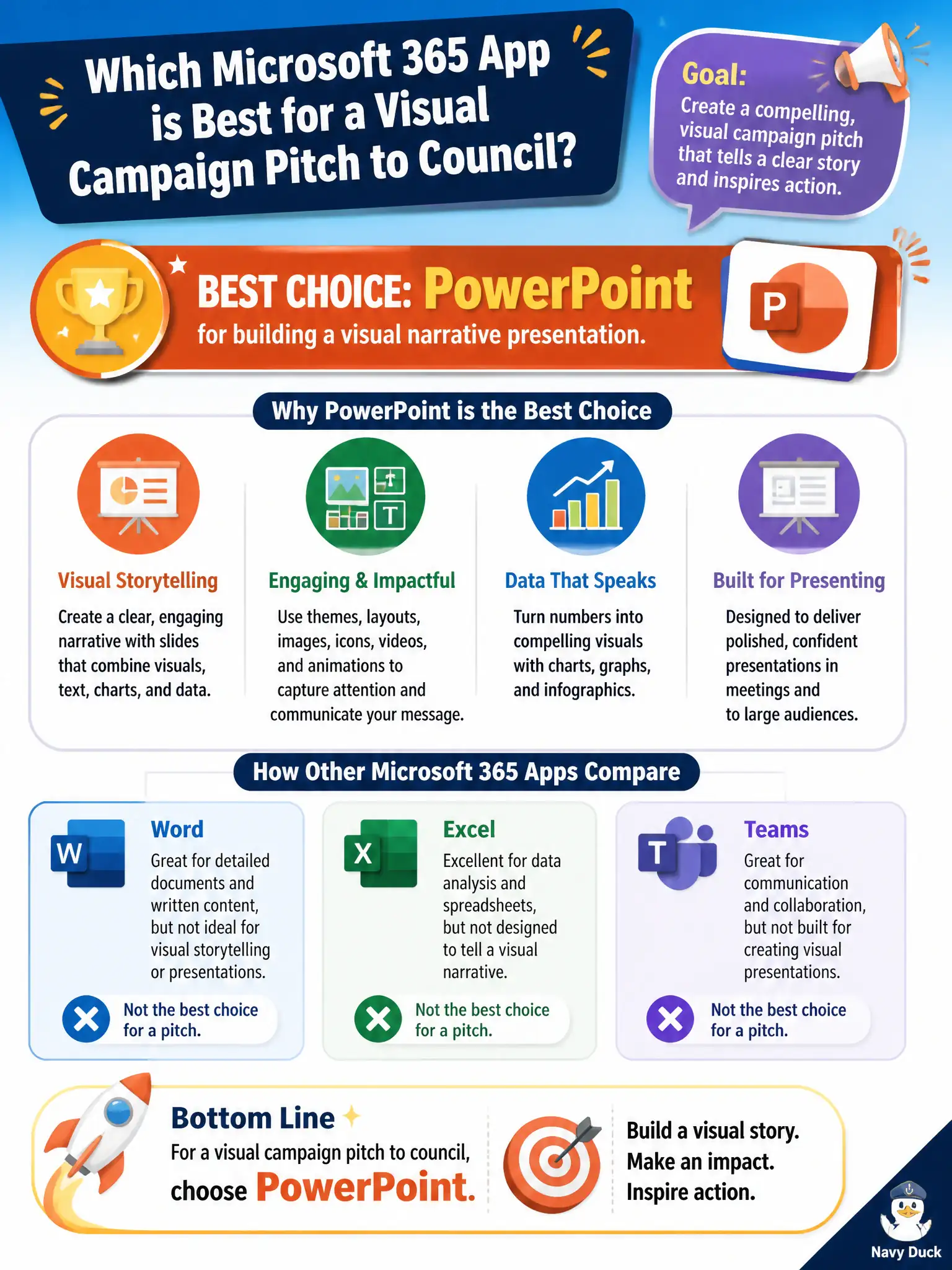
A campaign pitch to council needs visuals and story flow. PowerPoint is the app for that narrative deck. Forms collect answers; To Do tracks chores—they are not pitch decks.
Full Explanation
PowerPoint is the best Microsoft 365 app for a visual campaign pitch to council because it builds a visual narrative presentation with slides, graphics, and speaker flow. Communications leads should use PowerPoint when persuasion and storytelling to elected officials is the goal.
To Do fails because a personal checklist is not a council pitch deck. Forms fails because collecting survey answers is intake, not presenting a designed pitch. Excel fails as a replacement for designed slides; a blank grid is not a visual narrative presentation for council.
Exam caveat: council pitches often include embargoed strategy—control sharing and watermark drafts until public release is approved. Operational check: create the pitch in PowerPoint, review accessibility (contrast, alt text), store in a controlled library, and rehearse timing before the council session. Record the choice in the municipal service catalog so help-desk scripts stay consistent. Record the choice in the municipal service catalog so help-desk scripts stay consistent. Record the choice in the municipal service catalog so help-desk scripts stay consistent. Record the choice in the municipal service catalog so help-desk scripts stay consistent.