
A city attorney still emails Word attachments in circles for each policy edit. Which productivity upgrade best addresses that pain?
Select an answer to reveal the explanation.
Short Explanation
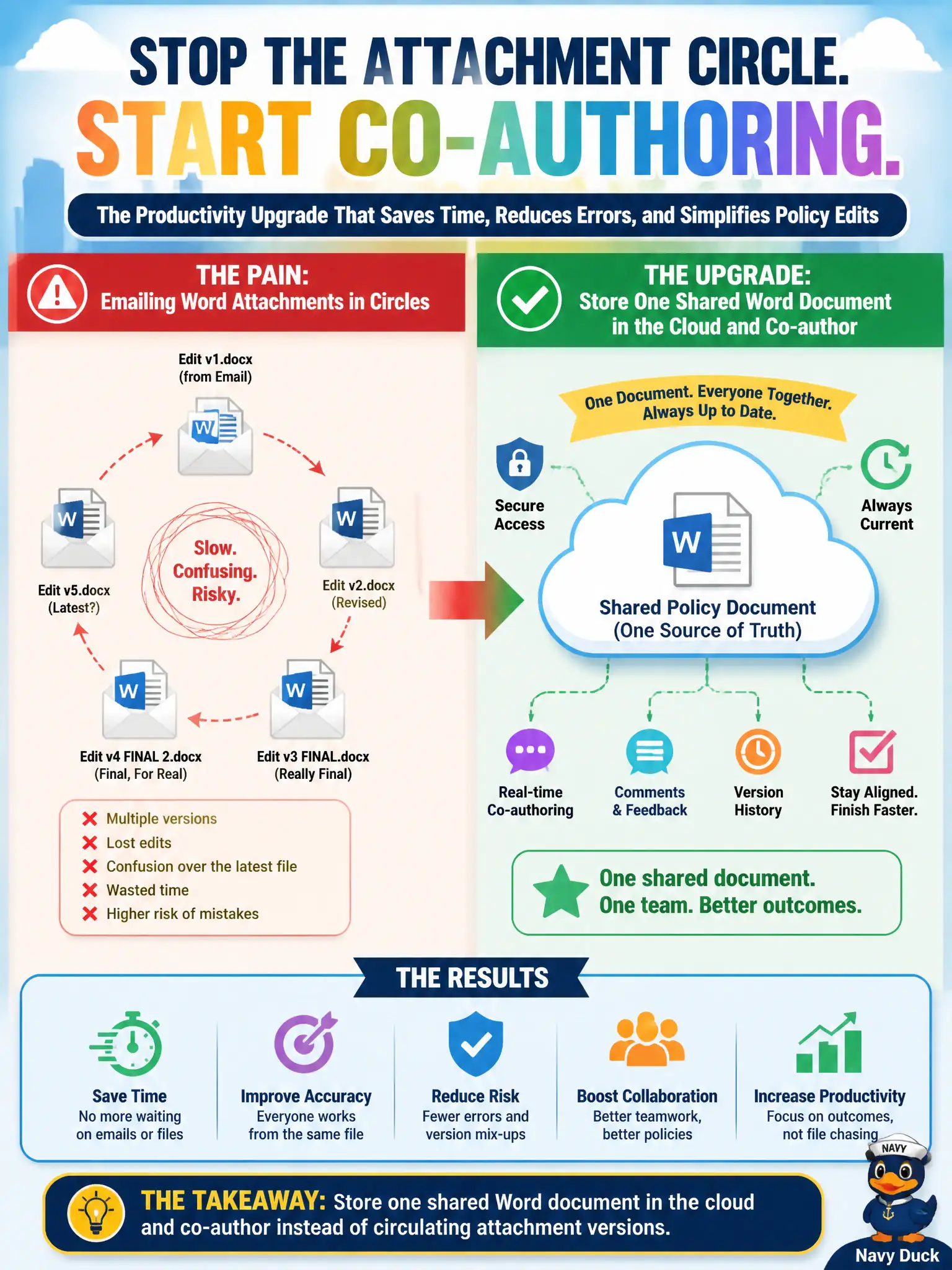
Attachment circles create version chaos. One shared cloud Word document lets people co-author and stops the email merry-go-round. Bookings and To Do are not legal drafting homes.
Full Explanation
Circulating Word attachments in email creates version forks and lost edits. The productivity upgrade is to store one shared Word document in the cloud and co-author so the city attorney’s office collaborates on a single policy draft. That pattern directly addresses attachment circles.
Switching every policy draft into a Bookings appointment page fails because bookings schedule time, not legal prose. Moving all legal text into Microsoft To Do as personal checklist items fails document authoring needs. Disabling Word and requiring Excel charts for every ordinance draft fails conceptually: ordinances need narrative text tools.
Exam caveat: co-authoring does not replace legal review gates; it accelerates drafting under the same approval workflow. Operational check: migrate the active draft to SharePoint, stop attachment replies for that thread, enable versioning, and confirm counsel can track changes in the shared file. Record the choice in the municipal service catalog so help-desk scripts stay consistent. Record the choice in the municipal service catalog so help-desk scripts stay consistent. Record the choice in the municipal service catalog so help-desk scripts stay consistent.