
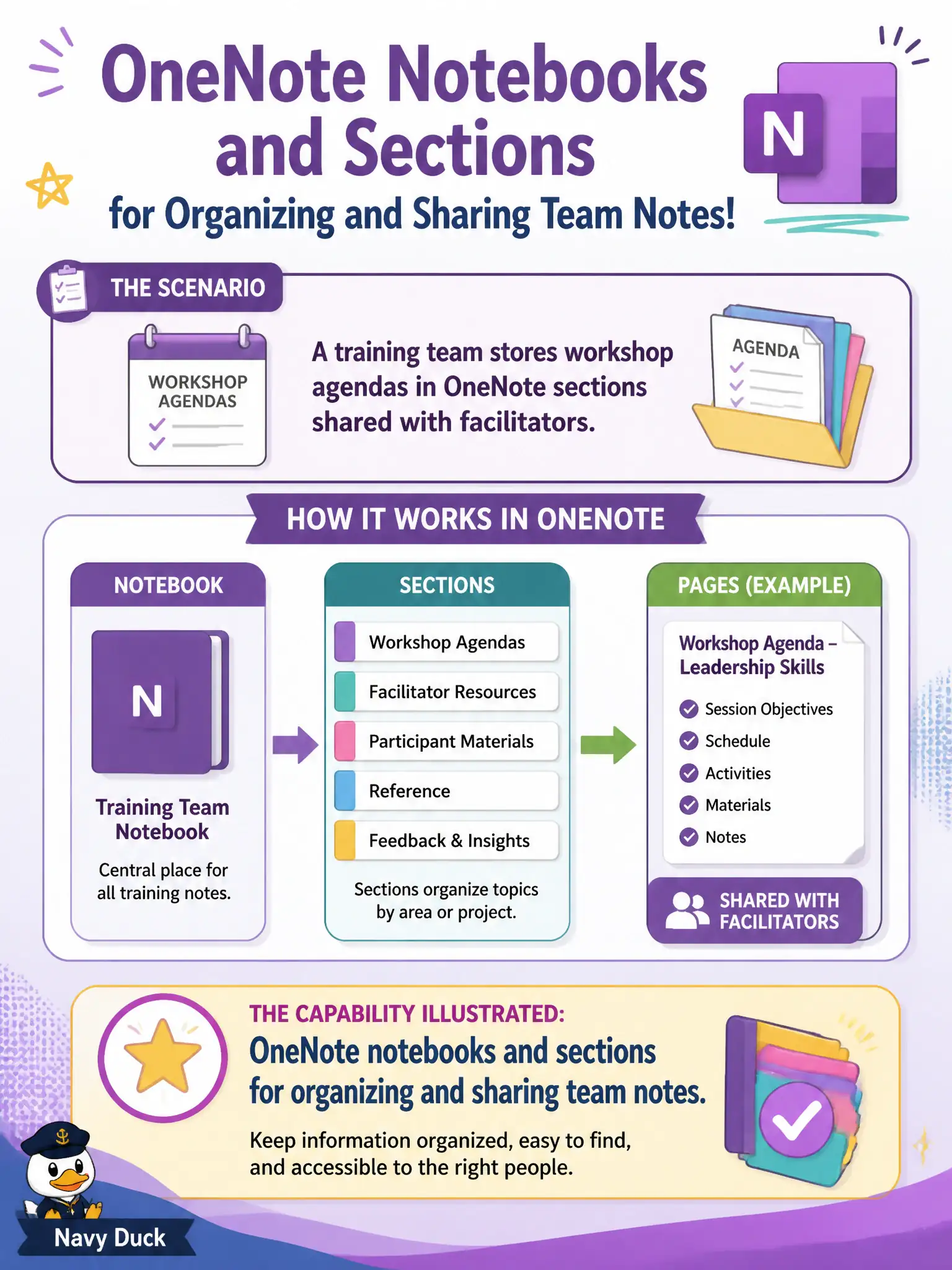
A training team stores workshop agendas in OneNote sections shared with facilitators. What capability does that scenario illustrate?
Select an answer to reveal the explanation.
Short Explanation
Workshop agendas in shared OneNote sections are classic notebook organization. Sections and notebooks keep facilitators aligned without stuffing everything into email. Autopilot and Bookings solve different problems.
Full Explanation
OneNote notebooks and sections organize and share team notes, which is exactly what a training team does when workshop agendas live in shared OneNote sections for facilitators. Sectioned notebooks provide flexible structure without forcing agendas into mailboxes or device-enrollment tools.
Exchange mailboxes fail as the primary place to store structured workshop agendas because mail is conversational, not a durable notebook hierarchy for facilitators. Windows Autopilot fails because Autopilot enrolls devices; it does not host shared training notebooks. Microsoft Bookings pages fail because booking pages schedule appointments; they are not notebooks for facilitator agendas.
Exam caveat: shared notebooks still need ownership and retention so training content does not vanish when a facilitator leaves the city. Operational check: place the notebook in a team-owned location, permission facilitators appropriately, and link agenda sections from the Teams training channel. Record the choice in the municipal service catalog so help-desk scripts stay consistent. Record the choice in the municipal service catalog so help-desk scripts stay consistent. Record the choice in the municipal service catalog so help-desk scripts stay consistent.