
A field inspector captures meeting notes and sketches during site visits. Which Microsoft 365 app best supports that free-form capture?
Select an answer to reveal the explanation.
Short Explanation
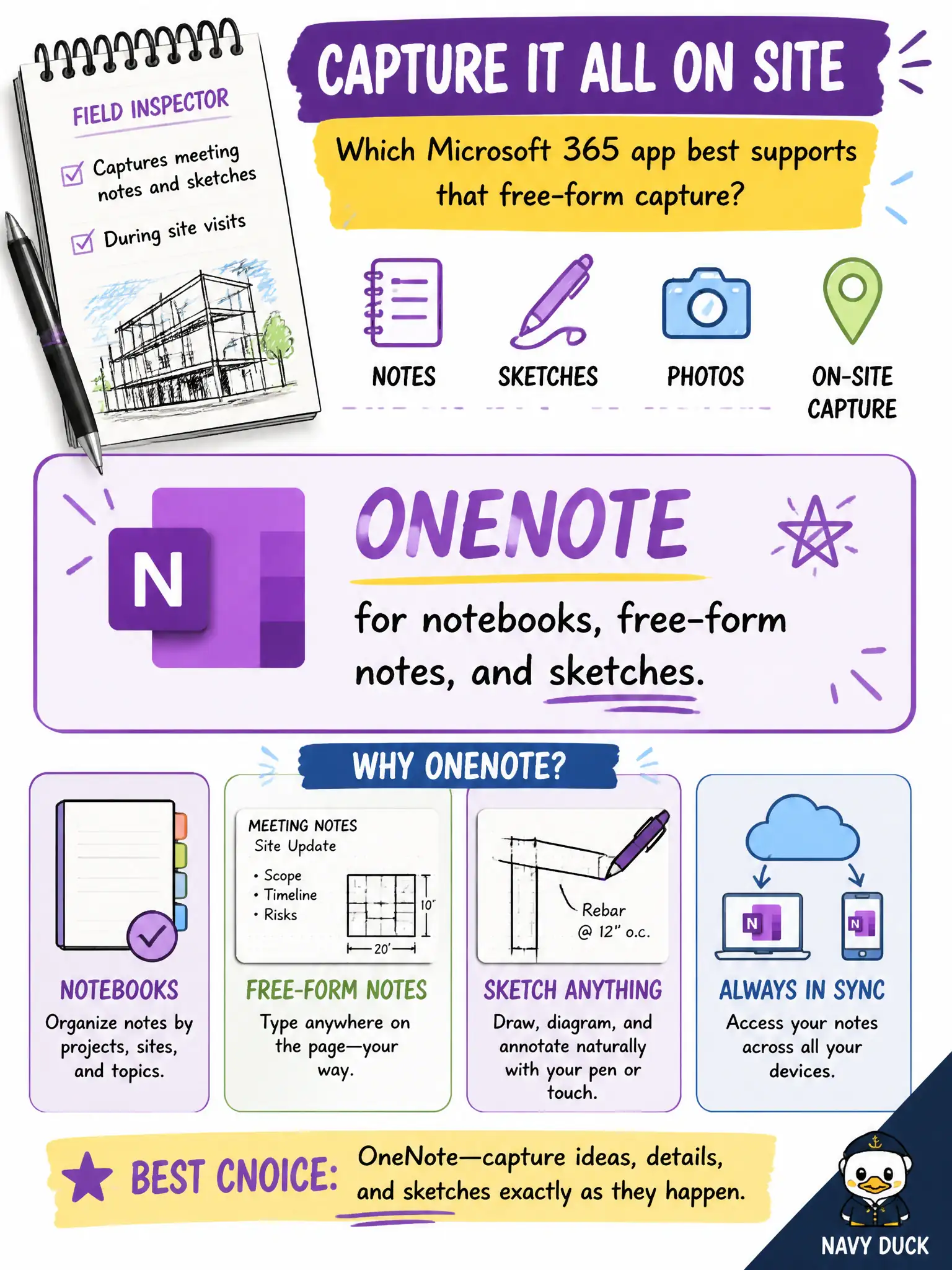
Site visits are messy—scribbles, sketches, and meeting notes. OneNote is the free-form notebook in Microsoft 365 for that kind of capture. Spreadsheets and Gantt charts can wait until the notes are organized.
Full Explanation
OneNote is the Microsoft 365 app suited to notebooks, free-form notes, and sketches—matching a field inspector who captures meeting notes and sketches during site visits. Flexible ink, sections, and mixed media are OneNote strengths versus rigid grids or scheduling tools.
Excel fails because forcing every site note into a rigid spreadsheet row first slows field capture and loses sketch context. Project fails because Gantt charts manage schedules; they are not the natural place for observational field notes. Bookings fails because booking pages schedule appointments; they do not replace inspector notebooks.
Exam caveat: field notes may contain addresses or personal data—use work accounts, managed devices, and retention appropriate to inspection records. Operational check: provision a shared or individual OneNote notebook for inspections, sync after visits, and define how notes promote into official reports in Word or case systems. Record the choice in the municipal service catalog so help-desk scripts stay consistent. Record the choice in the municipal service catalog so help-desk scripts stay consistent. Record the choice in the municipal service catalog so help-desk scripts stay consistent.