
A public-information officer prepares a slide deck for a town-hall update. Which Microsoft 365 app should the officer use?
Select an answer to reveal the explanation.
Short Explanation
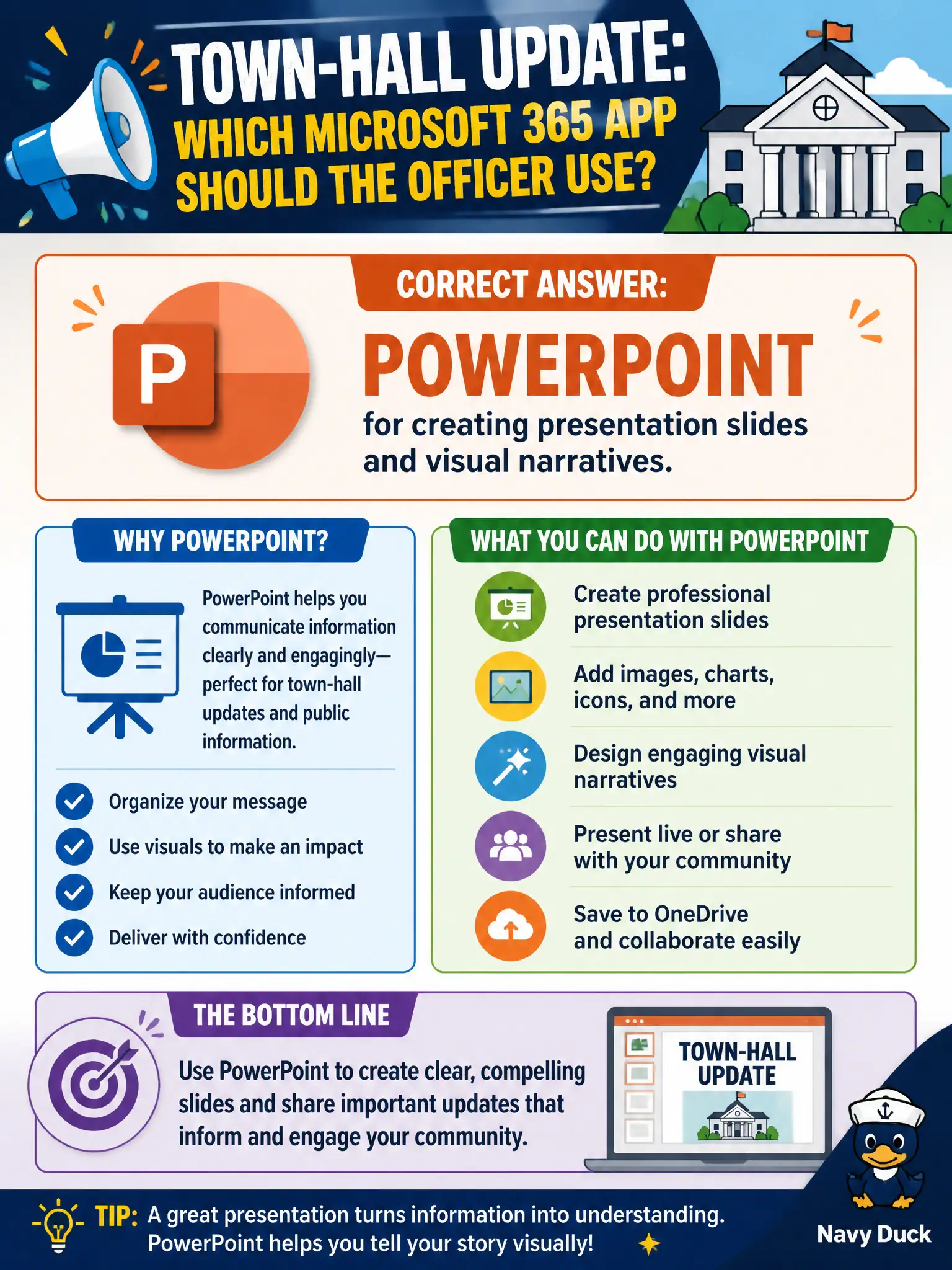
Town-hall updates need a visual story, not a spreadsheet dump. PowerPoint is the Microsoft 365 app built for slide decks and presentation flow. Lists and To Do track work; they do not present to residents.
Full Explanation
PowerPoint is the Microsoft 365 app for creating presentation slides and visual narratives, which is what a public-information officer needs for a town-hall update. Slide structure, speaker flow, and visual storytelling are PowerPoint’s job in the municipal productivity set.
Excel fails as the primary choice because charts alone without a presentation shell do not constitute a town-hall deck experience. Lists fails because structured list rows track operational data; they are not a briefing deck. To Do fails because a personal task checklist is not a public briefing artifact for residents and council.
Exam caveat: town-hall decks often embed sensitive draft figures—apply sensitivity labels and review sharing links before publishing widely. Operational check: build the deck in PowerPoint, store it in a SharePoint communications library, rehearse screen sharing in Teams, and export a resident-safe PDF if needed for ADA or records posting. Record the choice in the municipal service catalog so help-desk scripts stay consistent. Record the choice in the municipal service catalog so help-desk scripts stay consistent. Record the choice in the municipal service catalog so help-desk scripts stay consistent.