
A clerk wonders if Excel is only for accountants. Which statement best describes Excel’s productivity role in Microsoft 365?
Select an answer to reveal the explanation.
Short Explanation
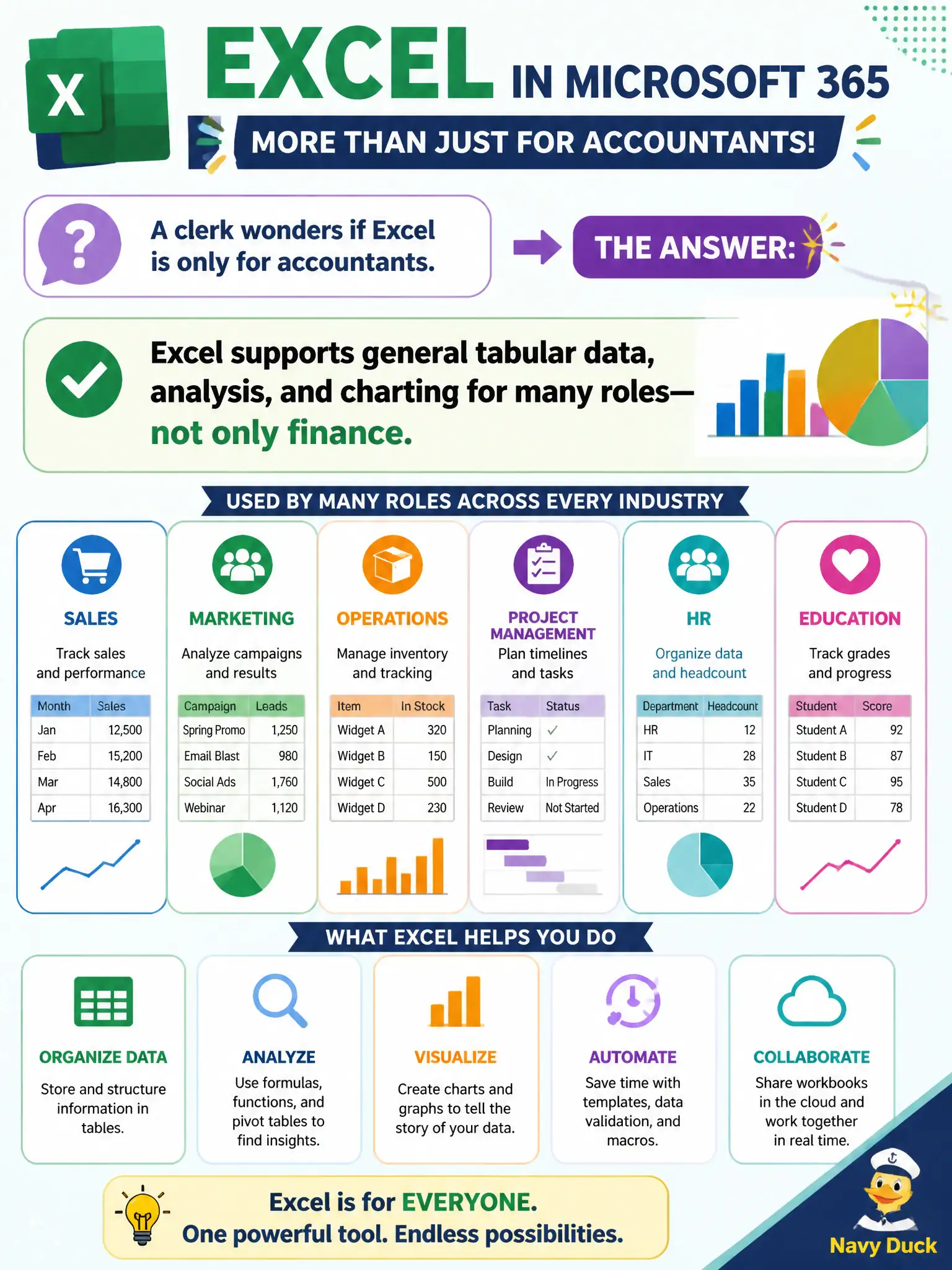
Excel is not an accountants-only club. Any role that needs tables, analysis, or charts can use it—inventory, service requests, attendance, you name it. Finance is common, not exclusive.
Full Explanation
Excel’s productivity role in Microsoft 365 is general tabular data, analysis, and charting for many municipal roles—not only accountants. Clerks, analysts, inspectors, and program managers all use workbooks for lists, calculations, and visuals. That broad productivity framing corrects the misconception that Excel is finance-only.
Licensing Excel solely for accounting departments fails because Excel is a general productivity app across roles. Treating Excel as a presentation tool that replaces PowerPoint fails the app’s primary purpose. Treating Excel as a personal task app that replaces To Do fails conceptually: task lists and spreadsheets solve different problems.
Exam caveat: general-purpose use still needs data quality and access control—spreadsheets can become shadow databases if unmanaged. Operational check: offer short Excel training for non-finance roles, publish guidance on when to graduate a spreadsheet into Lists or a proper database, and monitor overly shared budget workbooks. Record the choice in the municipal service catalog so help-desk scripts stay consistent. Record the choice in the municipal service catalog so help-desk scripts stay consistent. Record the choice in the municipal service catalog so help-desk scripts stay consistent.