
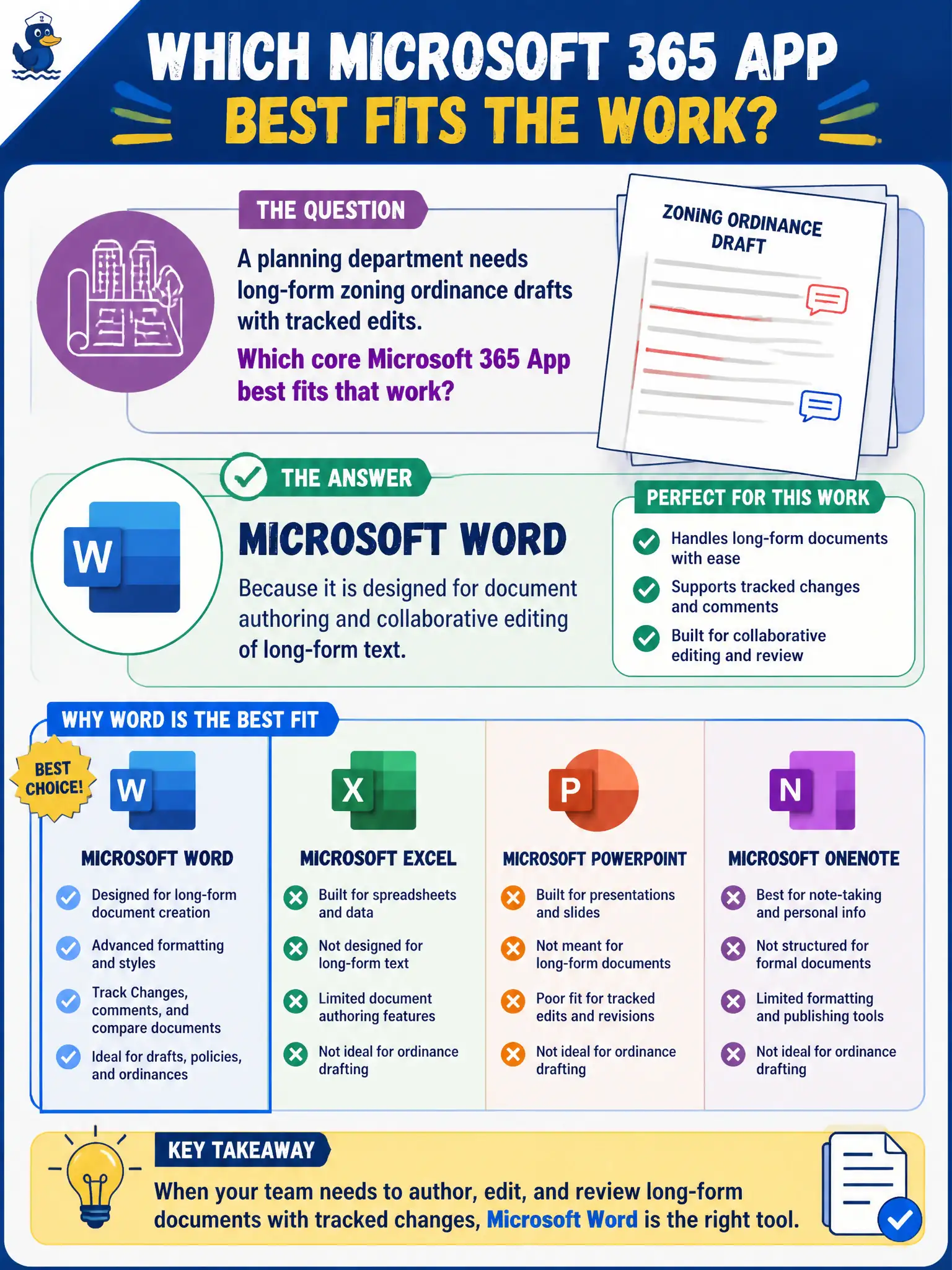
A planning department needs long-form zoning ordinance drafts with tracked edits. Which core Microsoft 365 App best fits that work?
Select an answer to reveal the explanation.
Short Explanation
Long ordinances with tracked edits? That is Word's home field—documents, comments, and revision marks. Spreadsheets and slide decks are great tools, just not the lead app for multi-page legal prose.
Full Explanation
Microsoft Word is the core Microsoft 365 app designed for document authoring and collaborative editing of long-form text, including tracked changes commonly used on zoning ordinance drafts. A planning department that needs narrative legal prose with revision history should reach for Word, not a spreadsheet or slide deck, as the primary authoring surface.
Excel fails because spreadsheets excel at tabular calculation, not primary narrative ordinance prose and legal tracked-change workflows. PowerPoint fails because slide decks support presentations; they do not replace written ordinances in municipal code libraries. OneNote fails as the required format for publishing official zoning code because notebooks are for flexible notes and research capture, not the formal ordinance system of record.
Exam caveat: Word still needs governed storage (SharePoint/OneDrive), retention, and permissions so ordinance drafts are not scattered across unmanaged inboxes. Operational check: place the working draft in a SharePoint library with versioning, enable tracked changes and co-authoring, and define who finalizes the official PDF or code publication package. Record the choice in the municipal service catalog so help-desk scripts stay consistent.