
A school district wants its model-training pipeline to trigger automatically whenever a data scientist pushes updated training code to the district's source repository, with no manual pipeline start required. Which pipeline design achieves this?
Select an answer to reveal the explanation.
Short Explanation
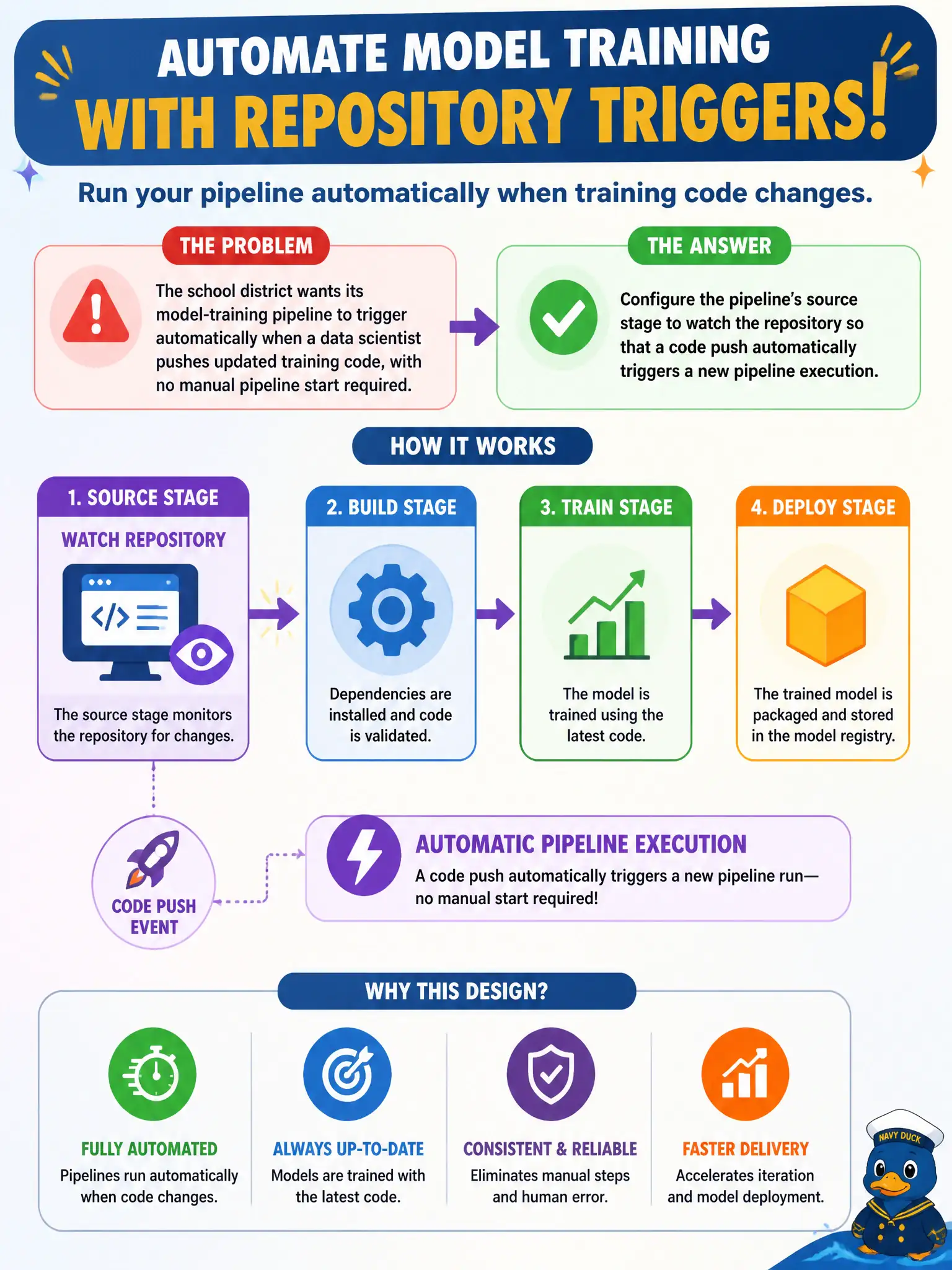
Waiting for someone to notice a code push and start the pipeline by hand defeats half the point of having a pipeline at all. Configuring the source stage to watch the repository directly means the push itself is the trigger — the moment new training code lands, the pipeline starts on its own, no manual step in between.
Full Explanation
CI/CD pipelines commonly use a source stage configured to monitor a code repository, so that a push (or a merge event) to a watched branch automatically starts a new pipeline execution without any manual initiation — this is the standard mechanism for tying pipeline execution directly to code changes. Requiring a manual start after the push still leaves a human in the loop as the actual trigger, which is exactly the dependency the district wants removed. A fixed daily schedule decouples execution from whether code actually changed, so it can run unnecessarily on quiet days or, worse, leave a pushed change waiting until the next scheduled time instead of reacting immediately. Triggering only on dataset uploads addresses a different event entirely — new training data — and would leave code changes with no way to start the pipeline at all, which doesn't meet what the district asked for. Scope caveat: watching every push to every branch can trigger far more pipeline runs than intended, so most teams scope the trigger to a specific branch (like a main or release branch) rather than all repository activity. Operational check: push a trivial code change to the watched branch and confirm a new pipeline execution starts automatically without anyone manually initiating it.