
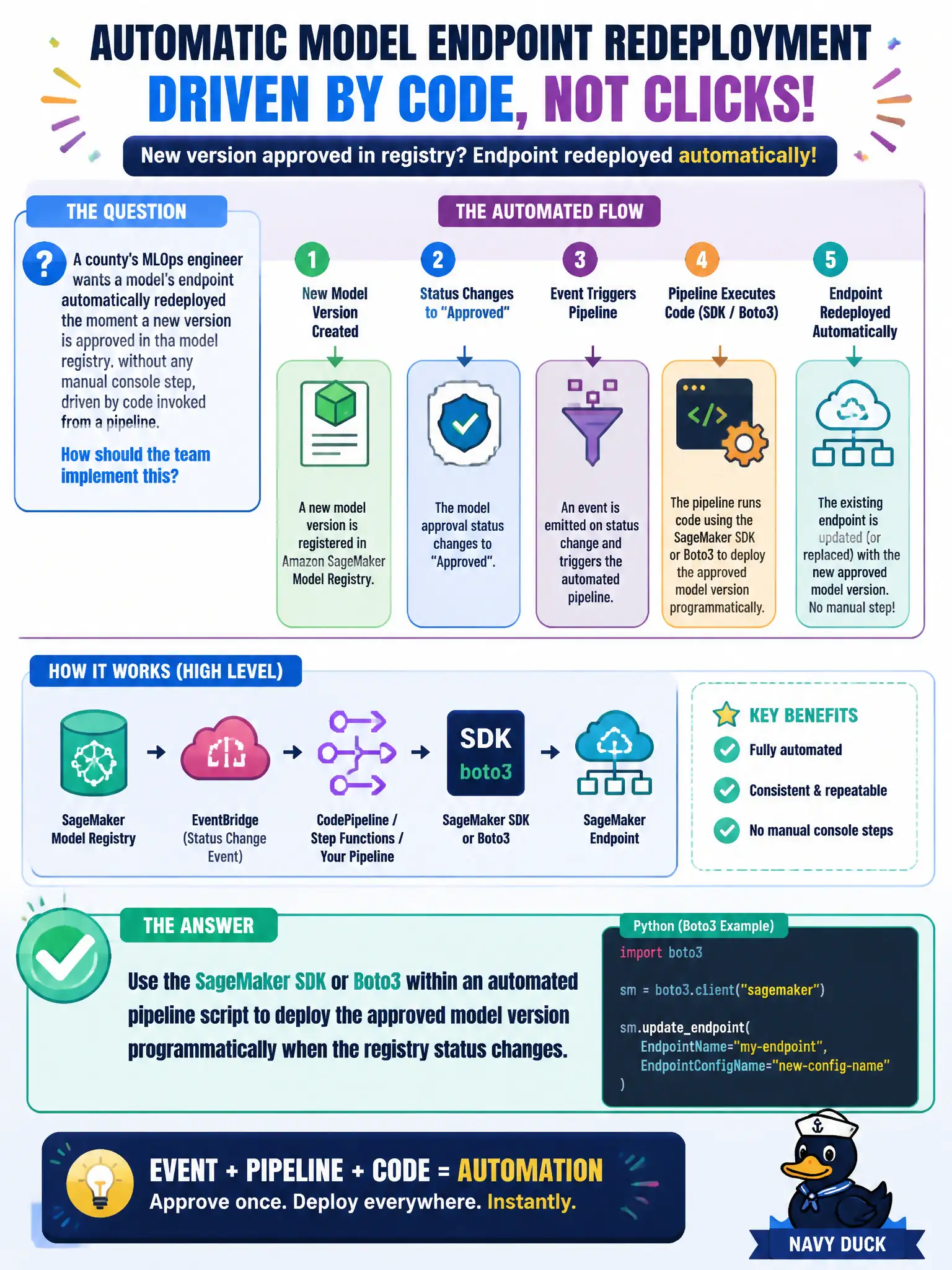
A county's MLOps engineer wants a model's endpoint automatically redeployed the moment a new version is approved in the model registry, without any manual console step, driven by code invoked from a pipeline. How should the team implement this?
Select an answer to reveal the explanation.
Short Explanation
Wanting a redeploy to happen the moment approval lands means a person can't be the one doing it — that's not automatic, that's a to-do item. The SageMaker SDK or Boto3, called from pipeline code, can react to that approval and deploy the new version itself. Code triggers code; that's what makes it automatic.
Full Explanation
The SageMaker SDK or Boto3, invoked from within an automated pipeline, lets code detect that a model version's registry status changed to approved and immediately call the deployment API to update the endpoint, which is exactly the trigger-to-action chain the engineer wants with no manual step in between. Manually updating the endpoint through the console still requires a person to notice the approval and act on it, which introduces delay and human error and is the opposite of the without-any-manual-console-step requirement. Manually editing and redeploying a CloudFormation stack whenever someone remembers has the same core problem as the console option — it depends on a person noticing and acting, just through a different tool, so it still isn't automated. Recording the approval status as passive documentation captures that an event happened but never causes anything to happen as a result, which misses the actual goal of triggering a real deployment action. Scope note: the pipeline script should also handle the case where deployment fails partway, so a bad new version doesn't leave the endpoint in an inconsistent state. Operational check: approve a test model version end to end and confirm the endpoint updates without any manual intervention.