
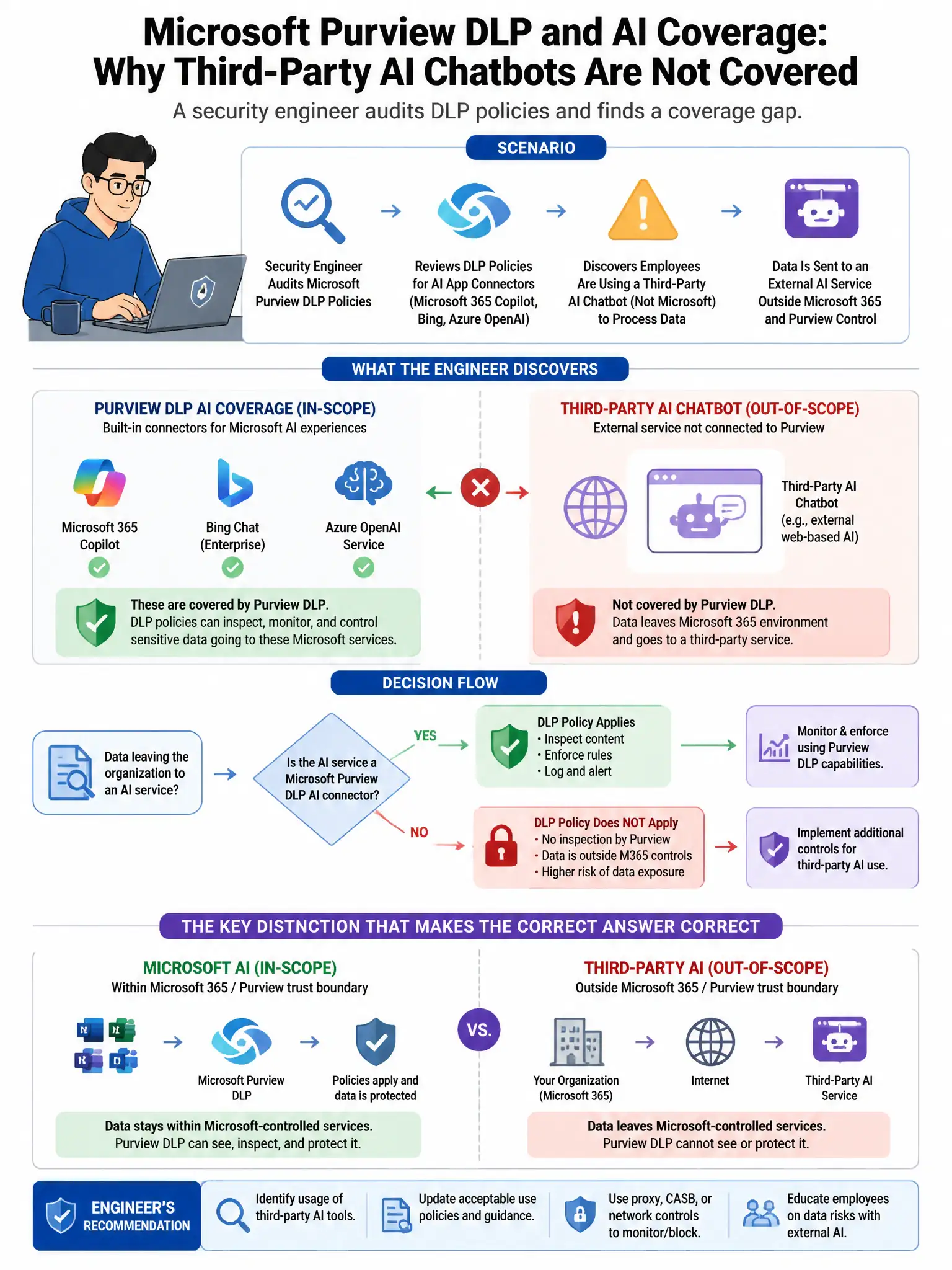
A security engineer is auditing an organization's Microsoft Purview DLP policies for AI coverage. The engineer discovers that employees are using a third-party AI chatbot (not Microsoft 365 Copilot) accessed through a web browser to submit sensitive work documents. Which Microsoft Purview and Defender feature combination should be configured to detect and block this behavior?
Select an answer to reveal the explanation.
Short Explanation
Here's the deal — you need Defender for Cloud Apps session policies to intercept browser traffic and block file uploads to third-party AI chatbots, plus Purview Endpoint DLP with the browser extension to catch sensitive data pasted or uploaded from managed Windows devices. That combo blocks the behavior at both the cloud app proxy and endpoint.
Full Explanation
The correct combination is Microsoft Defender for Cloud Apps with a session policy blocking file uploads to sanctioned or unsanctioned cloud AI services, combined with Microsoft Purview Endpoint DLP with the browser extension. Defender for Cloud Apps session policies can intercept browser traffic to cloud applications, including third-party AI chatbots, and block or audit file uploads to those services. Microsoft Purview Endpoint DLP with the browser extension monitors and can block sensitive data being pasted or uploaded from managed Windows devices to web applications, including third-party AI chatbots accessed through browsers. Together, they provide detection and blocking at both the cloud app proxy level and the endpoint level. The Communication Compliance option scoped to web browser communications is incorrect because Communication Compliance monitors communications within Microsoft 365 services, not browser-based access to third-party web applications. The Purview DLP policy scoped to Microsoft 365 Apps is incorrect because that scope controls data handling within Microsoft applications such as Word and Excel, not browser-based uploads to third-party websites. The Microsoft Entra ID Conditional Access policy blocking authentication to all non-Microsoft AI applications is incorrect because Conditional Access blocks authentication to specified enterprise applications registered in Entra ID, while consumer or third-party AI chatbots typically are not registered in the organization's Entra ID tenant.