
A security engineer is implementing Microsoft Entra ID Protection for a financial institution. The engineer needs to configure the user risk remediation to allow users to self-remediate high user risk by performing password reset and MFA, rather than requiring IT helpdesk involvement. What must be configured?
Select an answer to reveal the explanation.
Short Explanation
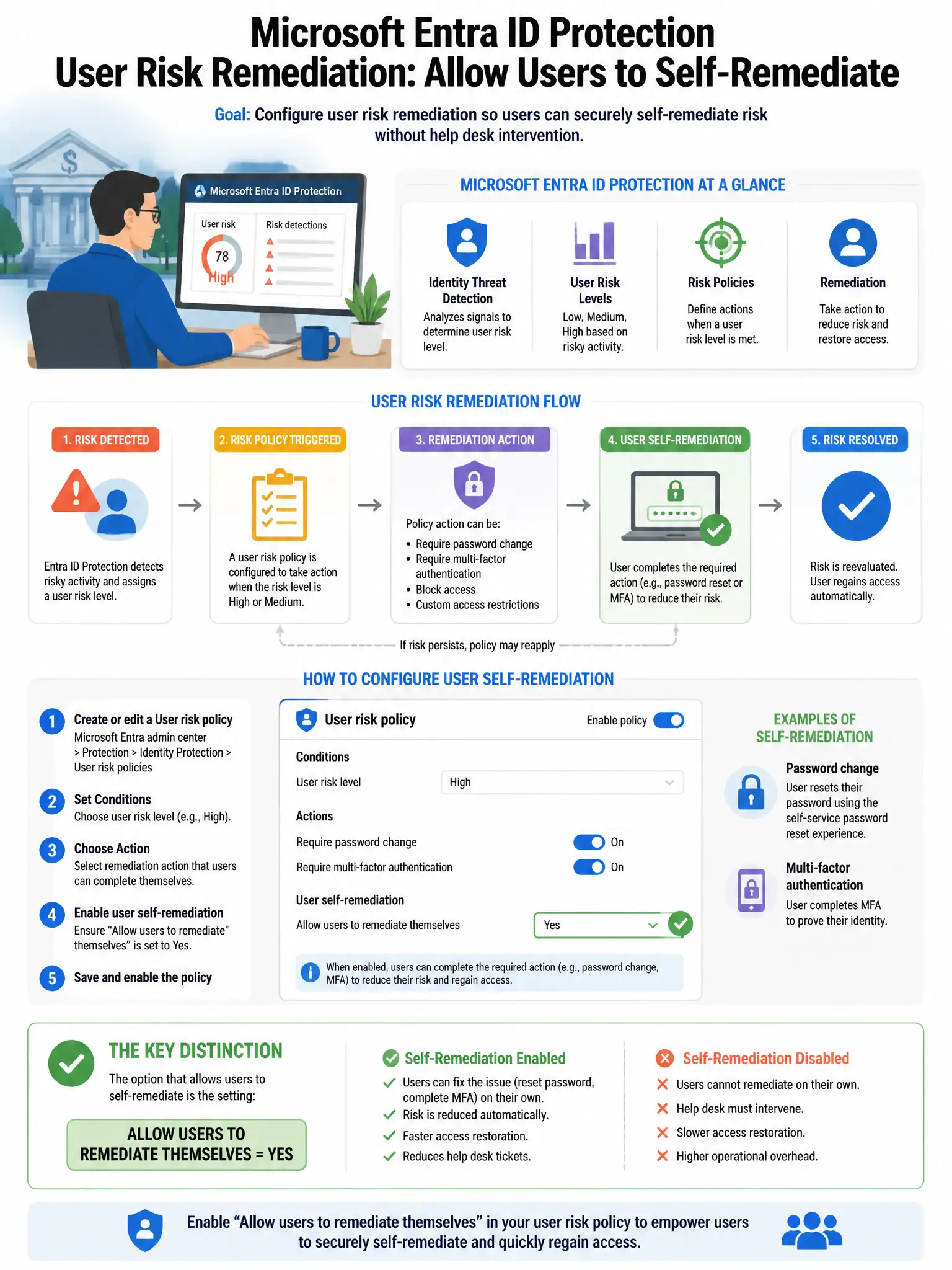
Here's the deal — you need a user risk Conditional Access policy that grants access with 'Require password change' as the grant control for high-risk users. That forces the user through an MFA challenge and password reset, which remediates the risk without IT helpdesk involvement.
Full Explanation
The correct configuration is a user risk Conditional Access policy that grants access with 'Require password change' as the grant control for high-risk users. This allows self-remediation because the user is required to perform an MFA challenge and then reset their password, which automatically remediates the user risk without IT intervention. The policy that blocks access for high-risk users until IT resets their account is incorrect because blocking prevents access but does not enable self-remediation; users must contact IT. The Microsoft Entra ID sign-in risk policy requiring MFA for high sign-in risk events is incorrect because a sign-in risk policy addresses individual sign-in events, not accumulated user risk, and MFA alone does not remediate user risk because a password change is required. The configuration that sets Microsoft Entra ID Protection risk detections to auto-dismiss after 30 days is incorrect because auto-dismissal of risk detections without remediation is a security gap, not a self-remediation mechanism.