
A company implements Microsoft Entra ID Cross-Tenant Synchronization to share identities between its parent company and a recently acquired subsidiary's Entra ID tenant. The security team needs to ensure that only the subsidiary's AI research team is synchronized to the parent tenant. What must be configured?
Select an answer to reveal the explanation.
Short Explanation
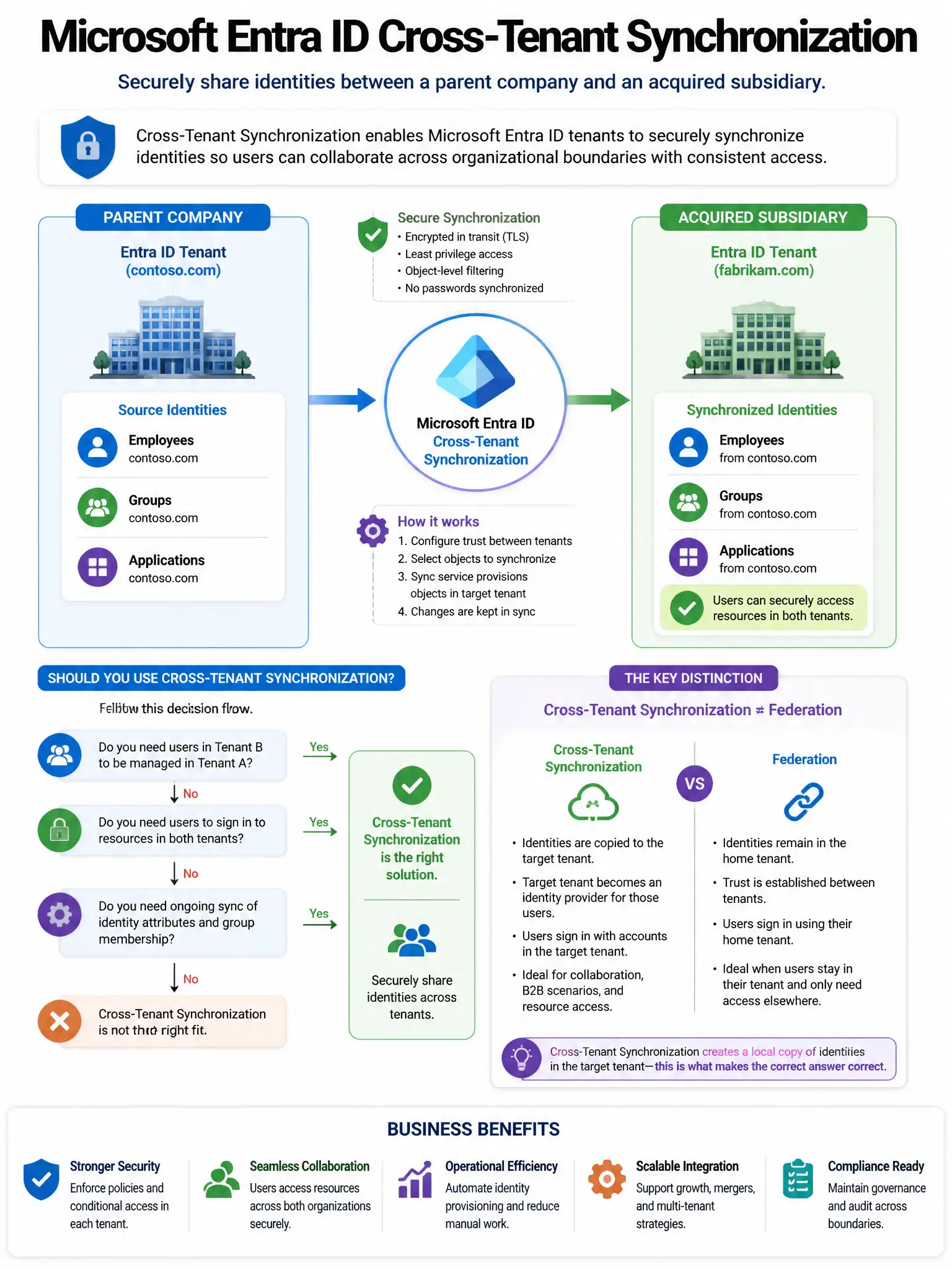
Here's the deal — you need to configure cross-tenant synchronization in the parent tenant with a scoping filter that targets the AI research team's group membership attribute. That filter ensures only members of that group get synchronized from the subsidiary tenant.
Full Explanation
The correct configuration is to configure cross-tenant synchronization in the parent tenant with a scoping filter targeting the AI research team's group membership attribute. Microsoft Entra ID Cross-Tenant Synchronization supports scoping filters that restrict which users are synchronized based on attributes, so filtering on that group membership ensures only the AI research team is provisioned to the parent tenant. Configuring a cross-tenant access inbound setting in the parent tenant to allow only the AI research group is incorrect because cross-tenant access inbound settings control whether identities from the subsidiary can access resources in the parent tenant, not which users are synchronized via cross-tenant sync. Creating a connected organization in Entra ID Governance pointing to the subsidiary tenant and creating an access package for AI research is incorrect because connected organizations in Entitlement Management are for external access package management via business-to-business collaboration, not for provisioning synchronized identities via cross-tenant sync. Configuring an Entra ID guest user invitation policy with a domain allowlist for the subsidiary tenant is incorrect because guest invitation policies with domain allowlists control who can be invited as business-to-business guests, not cross-tenant sync scoping.