
A security engineer needs to configure Microsoft Entra ID to require re-authentication for all users when they access a sensitive AI application after being inactive for more than 30 minutes. Which Conditional Access feature should be configured?
Select an answer to reveal the explanation.
Short Explanation
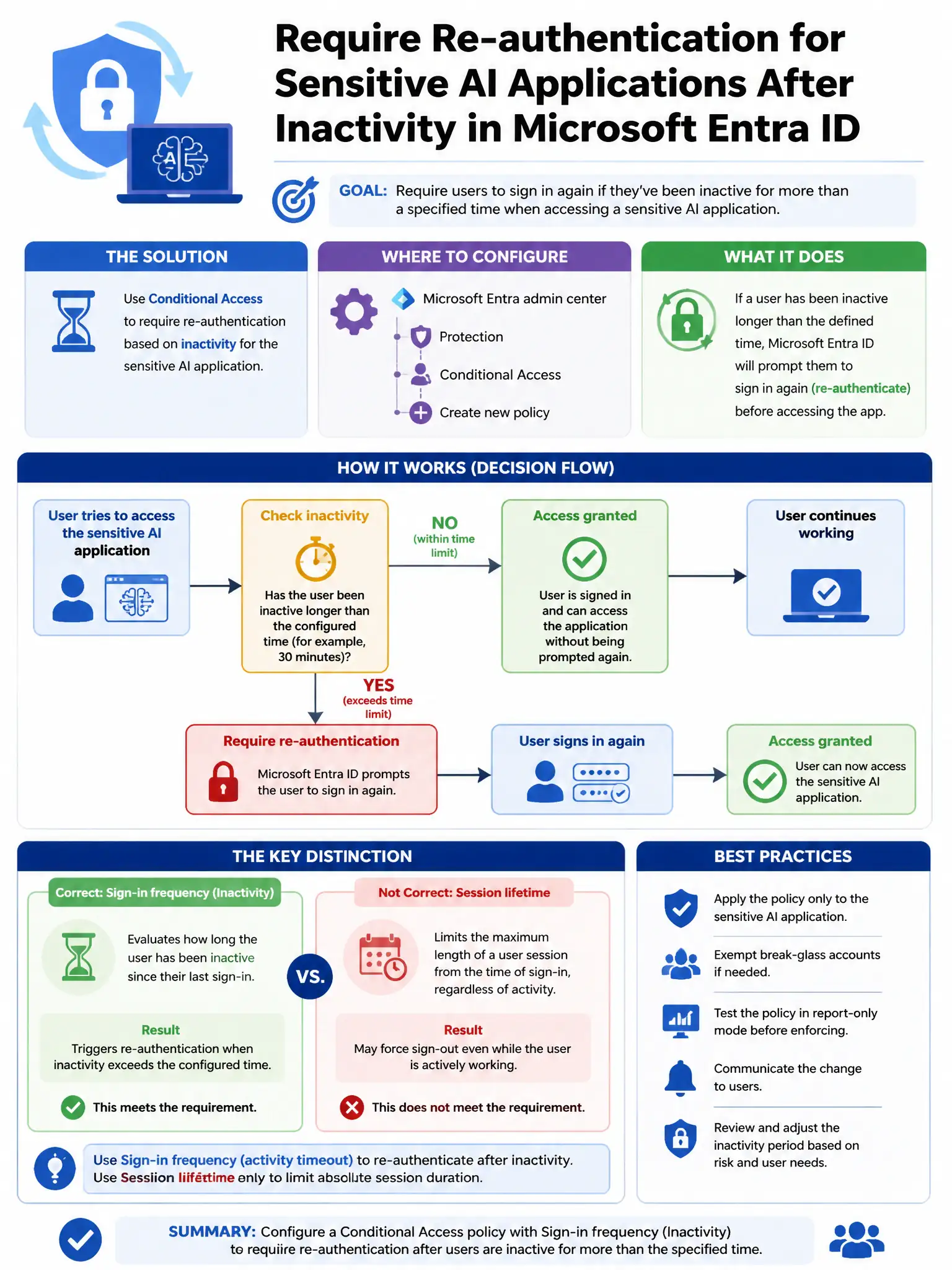
You need the sign-in frequency session control set to 30 minutes for the sensitive AI app. That forces users to re-authenticate after they've been inactive longer than the interval you configured.
Full Explanation
The correct choice is the sign-in frequency control set to 30 minutes for the target application. In Microsoft Entra ID Conditional Access, the Sign-in frequency session control lets you specify a time interval, such as 30 minutes, for a targeted application. When a user's session has been inactive longer than that interval, the user is prompted to re-authenticate the next time they access the application. Continuous access evaluation with a 30-minute token lifetime policy is incorrect because Continuous Access Evaluation is designed for near-real-time revocation of access when policy or user state changes, not for enforcing re-authentication after a period of inactivity. A persistent browser session policy set to 'Never persistent' is incorrect because persistent browser session controls determine whether the browser session remains after the browser is closed, not whether users must re-authenticate after inactivity. Token protection Conditional Access policy requiring token binding is incorrect because token protection ensures that tokens can only be used by the client to which they were issued, not that users must re-authenticate after a period of inactivity.