
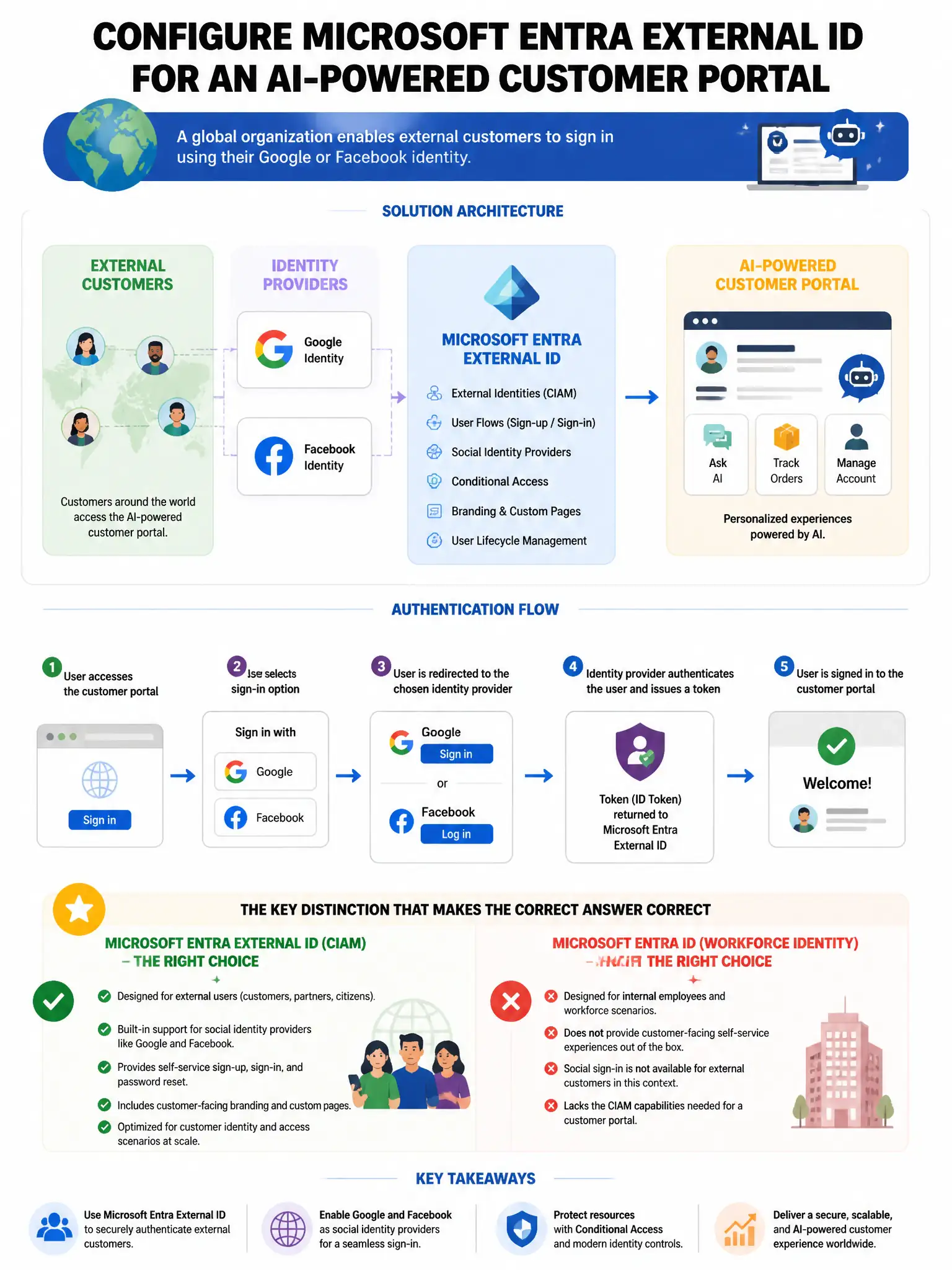
A global organization needs to configure Microsoft Entra External ID for their AI-powered customer portal. External customers must authenticate using their Google or Facebook identities. The security team requires that all external user sign-ins are subject to risk evaluation. How should this be configured?
Select an answer to reveal the explanation.
Short Explanation
You configure Google and Facebook as identity providers in Microsoft Entra External ID, then apply Conditional Access with Entra ID Protection risk evaluation to external user sign-ins. That gives you risk-based access control without custom code.
Full Explanation
The correct configuration is to configure Google and Facebook as identity providers in Microsoft Entra External ID and enable Conditional Access policies with Entra ID Protection risk evaluation for external users. Microsoft Entra External ID supports social identity providers such as Google and Facebook, and Conditional Access with Entra ID Protection risk evaluation can be applied to external user sign-ins in External ID tenants, providing risk-based access control for customers. The custom authentication extension option is incorrect because custom authentication extensions are supported, but the built-in Entra ID Protection and Conditional Access integration is the correct approach without custom development. The Azure Active Directory Business-to-Consumer option is incorrect because Entra ID Protection does support risk evaluation for external identities in Entra External ID, and Azure Active Directory Business-to-Consumer is a separate product. The cross-tenant access settings option is incorrect because cross-tenant access settings manage collaboration between Entra ID organizations, not social identity provider federation for customer portals.