
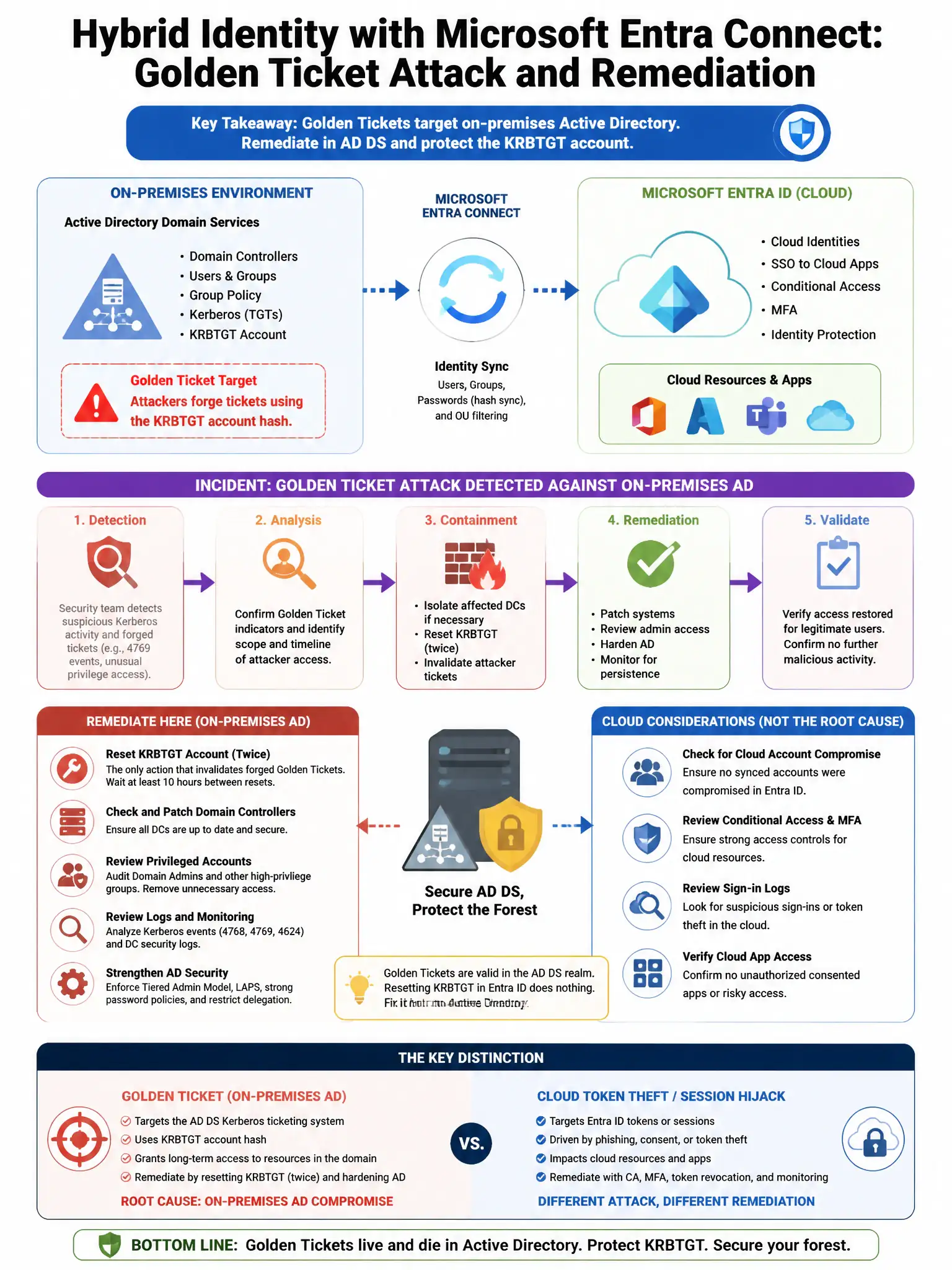
A company has hybrid identity with Microsoft Entra Connect. The security team detects a Golden Ticket attack against the on-premises Active Directory. After remediating the on-premises compromise, which Microsoft Entra ID action is required to prevent the attacker from using synced credentials?
Select an answer to reveal the explanation.
Short Explanation
After a Golden Ticket attack, you need to reset all synced user passwords twice and rotate the AZUREADSSOACC account password. That invalidates forged Kerberos tickets and stops attackers from using Seamless SSO to get into the cloud. Forcing a delta sync or a lockout tweak won't fix it.
Full Explanation
The required action is to reset all synced user passwords twice and rotate the AZUREADSSOACC account password twice. After a Golden Ticket attack on on-premises AD, forged Kerberos tickets may be used for Seamless SSO authentication in the cloud, so resetting synced user passwords twice and rotating the AZUREADSSOACC computer account password invalidates those credentials and tickets. Forcing a delta synchronization cycle in Microsoft Entra Connect is incorrect because a delta sync alone does not invalidate existing tokens or address the security of SSO-related accounts. Disabling Microsoft Entra ID password hash synchronization temporarily is incorrect because it does not address the already-compromised credential hashes that may be in use. Enabling Microsoft Entra ID Smart Lockout with a lower threshold is incorrect because Smart Lockout addresses brute force attacks, not the use of forged Kerberos tickets from a Golden Ticket attack.