
An organization uses Microsoft Entra ID Governance Access Packages to manage external partner access. A security engineer needs to ensure that external users automatically lose access when their access package assignment expires, without requiring manual intervention. Which feature should be configured?
Select an answer to reveal the explanation.
Short Explanation
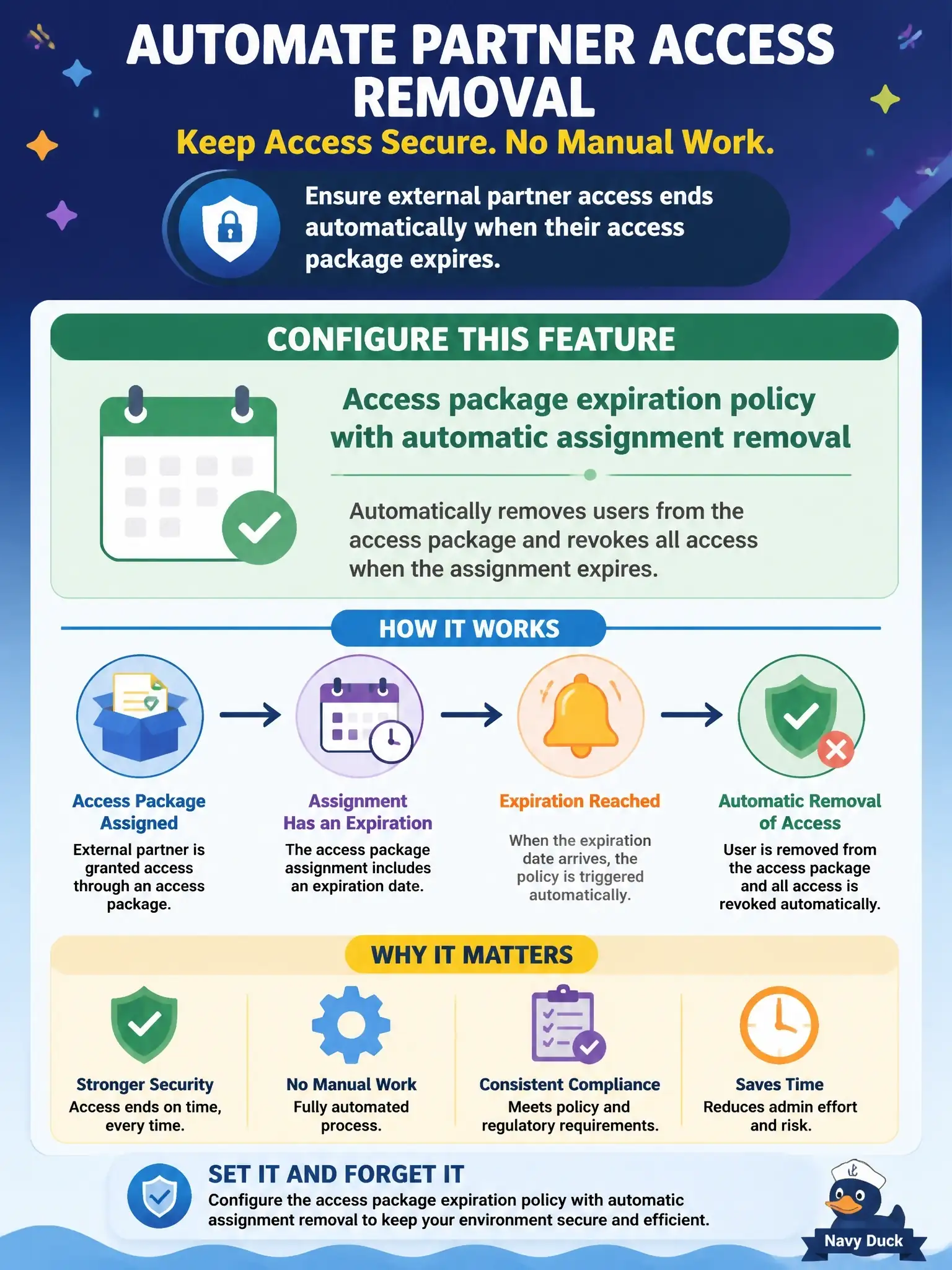
You don't need to bolt on anything extra here. Set an expiration on the access package's assignment policy, and entitlement management pulls the access itself when the assignment runs out. It's like a hotel key card that just stops working at checkout.
Full Explanation
The right feature is the access package expiration policy with automatic assignment removal. On the Lifecycle tab of an assignment policy you set assignments to expire on a date, after a number of days or hours, or never. When an assignment expires and isn't extended, entitlement management removes all access that came with that access package, with no admin action. For external users there's a second built-in step: when a guest invited through entitlement management loses its last assignment, it's blocked from signing in by default and its guest account is removed after 30 days, both configurable under Lifecycle of external users. Lifecycle workflows aren't needed here; they automate joiner, mover and leaver tasks from user attributes such as hire or leave dates, not from an access package expiring. A Conditional Access session control only shortens token or sign-in frequency and never removes an assignment. An access review with auto-apply works on a review schedule and needs reviewer decisions, so it doesn't fire on an expiration date. Exam tip: when the scenario says access should end automatically at a set time, think assignment policy expiration first. To verify, open the policy's Lifecycle tab, confirm the expiration value, then check the Assignments list after the date passes.