
A security team wants to implement network isolation for Azure Machine Learning compute instances to prevent them from accessing the public internet while still allowing them to communicate with Azure Container Registry and Azure Blob Storage. Which Azure ML workspace configuration achieves this?
Select an answer to reveal the explanation.
Short Explanation
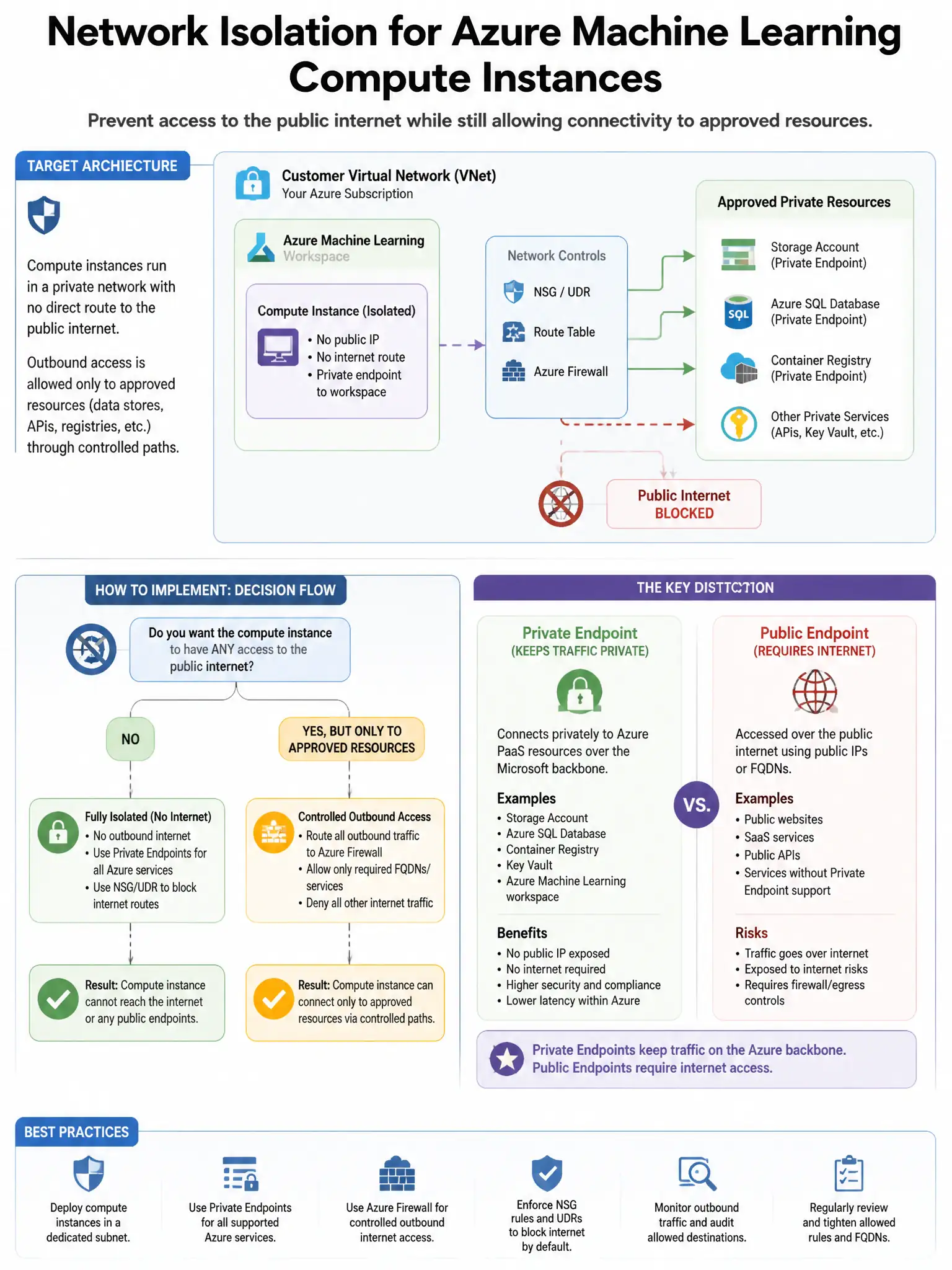
Here's the deal — choose the managed virtual network option set to 'Allow only approved outbound' because it blocks outbound internet by default and lets you add approved rules for Azure Container Registry and Azure Blob Storage. That gives isolation without hand-building NSG rules.
Full Explanation
The correct choice is the managed virtual network option with 'Allow only approved outbound' mode, because Azure Machine Learning supports the managed virtual network feature with three isolation modes: 'Disabled,' 'Allow internet outbound,' and 'Allow only approved outbound.' In 'Allow only approved outbound' mode, all outbound traffic from compute instances is blocked by default except for Microsoft-required endpoints, and you add specific outbound rules, such as FQDN rules or private endpoint rules, for services like Azure Container Registry and Azure Blob Storage. This provides strong network isolation without requiring manual NSG management. The NSG option is wrong because although NSGs can block internet traffic, that approach requires careful management of allow-rules for Azure service dependencies and does not integrate as tightly with the managed network architecture. The Azure Firewall option is wrong because Azure Firewall is valid but more operationally complex, requiring deployment and management of separate firewall resources; the managed virtual network achieves the same isolation more efficiently within the Azure Machine Learning feature set. The VNet peering option is wrong because VNet peering connects networks together, not isolating them; additional controls would still be needed to restrict internet access.