
An organization needs to grant a specific application identity the ability to call Azure OpenAI's chat completions API and submit batch jobs, but not the ability to view or modify resource configurations, deployments, or quotas. Which RBAC configuration achieves this least-privilege access?
Select an answer to reveal the explanation.
Short Explanation
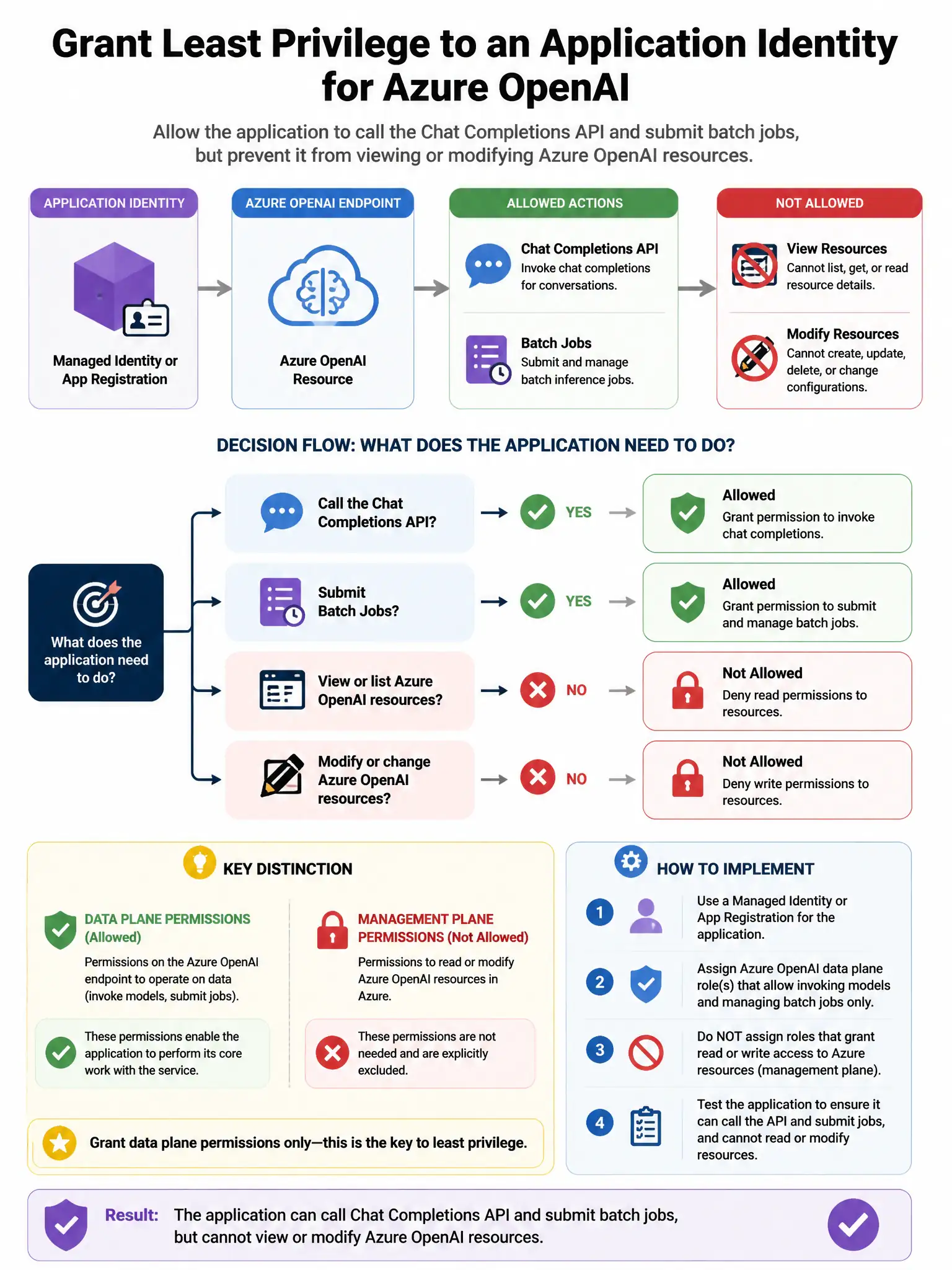
Here's the deal — assign the 'Cognitive Services OpenAI User' role to the application's managed identity at the Azure OpenAI resource scope. It gives you just enough access to call chat completions and submit batch jobs, without letting you view or change resource settings, deployments, or quotas.
Full Explanation
The correct configuration is assigning the 'Cognitive Services OpenAI User' built-in role to the application's managed identity at the Azure OpenAI resource scope. This role grants exactly the permissions needed: it allows calling the Azure OpenAI data plane APIs (chat completions, embeddings, fine-tuning batch jobs) without any management plane permissions to view configurations, modify deployments, or adjust quotas. Scoping this role assignment to the specific Azure OpenAI resource, rather than a broader scope such as a resource group or subscription, further enforces least privilege. The option assigning 'Cognitive Services Contributor' at the resource group level is wrong because it is a management plane role that grants the ability to modify resource configurations, create deployments, and change quota settings—far beyond what is needed for API inference. The option assigning a custom role with Microsoft.CognitiveServices/accounts/read permission is wrong because that permission is a read-only management plane permission for reading resource configurations, not for calling the inference APIs. The option assigning 'Cognitive Services OpenAI Contributor' at the subscription level is wrong because it is overly broad in both role permissions and scope—it would grant management access to all Cognitive Services resources in the subscription.