
A security engineer needs to configure Microsoft Sentinel to ingest Azure OpenAI Service diagnostic logs for threat detection. What are the two required steps to enable this data flow?
Select an answer to reveal the explanation.
Short Explanation
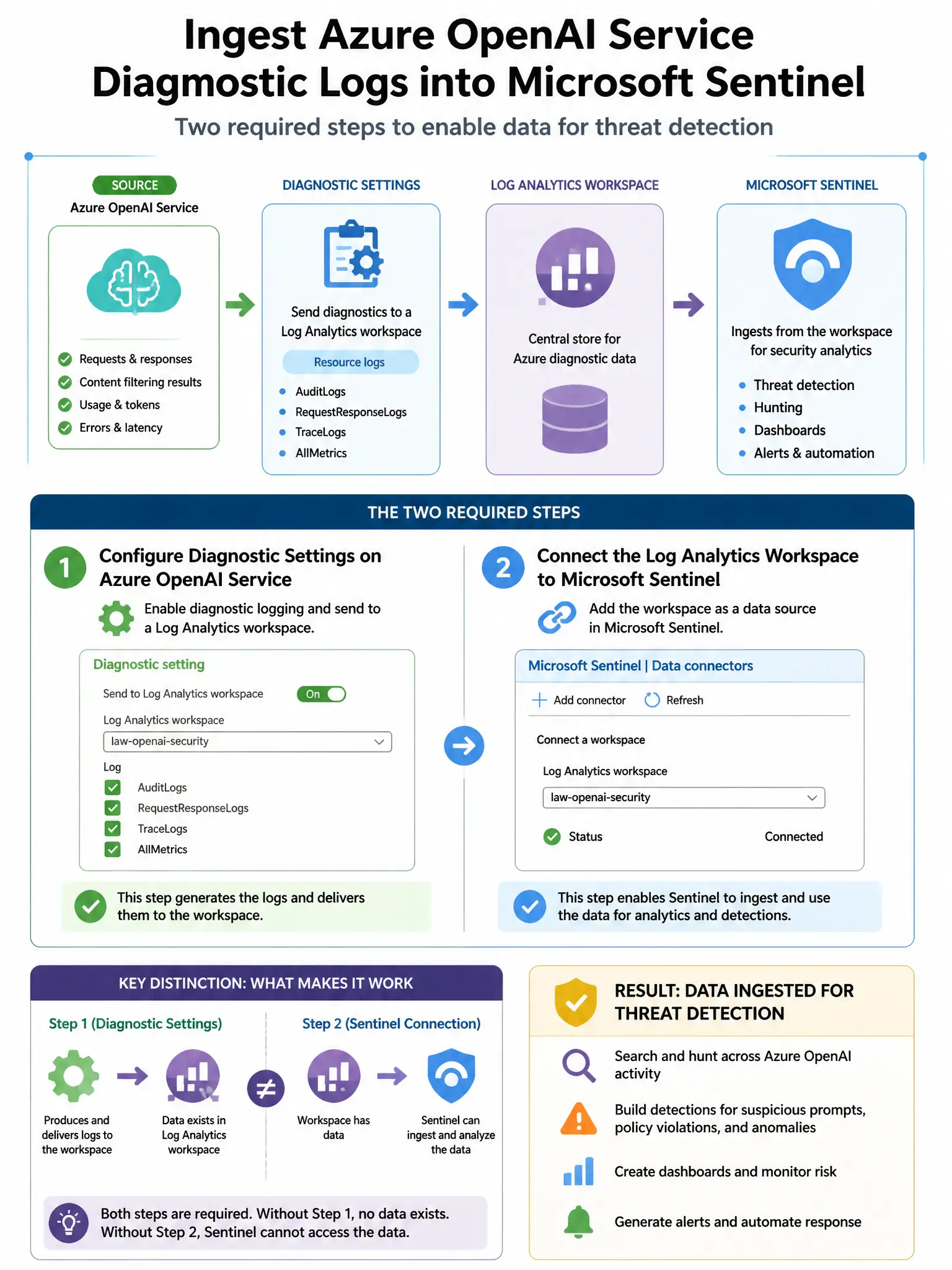
Here's the deal — you need to configure Azure OpenAI diagnostic settings to send logs to a Log Analytics workspace connected to Sentinel, and include the RequestResponse category. There's no one-click Azure OpenAI connector that magically pulls those logs in.
Full Explanation
The required step is configuring Azure OpenAI diagnostic settings to send logs to a Log Analytics workspace connected to Sentinel, and ensuring the logs include the RequestResponse category. There is no dedicated 'Azure OpenAI' data connector in Sentinel that one-click enables log collection. Instead, you must configure Azure OpenAI's diagnostic settings to route logs, including audit logs and RequestResponse logs, to a Log Analytics workspace. If that workspace is the same one connected to Sentinel, or connected via workspace data sources, Sentinel can then query those logs for analytics rules and hunting. The RequestResponse category specifically captures prompt and completion content for security analysis. The option about enabling an Azure OpenAI data connector and granting Sentinel read access is wrong because there is no standalone 'Azure OpenAI data connector' in Sentinel that works with just a permission grant; the mechanism is diagnostic settings. The option about installing the Azure AI Security content hub solution and enabling automatic log collection is wrong because while Sentinel content hub solutions for AI may exist with analytics rule templates, they still require the underlying diagnostic settings to be configured to collect logs. The option about connecting the Microsoft Defender for AI Services data connector and enabling all alert types is wrong because the Defender for AI Services connector sends security alerts from Defender, not the raw diagnostic logs including prompt content.