
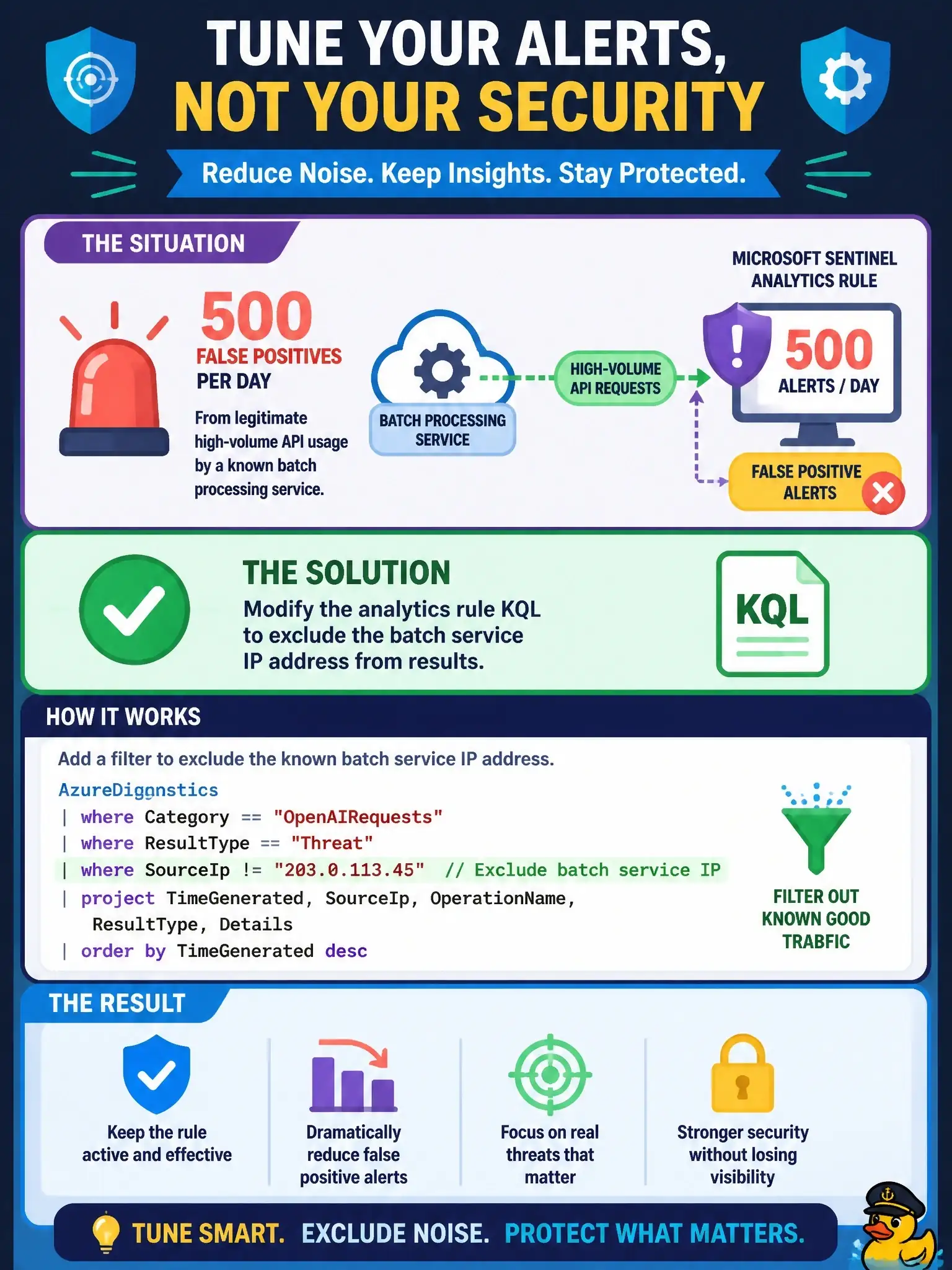
A Microsoft Sentinel analytics rule for Azure OpenAI threats generates 500 false positive alerts per day for legitimate high-volume API usage from a known batch processing service. The security team wants to suppress these alerts without disabling the rule. Which Sentinel feature should be used?
Select an answer to reveal the explanation.
Short Explanation
You should modify the analytics rule KQL to exclude the batch service IP address. That stops the false positives at the detection level, so the rule doesn’t fire for known high-volume traffic.
Full Explanation
The correct approach is modifying the analytics rule KQL to exclude the batch service IP address from results. This reduces alert volume at the detection level—the analytics rule simply does not fire for that IP, preventing alert creation entirely. Exclusions are implemented through KQL logic rather than a built-in entity exclusion list. Enabling alert grouping on the analytics rule is wrong because it merges the 500 daily alerts into a single incident, but it still generates the alerts; grouping reduces incident count, not alert suppression. Creating a Sentinel automation rule that closes incidents from this analytics rule when the source IP matches the batch service can provide operational noise reduction after alerts are created—incidents are automatically triaged and closed—and can provide an audit trail, but it does not suppress the alerts themselves; it only handles incidents after creation, so it doesn’t meet the requirement to suppress alerts. Lowering the analytics rule’s severity to Informational is wrong because severity changes alert priority, not whether the rule generates alerts or incidents; the rule can still create incidents unless incident creation or alert generation is otherwise suppressed.