
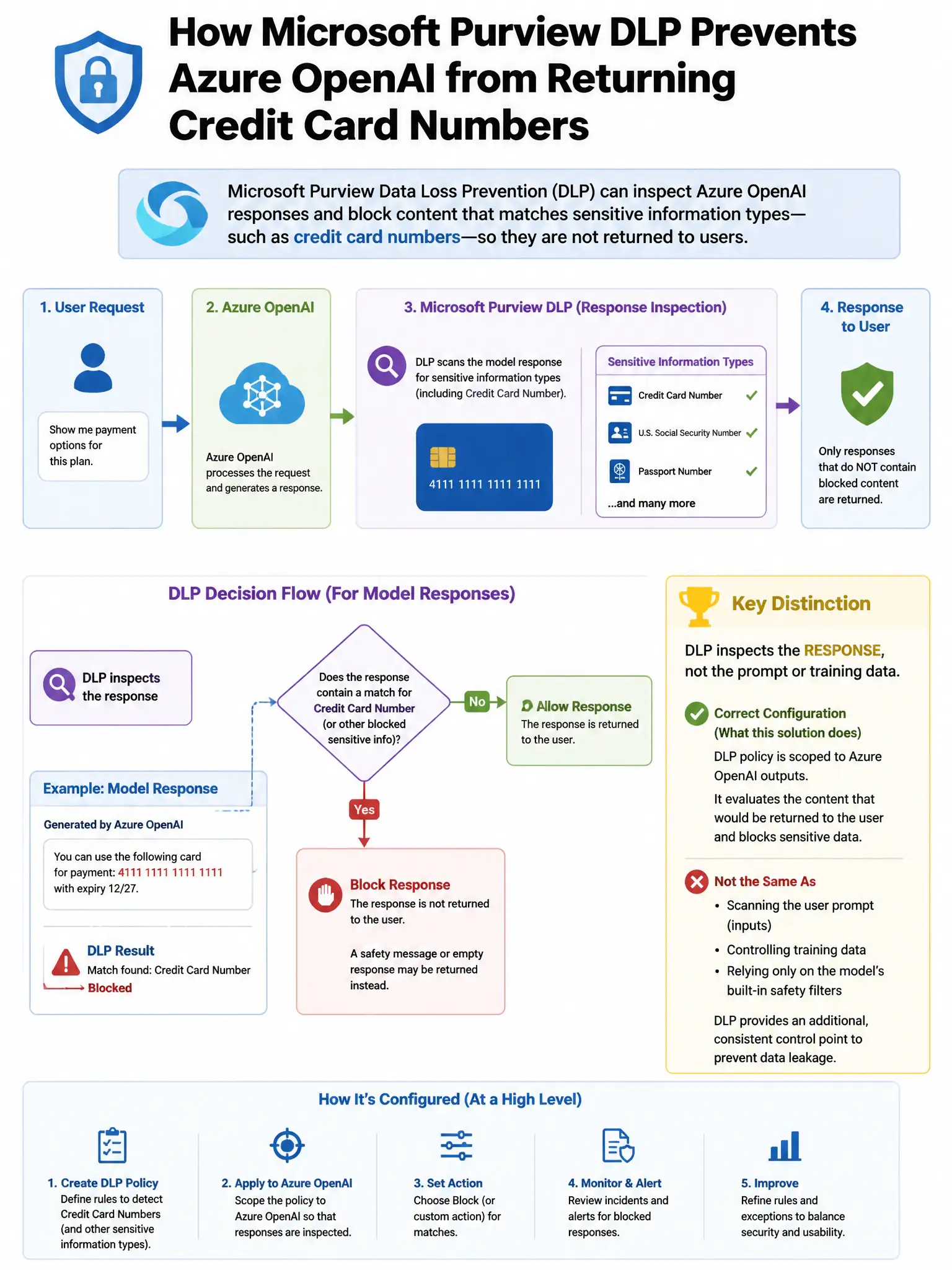
A financial services organization has configured Microsoft Purview Data Loss Prevention to prevent Azure OpenAI from returning responses that contain credit card numbers. The DLP policy is in test mode and the security team wants to verify it is detecting credit card numbers correctly before switching to enforcement mode. Where can the team view DLP policy match reports?
Select an answer to reveal the explanation.
Short Explanation
You'll check the Microsoft Purview compliance portal's DLP Activity Explorer, because it logs DLP policy matches, including test-mode detections. That's where you verify credit card number matches in Azure OpenAI before enforcement.
Full Explanation
The Microsoft Purview compliance portal > DLP > Activity explorer option is correct because the DLP Activity Explorer displays a detailed log of DLP policy matches, including the policy name, rule matched, content location, sensitive information type detected, and whether the action was applied or simulated in test mode. Security teams use Activity Explorer to verify that the DLP policy is correctly matching credit card numbers in Azure OpenAI interactions before enabling enforcement. The Microsoft Entra ID Sign-in logs filtered by Azure OpenAI application option is wrong because Entra ID Sign-in logs record authentication events, not DLP policy match details for content inspection. The Microsoft Defender for Cloud Apps activity log option is wrong because Defender for Cloud Apps activity logs record app governance events, not Microsoft Purview DLP policy match results. The Azure Monitor Log Analytics query against AzureDiagnostics option is wrong because Azure Monitor Log Analytics with AzureDiagnostics captures Azure service operational telemetry, not Microsoft Purview DLP match results.