
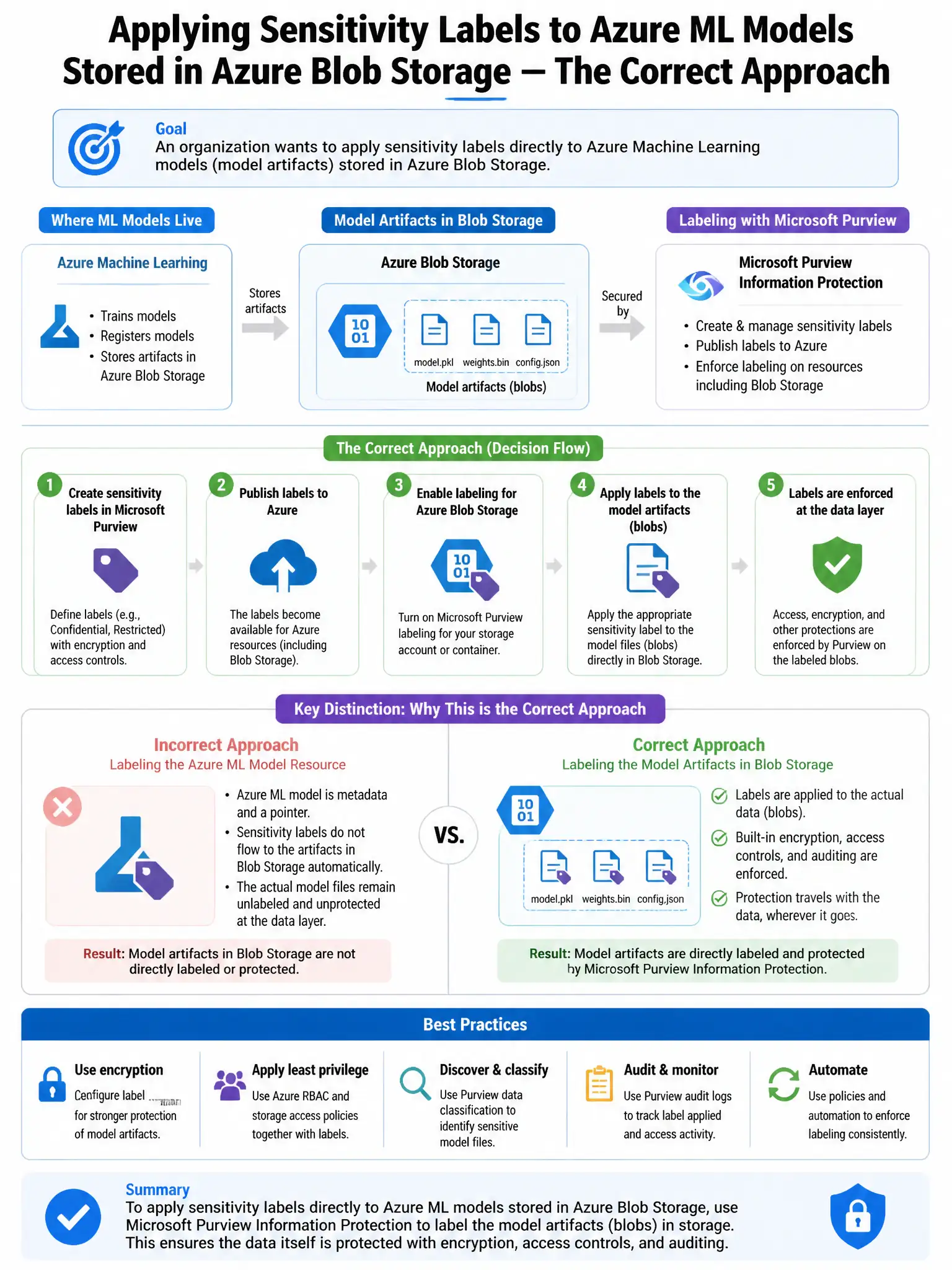
An organization wants to apply sensitivity labels directly to Azure Machine Learning models (model artifacts) stored in Azure Blob Storage. What is the correct approach using Microsoft Purview?
Select an answer to reveal the explanation.
Short Explanation
Here's the deal — enable auto-labeling policies in Microsoft Purview scoped to the Azure Blob Storage account containing your model artifacts. Purview can automatically scan those files and apply sensitivity labels based on detected sensitive information or file-name patterns, giving you classification and protection.
Full Explanation
The correct approach is to enable auto-labeling policies in Microsoft Purview scoped to the Azure Blob Storage account containing model artifacts. Microsoft Purview Information Protection auto-labeling policies can be configured to automatically scan and label files in Azure Blob Storage (including Azure Data Lake Storage) based on sensitive information types detected in the file content or based on file name patterns. By scoping auto-labeling to the Blob Storage account where AI model artifacts are stored, Purview can apply sensitivity labels to the model files automatically, enabling classification and protection. Manually applying labels through the Azure ML Studio model registry interface is wrong because Azure ML Studio does not have a built-in sensitivity labeling interface; label application is a Purview function. Configuring Purview sensitivity label policies to automatically apply labels to .pkl and .onnx files is wrong because auto-labeling is typically based on sensitive content inspection, not just file extensions, and file extension matching is not how Purview auto-labeling primarily works. Using Azure Policy to tag Blob Storage objects with classification metadata is wrong because Azure Policy can apply Azure resource tags (metadata) to storage resources but cannot apply Microsoft Purview sensitivity labels, which are a distinct classification and protection mechanism.