
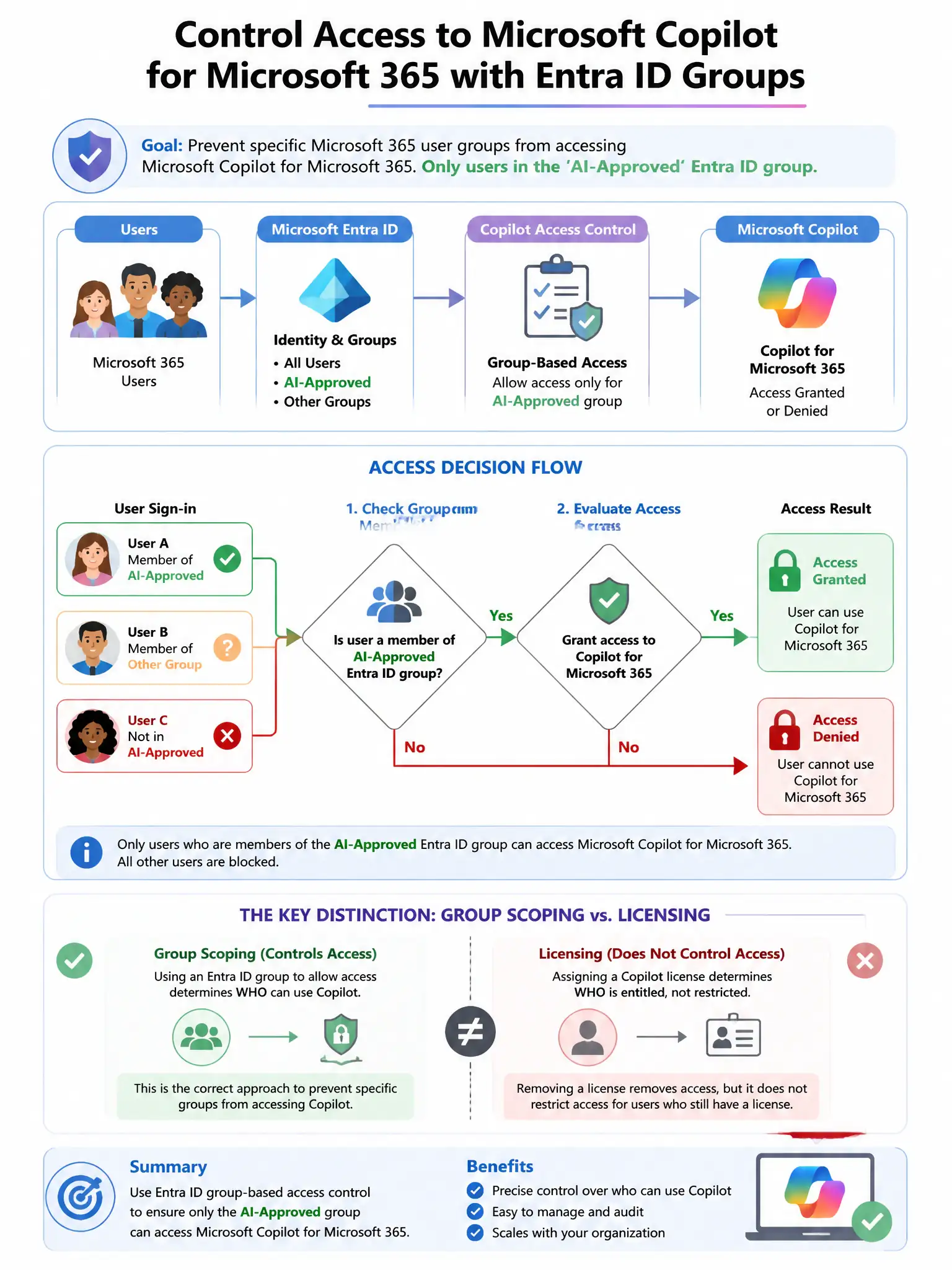
An enterprise's IT administrator needs to prevent specific Microsoft 365 user groups from accessing Microsoft Copilot for Microsoft 365. Only users in the 'AI-Approved' Entra ID group should be able to use Copilot. What is the correct administrative approach?
Select an answer to reveal the explanation.
Short Explanation
Here's the deal — assigning Copilot licenses only to the 'AI-Approved' group is the right move because access to Microsoft 365 Copilot depends on having a Copilot for Microsoft 365 license. If a user doesn't have the license, they can't use Copilot.
Full Explanation
The correct approach is to manage Copilot for Microsoft 365 license assignments in the Microsoft 365 admin center so that only members of the 'AI-Approved' Entra ID group receive a Copilot license. Access to Microsoft 365 Copilot is controlled through license assignment; only users with a Copilot for Microsoft 365 license can use the service. By assigning the license only to approved users, the administrator ensures that only those users can access Copilot. The Conditional Access approach blocking all Copilot app access for non-approved groups is not the best answer because, although Conditional Access can restrict access to the Copilot service application, license management is the primary and most straightforward administrative control for who can access Copilot. The Defender for Cloud Apps session policy approach is wrong because session policies govern behavior during app sessions, not who is permitted to access the service. The DLP policy approach is wrong because DLP policies manage data protection within Copilot; they do not control which users can access the Copilot service.