
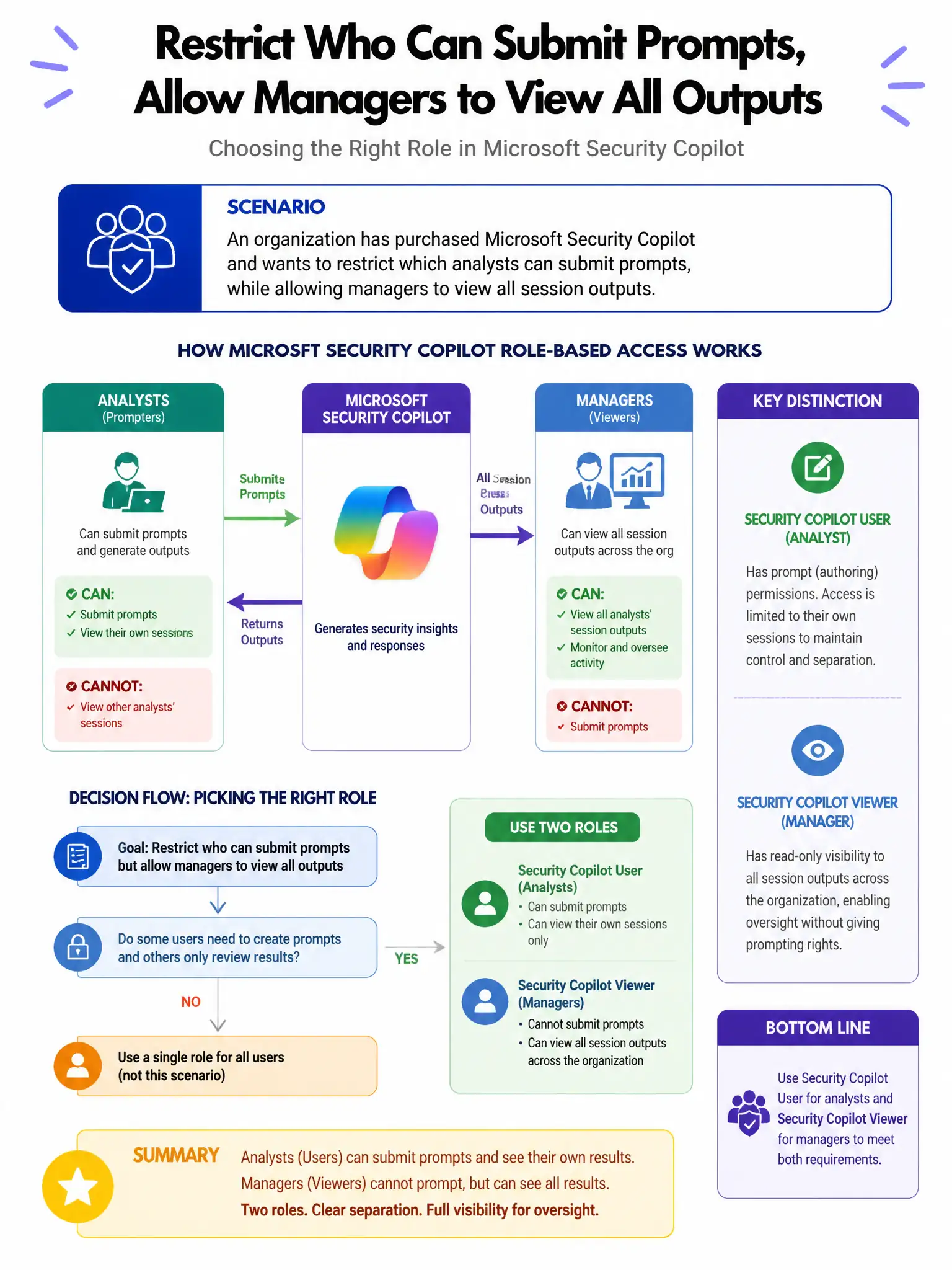
An organization has purchased Microsoft Security Copilot and wants to restrict which analysts can submit prompts, while allowing managers to view all session outputs. Which role assignments in Microsoft Security Copilot provide these access levels?
Select an answer to reveal the explanation.
Short Explanation
Here's the deal — you assign analysts the Copilot Contributor role so they can submit prompts, and managers the Copilot Owner role so they can review all sessions.
Full Explanation
The correct assignment is to assign analysts the Copilot Contributor role and managers the Copilot Owner role. Microsoft Security Copilot has two primary roles: Copilot Contributor and Copilot Owner. The Copilot Contributor role allows users to submit prompts and use Security Copilot capabilities. The Copilot Owner role includes all Contributor permissions plus the ability to manage settings, publish promptbooks, and view all sessions including those of other users. Assigning managers the Owner role allows them to review analyst sessions. Pairing analysts with Global Reader and managers with Security Administrator is wrong because those are Entra ID roles, not Security Copilot roles; they grant Entra administrative permissions, not Copilot session access. Pairing analysts with Copilot Owner and managers with Security Reader in Entra ID is wrong because Copilot Owner should be for managers, not analysts, and Security Reader is an Entra ID role. Giving all users the Copilot Contributor role and creating a shared session for managers is wrong because shared sessions do not exist as a native Copilot feature for session sharing with managers.