
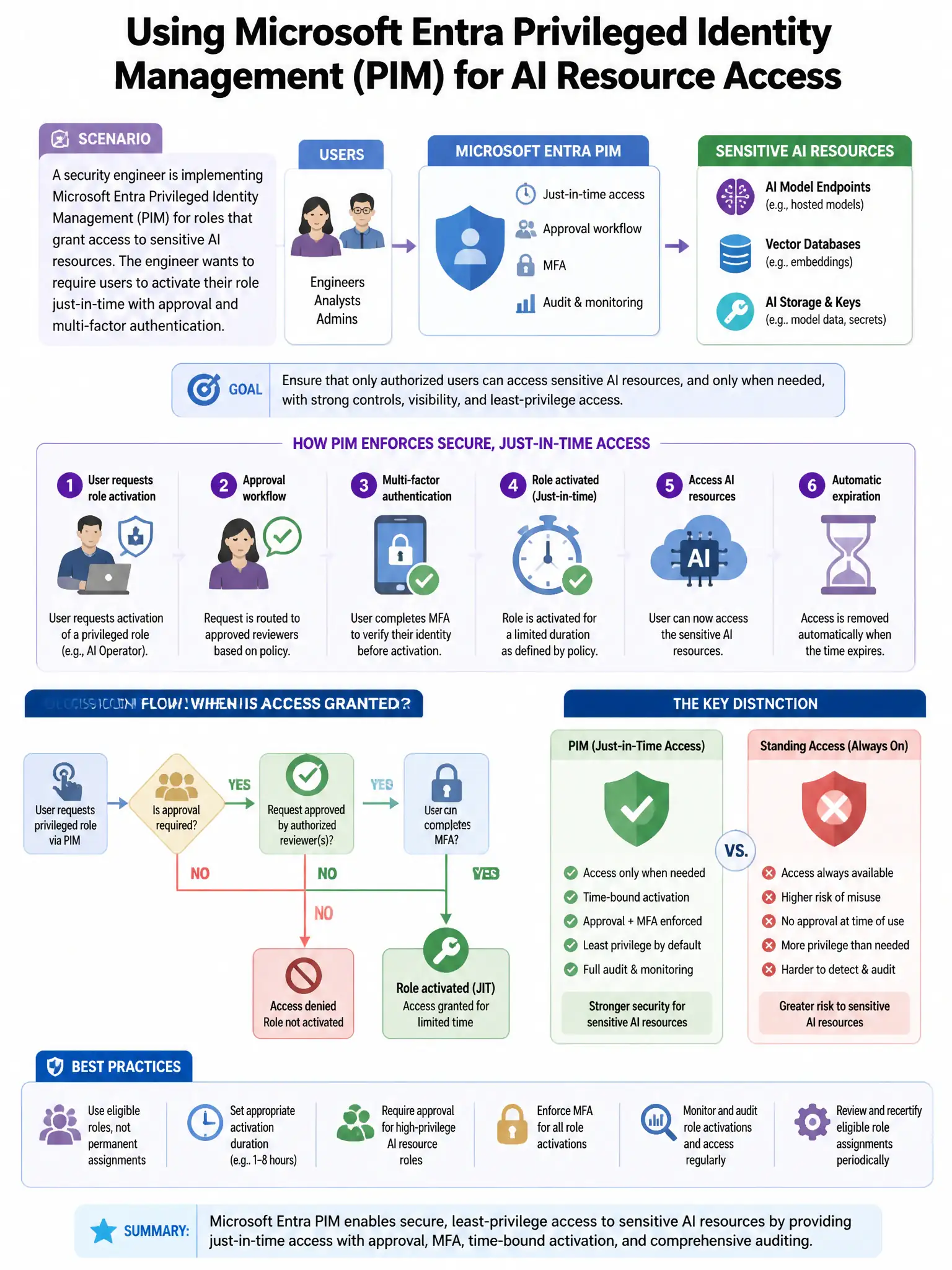
A security engineer is implementing Microsoft Entra Privileged Identity Management (PIM) for roles that grant access to sensitive AI resources. The engineer wants to require users to provide a justification and receive manager approval before being assigned the 'Cognitive Services OpenAI Contributor' role. Which PIM setting configures this?
Select an answer to reveal the explanation.
Short Explanation
Set the role as eligible and configure activation to require approval and justification. That way, users don't get privileged access until they request it, explain why, and get manager approval.
Full Explanation
The correct setting is to set the role to an 'Eligible' assignment and configure the activation setting to require approval and justification. In Microsoft Entra PIM, an 'Eligible' assignment means users must explicitly activate the role before using it. In the role's activation settings, you can require a business justification, require approval from designated approvers, and set a maximum activation duration. This enforces just-in-time access with human approval. The 'Active' assignment with time-bound duration option is wrong because an 'Active' assignment grants the role continuously without requiring activation or approval. The PIM for Groups option is wrong because PIM for Groups is a valid feature but does not by itself add the approval workflow; you still need to configure activation settings. The access review option is wrong because access reviews periodically review existing assignments but do not add an approval step to role activation.