
A security engineer discovers that Microsoft Copilot for Security is generating responses that reference stale threat intelligence that is over 12 months old. The engineer needs to ensure Copilot for Security uses the most current threat intelligence. Which configuration should be verified?
Select an answer to reveal the explanation.
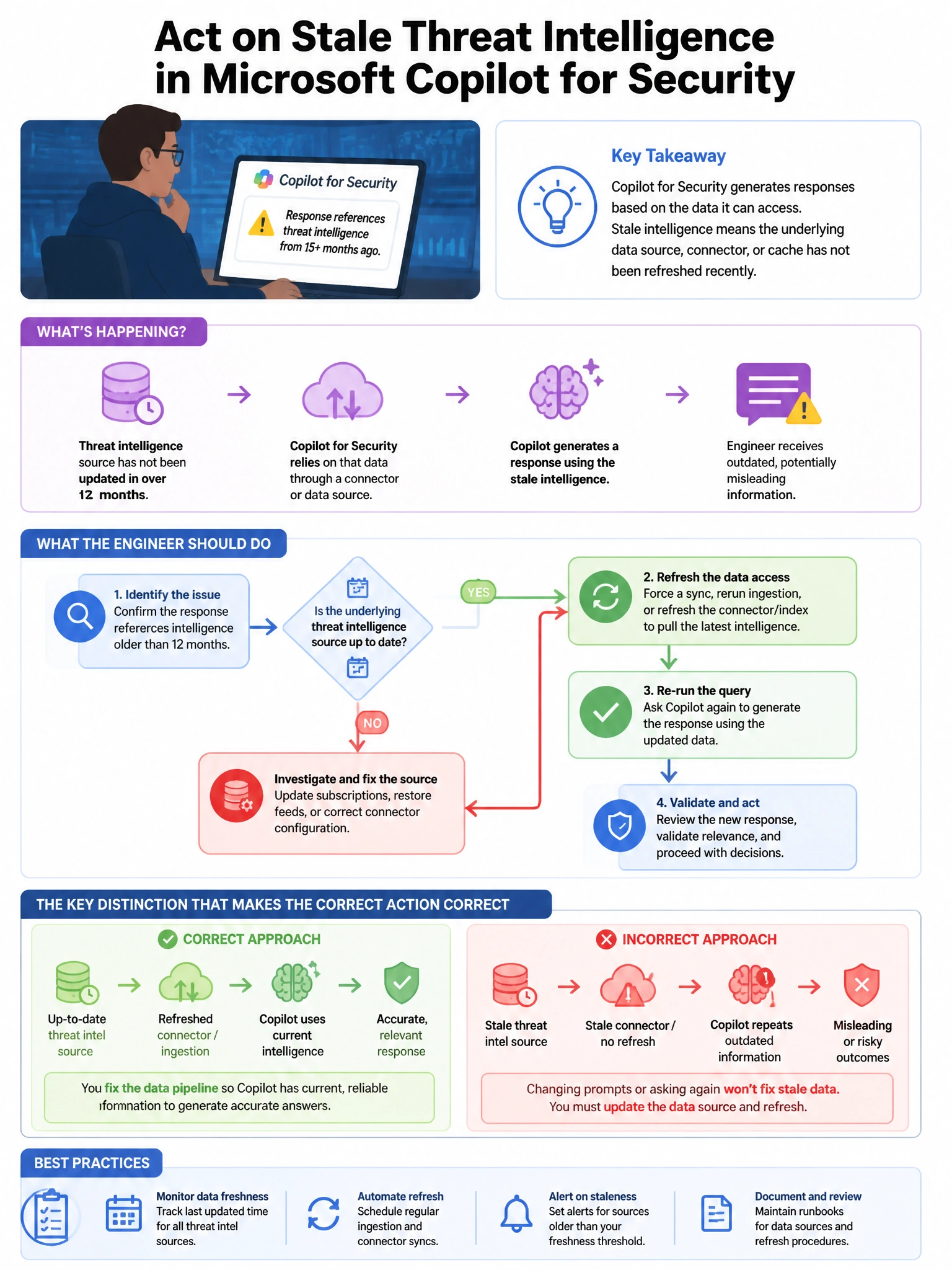
Short Explanation and Infographic
Here's the deal — a is correct because Microsoft Copilot for Security retrieves current threat intelligence through the Microsoft Defender Threat Intelligence (MDTI) plugin. If MDTI is disabled or not properly configured, Copilot may rely on its training data which has a knowledge cutoff.
Full explanation below image
Full Explanation
A is correct because Microsoft Copilot for Security retrieves current threat intelligence through the Microsoft Defender Threat Intelligence (MDTI) plugin. If MDTI is disabled or not properly configured, Copilot may rely on its training data which has a knowledge cutoff. Enabling the MDTI plugin in Owner settings allows Copilot to query live, up-to-date threat intelligence including recently emerged threat actors, CVEs, and attack campaigns. B is incorrect because Copilot for Security's underlying model is managed by Microsoft and cannot be configured for custom training data refresh by customers. C is incorrect because Sentinel threat intelligence data enhances Sentinel detections; Copilot for Security accesses threat intelligence through its dedicated MDTI plugin, not through the Sentinel data connector indirectly. D is incorrect because while MDTI Premium provides additional threat intelligence access, the core current threat data access requires enabling the MDTI plugin in Copilot, which is the configuration to verify first.