
An organization needs to implement eDiscovery on Copilot for Microsoft 365 interactions for a legal hold related to a regulatory investigation. An in-scope employee used Copilot extensively. Where are Copilot interaction logs stored for eDiscovery purposes?
Select an answer to reveal the explanation.
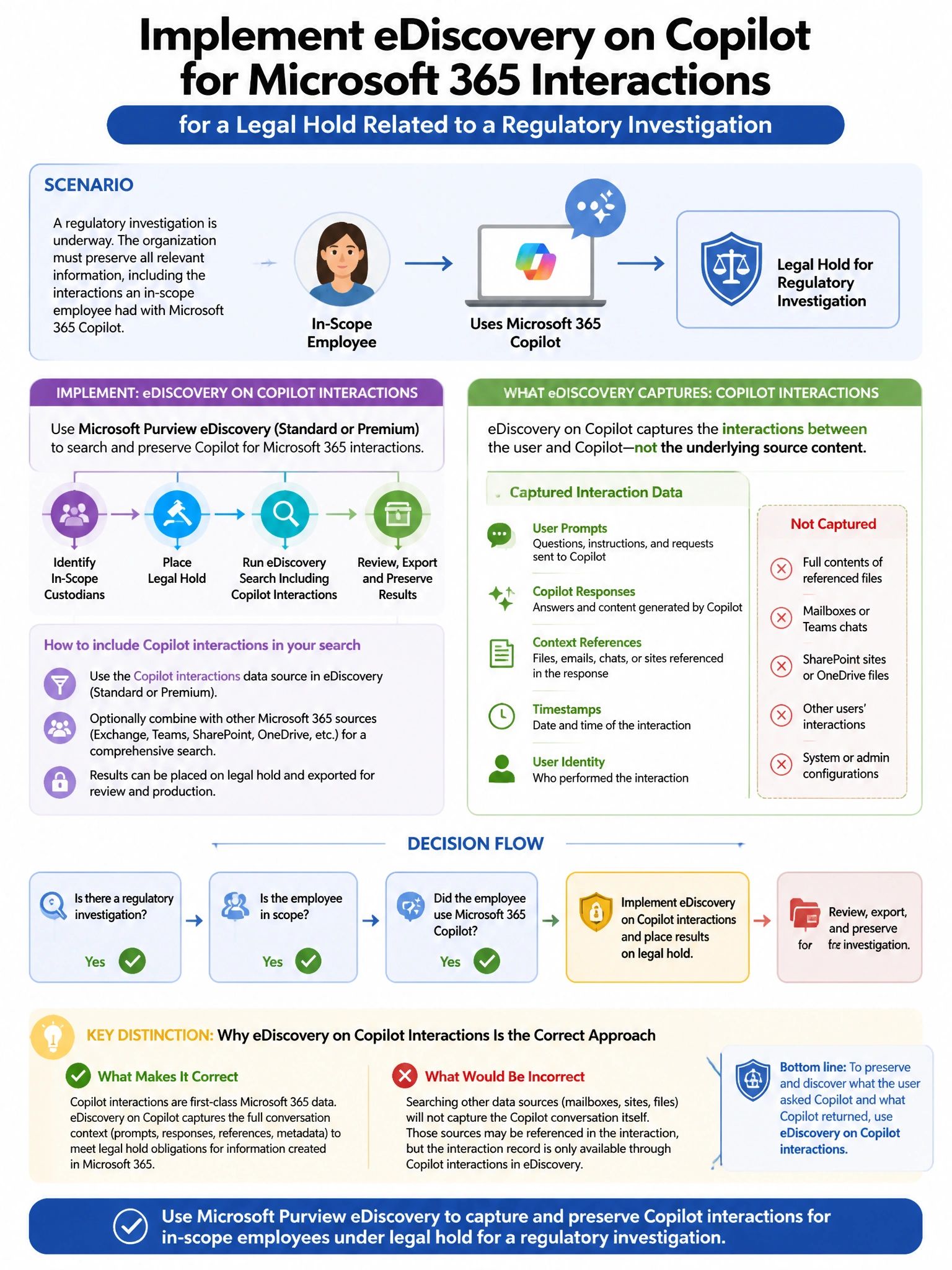
Short Explanation and Infographic
Here's the deal — b is correct because Microsoft 365 Copilot interaction data (prompts and responses) is stored in the user's Exchange Online mailbox in a hidden folder, specifically in the SubstrateHolds or Compliance Records folder. This makes Copilot interaction data discoverable through Microsoft Purview eDiscovery tools (Content Search, eDiscovery Standard, and eDiscovery Premium) using the same mailbox-based search infrastructure.
Full explanation below image
Full Explanation
B is correct because Microsoft 365 Copilot interaction data (prompts and responses) is stored in the user's Exchange Online mailbox in a hidden folder, specifically in the SubstrateHolds or Compliance Records folder. This makes Copilot interaction data discoverable through Microsoft Purview eDiscovery tools (Content Search, eDiscovery Standard, and eDiscovery Premium) using the same mailbox-based search infrastructure. A is wrong because Azure Monitor Log Analytics stores Azure service operational logs, not M365 Copilot conversation content. C is wrong because Teams compliance records are stored for Teams messages; Copilot interactions have their own dedicated storage in Exchange Online. D is wrong because SharePoint stores documents, not Copilot conversation logs.