
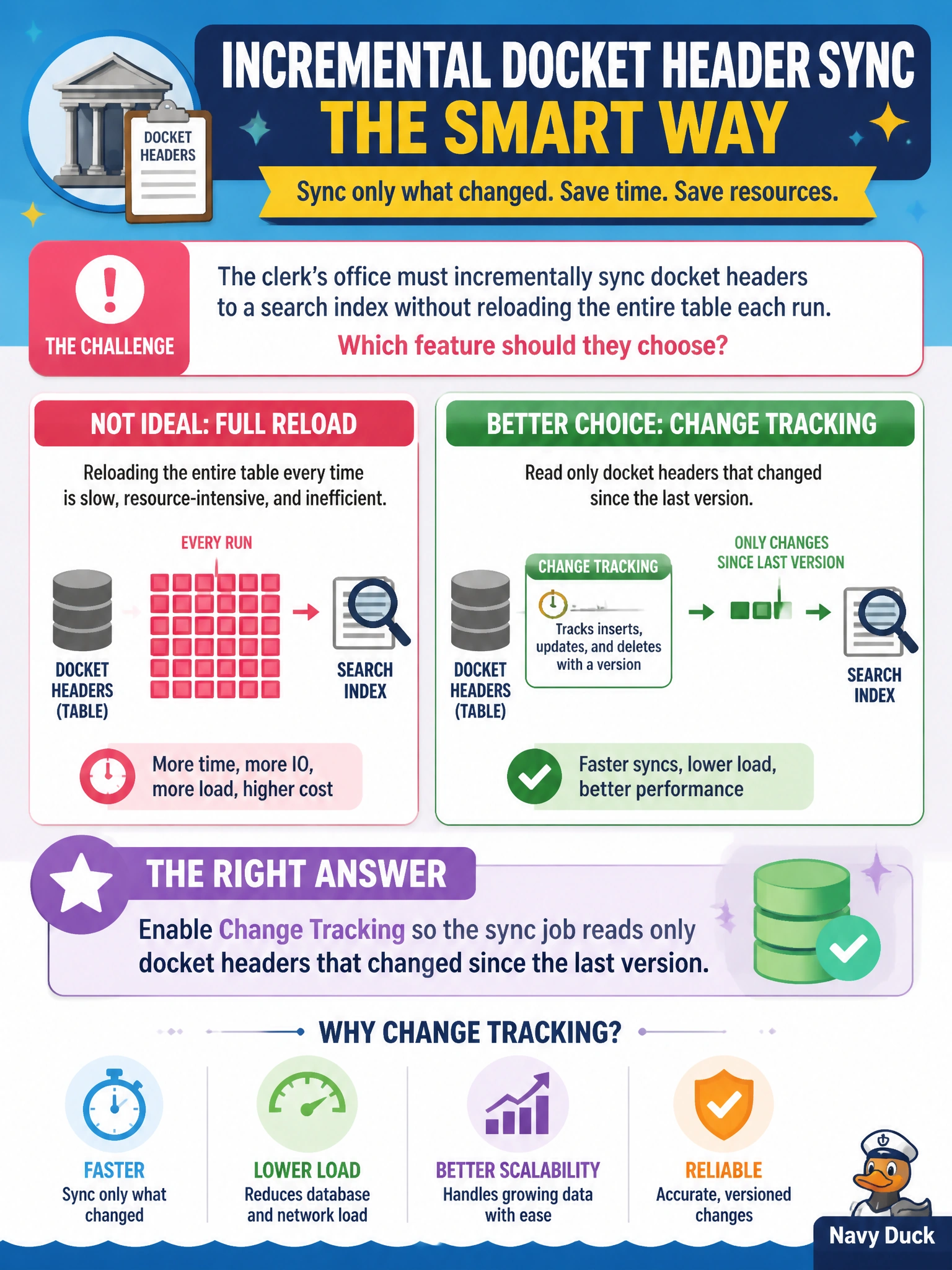
The clerk’s office must incrementally sync docket headers to a search index without reloading the entire table each run. Which feature should they choose?
Select an answer to reveal the explanation.
Short Explanation
You can use Change Tracking as a highlighter for docket headers that actually changed, so your sync reads only those instead of reloading the whole clerk archive. That keeps each run focused and avoids rebuilding unchanged headers.
Full Explanation
The clerk’s office should enable Change Tracking so the sync job reads only docket headers that changed since the last version. Change Tracking provides a lightweight, version-based way to identify changed rows, making it well suited to incremental search-index updates without reloading the entire table. Running a nightly full refresh that replaces all indexed docket headers after reading the latest contents fails the incremental requirement: it processes unchanged headers too and can cause unnecessary work or search downtime as the docket table grows. Disabling tracking and guessing from staff chat logs fails on correctness because chat is not a reliable way to enumerate database changes. Copying the full database backup into the search service hourly is also a poor fit: a backup is not an incremental change feed, and it may include more data than docket headers. Exam caveat: when the question asks for changed rows since a prior version, look for Change Tracking; neither a full refresh, chat-based guesses, nor full-backup copies provide that version-based enumeration. Practical check: enable Change Tracking for the docket headers, run the sync to capture a baseline version, modify a subset of dockets, and confirm the next run reads only those changes into the search index. Verify that unchanged headers are not rebuilt unnecessarily.