
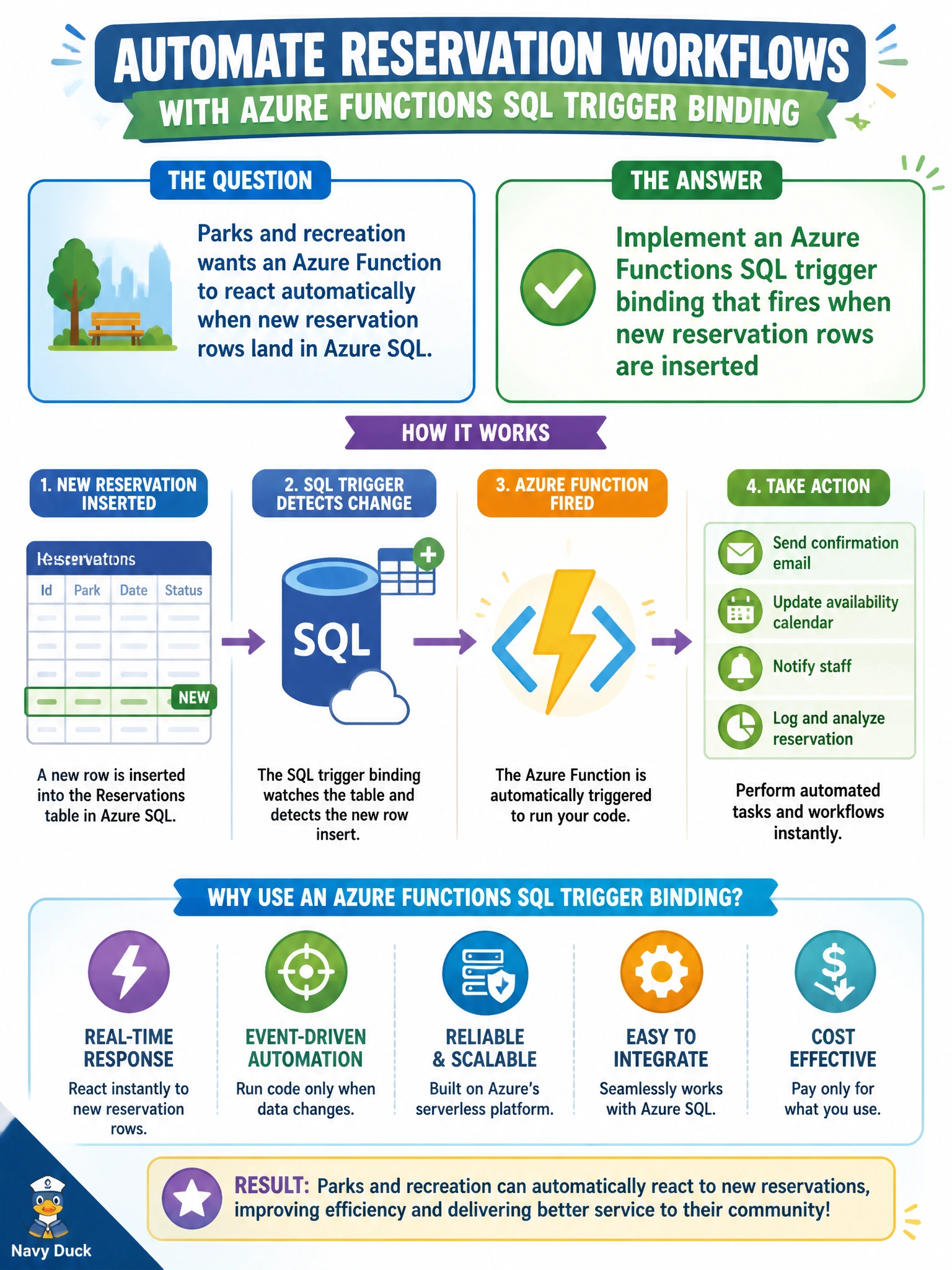
Parks and recreation wants an Azure Function to react automatically when new reservation rows land in Azure SQL. Which binding approach should they implement?
Select an answer to reveal the explanation.
Short Explanation
You can use the SQL trigger binding as the doorbell on the reservation table: when a new row appears, the Function runs automatically. That means no one has to keep knocking or manually send the reservation.
Full Explanation
Parks and recreation should implement an Azure Functions SQL trigger binding that fires when new reservation rows are inserted. This event-driven integration connects changes in the reservations table to Function execution, so municipal reservation workflows, such as shelter bookings and field permits, can start downstream processing automatically. Scheduling a yearly Function that never reads the reservation table fails because annual work is neither coupled to the data nor responsive to inserts. Requiring front-desk staff to manually POST each reservation fails the automation requirement and adds human latency and the possibility of error. Using only a timer that ignores SQL changes and always processes an empty list also fails, because it does not respond to the table events the Function must handle. Exam caveat: when a question asks for automatic reaction to new Azure SQL rows, choose the Functions SQL trigger binding; a timer that explicitly ignores SQL changes or a manual POST does not meet that requirement. A timer can complement some designs, but not when it ignores the change. Practical check: configure the SQL trigger binding on the reservations table, insert a test reservation in Azure SQL, and confirm that the Function executes with the new row payload. Verify that identity and connection settings provide least-privilege access appropriate for parks reservation data.