
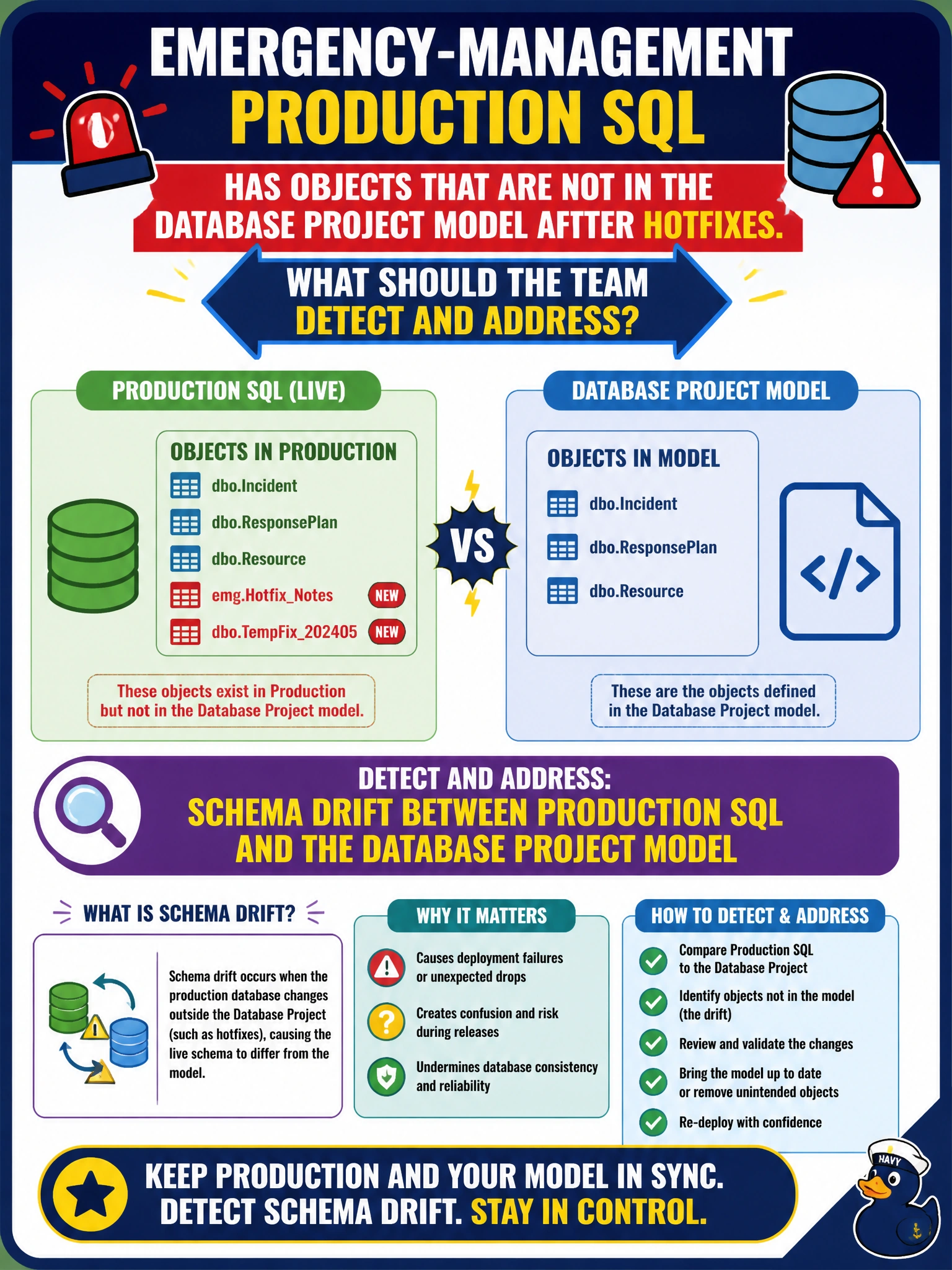
Emergency-management production SQL has objects that are not in the Database Project model after hotfixes. What should the team detect and address?
Select an answer to reveal the explanation.
Short Explanation
You’re looking for schema drift: hotfixes can leave production with objects missing from the Database Project model. Compare the live database with the project, then bring justified changes into source control or deliberately remove them before the next deploy.
Full Explanation
When emergency-management production SQL contains objects absent from the Database Project model after hotfixes, the team must detect and address schema drift: the live database has diverged from the source-controlled model. A schema compare between production and the project can identify extra or altered objects so the team can import justified changes into the project or deliberately remove them from production, restoring a single deployment source of truth before the next pipeline publish assumes the models match. Query Store forced plans affect plan choice; they do not automatically rewrite project DDL or change the project’s table and procedure inventory. Dynamic Data Masking rules govern masking behavior and do not invent new tables overnight. Passwordless auth tickets can change sign-in flows, but they do not alter database schema or explain objects present in production but absent from the project. Exam caveat: blindly publishing the project to fix drift could drop hotfix objects still needed for emergency operations, so compare first and decide whether to import or revert each change. Practical check: run schema compare from production to the SQL Database Project, review objects introduced by hotfixes, import justified objects into source control or script their controlled removal, then rebuild and publish to a staging twin and confirm the compare is clean before the next production release.