
Library CI pipelines need SQL connection secrets for deploy jobs. Where should those secrets be stored?
Select an answer to reveal the explanation.
Short Explanation
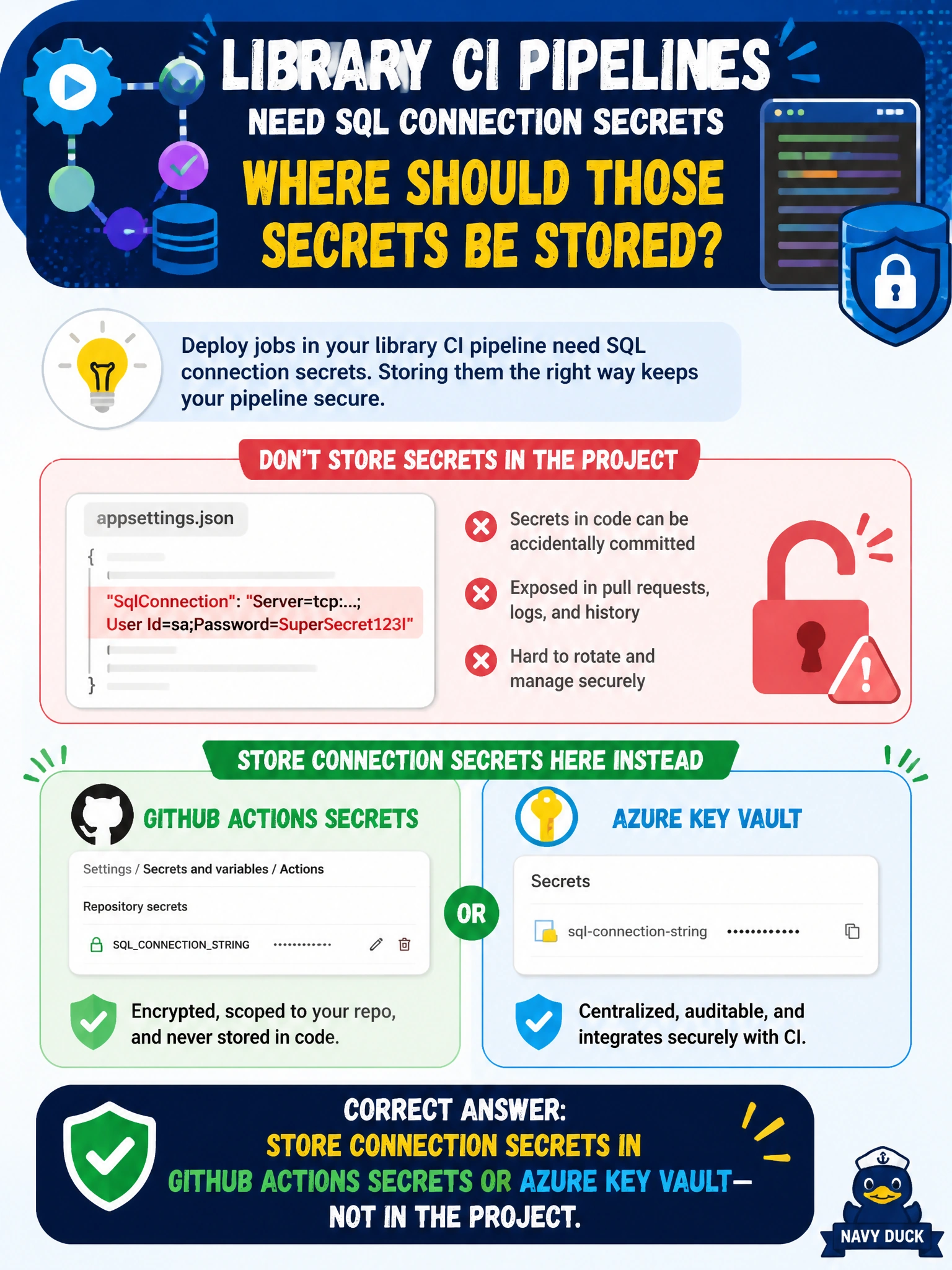
You’ll keep SQL deployment secrets safer by storing them in GitHub Actions secrets or Azure Key Vault, not in the checked-in project. Think of a secret store as a locked drawer that keeps credentials away from everyone who can read the repository.
Full Explanation
Library CI pipelines should store SQL connection secrets in GitHub Actions secrets or Azure Key Vault, not in the SQL project. The pipeline can inject connection strings at runtime so deploy jobs authenticate without committing credentials to Git, where clones, forks, and backups could expose database access. A checked-in configuration file puts production-capable secrets in source history. A sticky note on the build agent monitor lacks auditability, rotation, and basic physical security. Public README badges expose secrets to the entire internet, a convenience never worth the breach. Exam caveat: choose secret storage that supports rotation and least-privilege access, and separate secrets by environment so a test credential cannot deploy to production. If a secret is committed, scrub it from history and rotate it. Practical check: move project-embedded connection strings into GitHub Actions secrets or Azure Key Vault, configure the pipeline to read them through the host’s secret mapping, scan the repository and its history for credentials, then run a deploy job to confirm authentication still works. Rotate any old secret that was exposed.