
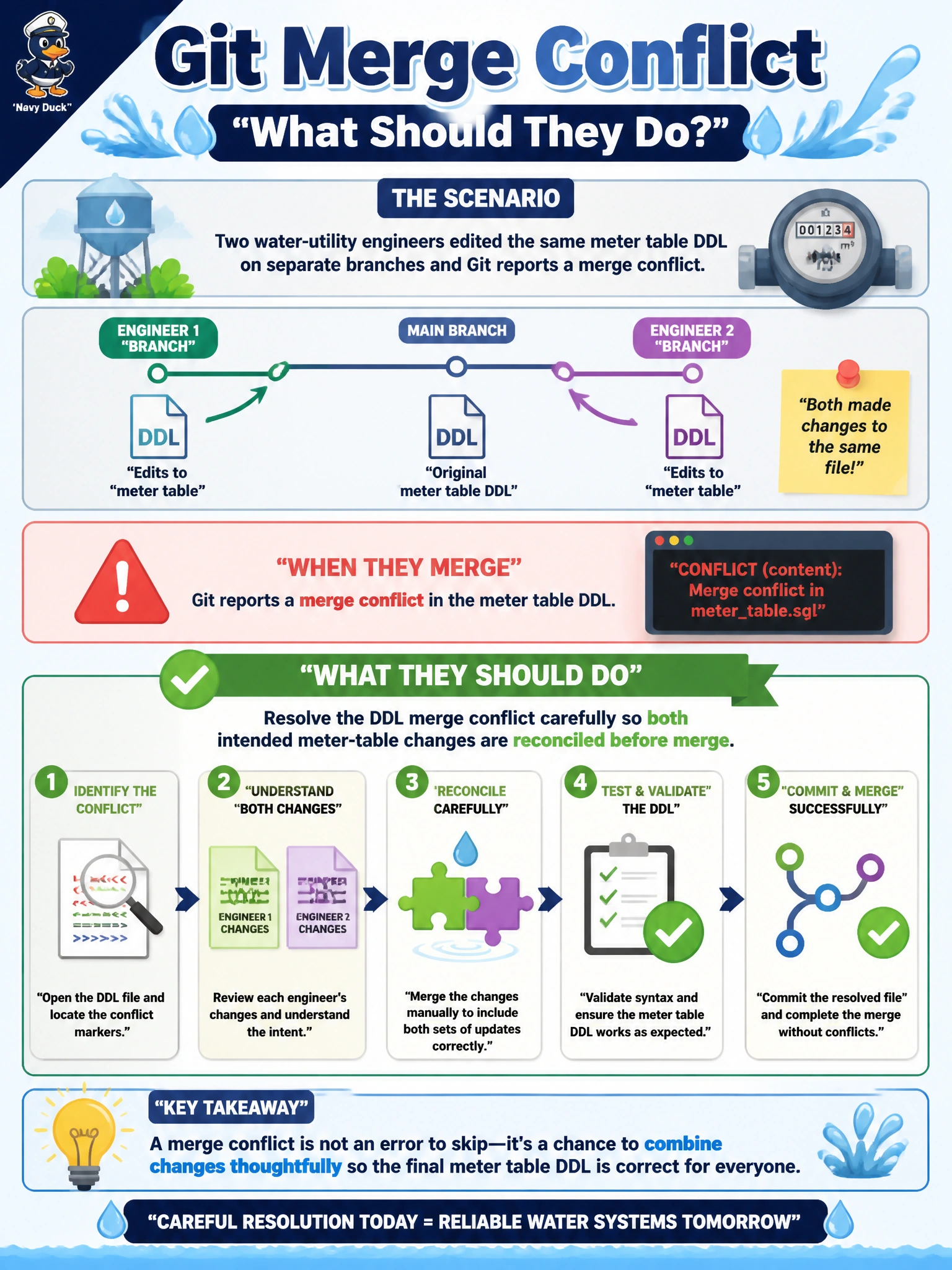
Two water-utility engineers edited the same meter table DDL on separate branches and Git reports a merge conflict. What should they do?
Select an answer to reveal the explanation.
Short Explanation
DDL merge conflicts are two plumbers rewriting the same pipe diagram—sit down, merge the lines on purpose, don’t toss one drawing or flip a coin.
Full Explanation
When two water-utility engineers edit the same meter table DDL on separate branches and Git reports a merge conflict, they must resolve the conflict deliberately so both intended changes are reconciled in the SQL Database Project before merge. DDL conflicts are textual and semantic: column nullability, constraints, and indexes must be merged into one coherent table definition, not casually overwritten, or the published meter schema will be wrong for billing and field systems. Deleting the entire SQL Database Project and recreating it from production only discards source history and may bake hotfix drift permanently into “source.” Force-pushing one branch and discarding the other engineer’s work without review loses civic engineering effort and invites silent omission of needed columns. Disabling conflict markers so Git auto-picks random halves yields corrupted DDL and is not a valid merge strategy. Exam caveat: after resolving text conflicts, build the project and generate a publish diff—successful conflict marker removal does not guarantee a deployable or semantically correct meter table. Coordinate who owns shared objects to reduce recurring DDL conflicts (code owners on meter schema files). Operational check: open both sides of the conflict, produce a merged CREATE/ALTER table that includes both engineers’ required columns/constraints; build the SQL project; publish to a test database; run meter-related integration checks; then complete the merge to main.