
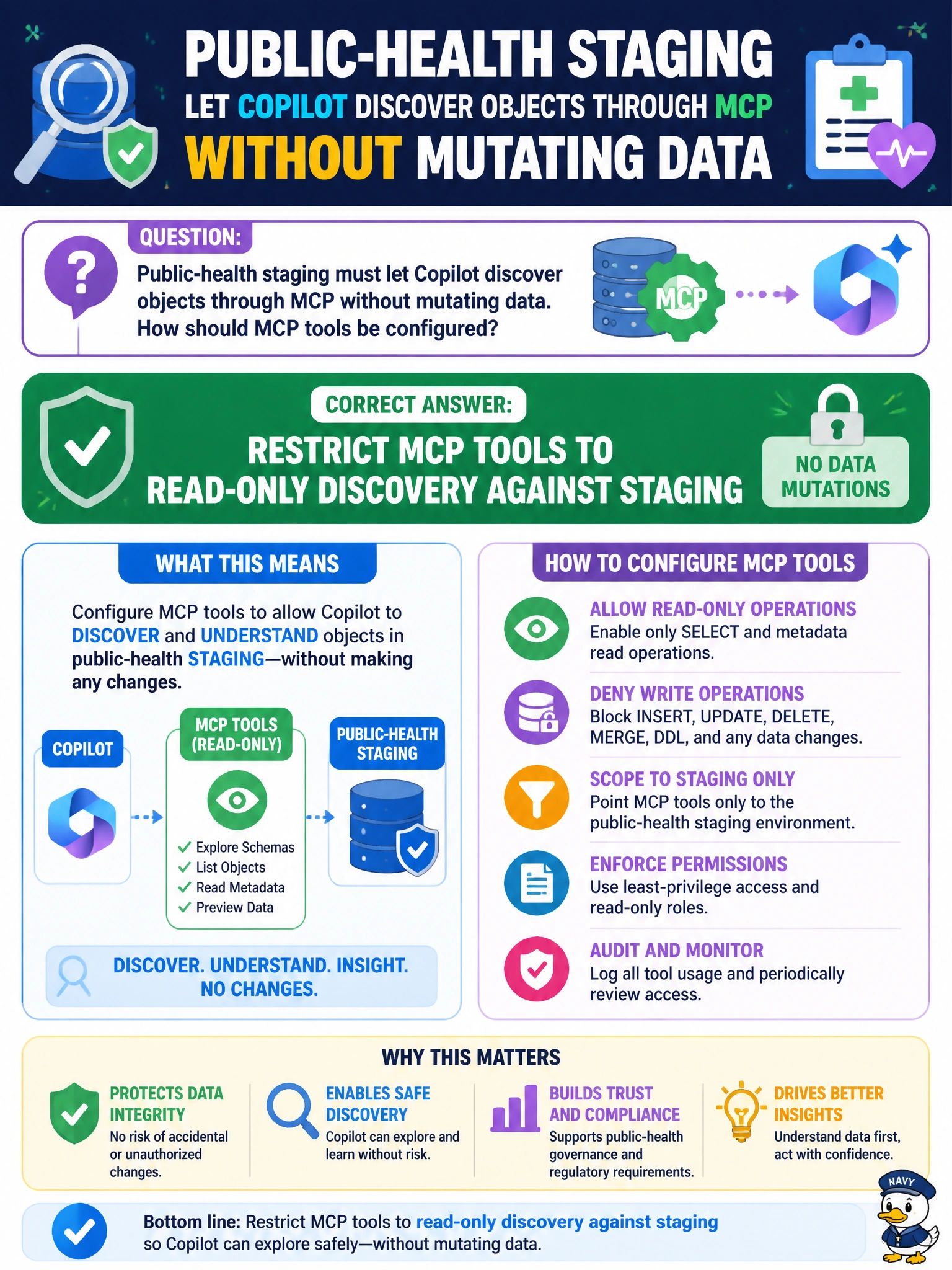
Public-health staging must let Copilot discover objects through MCP without mutating data. How should MCP tools be configured?
Select an answer to reveal the explanation.
Short Explanation
Give Copilot a visitor badge that only lets it look at the staging floor plan—read-only discovery—not the keys to rearrange the furniture.
Full Explanation
Restricting MCP tools to read-only discovery against staging is the correct configuration when public-health staging must let Copilot discover objects through MCP without mutating data. Least-privilege municipal MCP design allows schema and object discovery for assistance while blocking DROP, ALTER, and write tools that could change staging data or structures.
Enabling unrestricted DROP and ALTER tools on staging fails by concept because that explicitly allows mutation—the opposite of the stem’s no-mutation requirement. Granting MCP the same rights as production sysadmin fails because it over-privileges the assistant far beyond discovery and imports production-level blast radius into staging AI sessions. Turning off all logging of MCP tool invocations fails because it removes accountability needed for civic AI-assisted access reviews.
Exam caveat: On DP-800, “discover without mutating” maps directly to read-only MCP tool sets on non-production or staging. Unrestricted DDL, production-equivalent sysadmin rights, and disabled logging are classic insecure distractors.
Operational check: Enumerate MCP tools in the public-health Copilot session, keep only read and discovery tools enabled, verify a suggested DROP cannot execute via MCP, retain invocation logs for audit, and re-check the tool allowlist after any Copilot or MCP upgrade.