
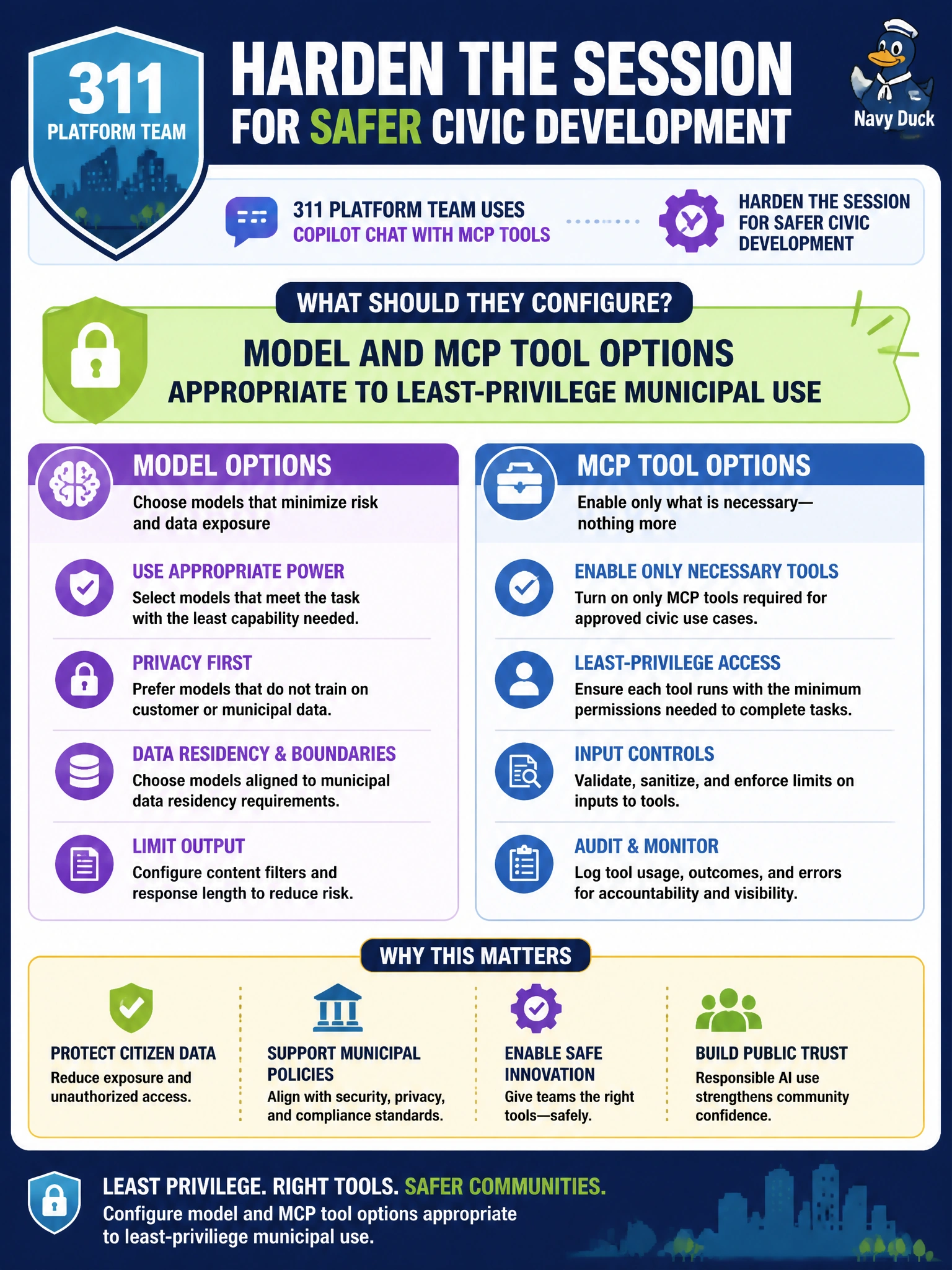
A 311 platform team uses Copilot chat with MCP tools and must harden the session for safer civic development. What should they configure?
Select an answer to reveal the explanation.
Short Explanation
Think of Copilot’s MCP tools like a 311 technician’s belt—you configure which tools are clipped on before the shift, keeping the risky ones off.
Full Explanation
Configuring model and MCP tool options appropriate to least-privilege municipal use is how a 311 platform team hardens Copilot chat sessions that use MCP tools. Session configuration should limit which models and tools are available so civic developers get useful assistance without clipping on production-write or other high-risk tools by default.
Unlimited write tools against production with no review fails by concept because that maximizes blast radius instead of hardening the session. Disabling all instruction files permanently fails because instruction files carry civic coding and PII standards that reduce unsafe suggestions. Storing SQL passwords inside Copilot prompts for convenience fails because secrets in prompts expand exposure into model context and chat history.
Exam caveat: DP-800 AI-assisted hardening themes are least privilege, instruction guidance, and secret hygiene. Correct answers configure and restrict; incorrect answers expand production write power, remove guardrails, or embed credentials in prompts.
Operational check: Inventory MCP tools available to the 311 Copilot session, disable production write tools in normal developer profiles, keep instruction files active, ban passwords in prompts (use secret stores), and spot-check session configs during onboarding.