
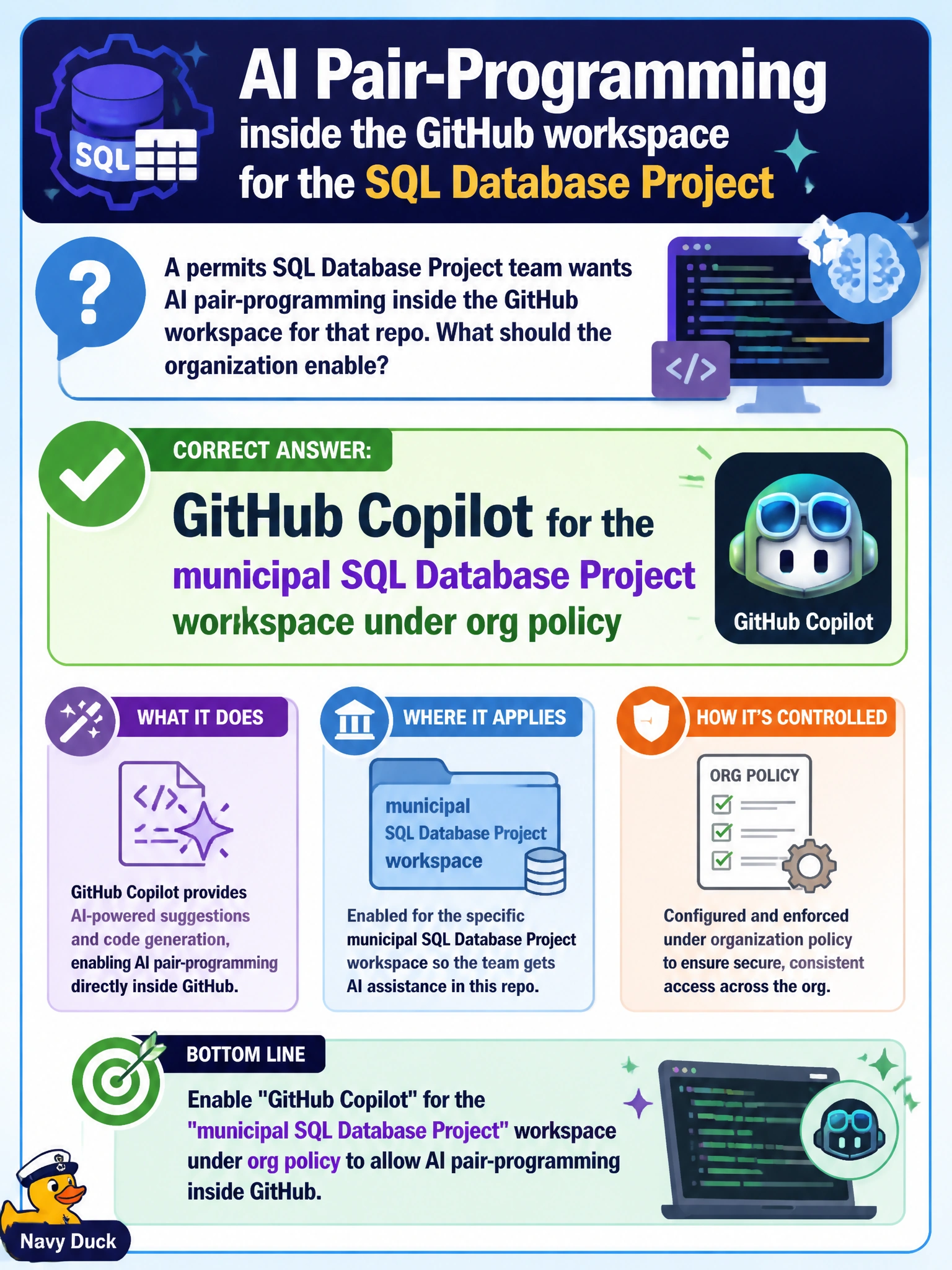
A permits SQL Database Project team wants AI pair-programming inside the GitHub workspace for that repo. What should the organization enable?
Select an answer to reveal the explanation.
Short Explanation
If the permits project lives in GitHub, flip on GitHub Copilot for that workspace—put the assistant where the code already sits.
Full Explanation
Enabling GitHub Copilot for the municipal SQL Database Project workspace under organization policy is correct when a permits team wants AI pair-programming inside the GitHub workspace for that repo. The assistant belongs where the .sqlproj and related files are authored and reviewed—under org policy controls.
Copilot in Fabric only fails by concept when the project is not authored in Fabric; Fabric Copilot does not cover a non-Fabric GitHub SQL Database Project workspace. Storing Always Encrypted keys as plaintext in README files fails because that is a credential-exposure anti-pattern, not an enablement step. Anonymous public MCP write access to production fails because it violates least privilege and exposes municipal production systems; it is a security failure, not how you enable GitHub Copilot.
Exam caveat: Choose the Copilot product that matches the authoring surface (GitHub vs Fabric) and always pair enablement with org policy—never with plaintext key dumps or anonymous production MCP writes.
Operational check: Enable GitHub Copilot only for the permits SQL Database Project (or approved org groups), confirm policy blocks public secret exposure, keep MCP/production write paths separate and locked down, and review a sample PR where Copilot suggestions were accepted under those rules.