
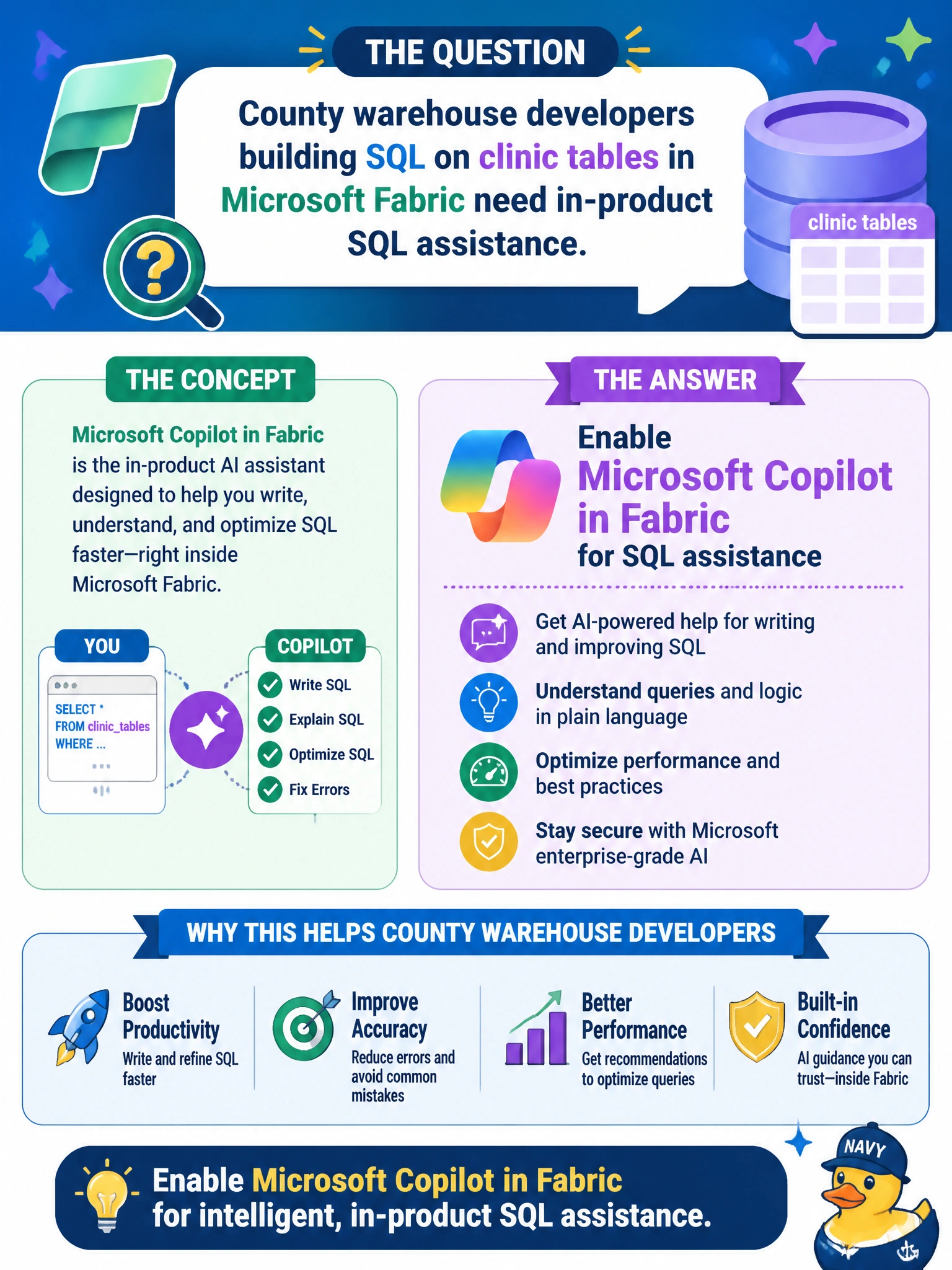
County warehouse developers building SQL on clinic tables in Microsoft Fabric need in-product SQL assistance. What should they enable?
Select an answer to reveal the explanation.
Short Explanation
When your SQL work lives in Fabric, enable Microsoft Copilot in Fabric for in-product SQL assistance. You’ll get help in the same environment where you’re building, rather than relying on a different kind of tool.
Full Explanation
Microsoft Copilot in Fabric for SQL assistance is what county warehouse developers should enable when they build SQL on clinic tables in Microsoft Fabric and need in-product help. It is tied to the Fabric experience where the clinic SQL work already lives, matching the requirement for assistance within the product. A ledger table on every clinic column addresses tamper-evident history, not AI-assisted SQL authoring. GitHub Actions runners inside the Fabric lakehouse SQL engine provide CI/CD automation; they do not enable Copilot assistance in Fabric. Dynamic Data Masking obscures sensitive display values, but it does not help developers author SQL, so it is not a substitute for Copilot. Exam caveat: distinguish Fabric-hosted SQL and analytics assistance from repository or workspace automation. Match the assistance surface to where the SQL work runs: Fabric work calls for Copilot in Fabric, not GitHub Actions runners. Practical check: confirm Copilot in Fabric is enabled under tenant or organizational policy for the warehouse workspace, test assistance against non-production clinic tables first, and verify that no policy exception has been addressed by misapplying ledger tables, masking, or CI runners as substitutes.