
An engineer needs to decide whether to check the Monitoring hub or a specific Dataflow Gen2's own refresh history to answer the question "did every scheduled dataflow refresh across all our branch workspaces succeed last night?" Which is the better starting point, and why?
Select an answer to reveal the explanation.
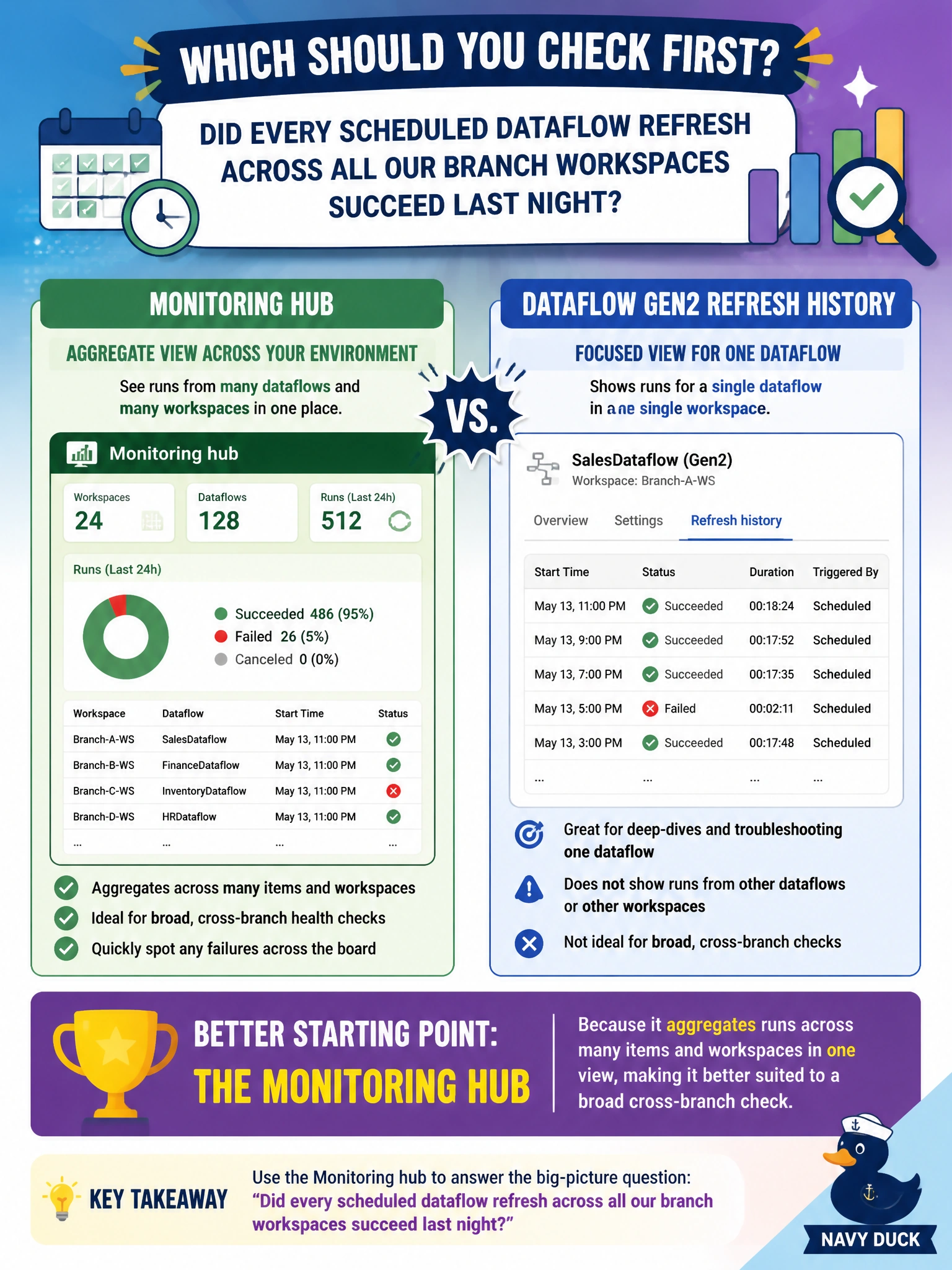
Short Explanation
Checking every branch's dataflow one at a time to answer a "did everything work" question is like calling every store individually instead of glancing at one regional sales dashboard. The Monitoring hub is the dashboard.
Full Explanation
The Monitoring hub is purpose-built for exactly this kind of broad, cross-item question, since it aggregates recent run activity, including Dataflow Gen2 refreshes, across many workspaces into a single filterable list, letting the engineer scan for any failures last night without opening dozens of individual items. A specific dataflow's own refresh history is the right tool once the question narrows to one particular item, but starting there for a "did everything succeed across all branches" question means repeating the same check dozens of times, one workspace at a time. The claim that the Monitoring hub cannot show dataflow runs at all is incorrect; Dataflow Gen2 refreshes are among the item types it surfaces. The Capacity Metrics app reports capacity consumption and throttling, not a per-item success or failure list, so exporting its data would not answer whether refreshes succeeded. Once the Monitoring hub flags any failed dataflow runs, drilling into that specific item's refresh history for failure detail is the natural next, narrower step.