
A regional branch of the archives network keeps its own digitised-object files in an existing Azure Data Lake Storage account that it cannot migrate. The central data engineering team wants to reference those files from the central Lakehouse without duplicating the storage or building a copy pipeline. Which OneLake capability should they use?
Select an answer to reveal the explanation.
Short Explanation
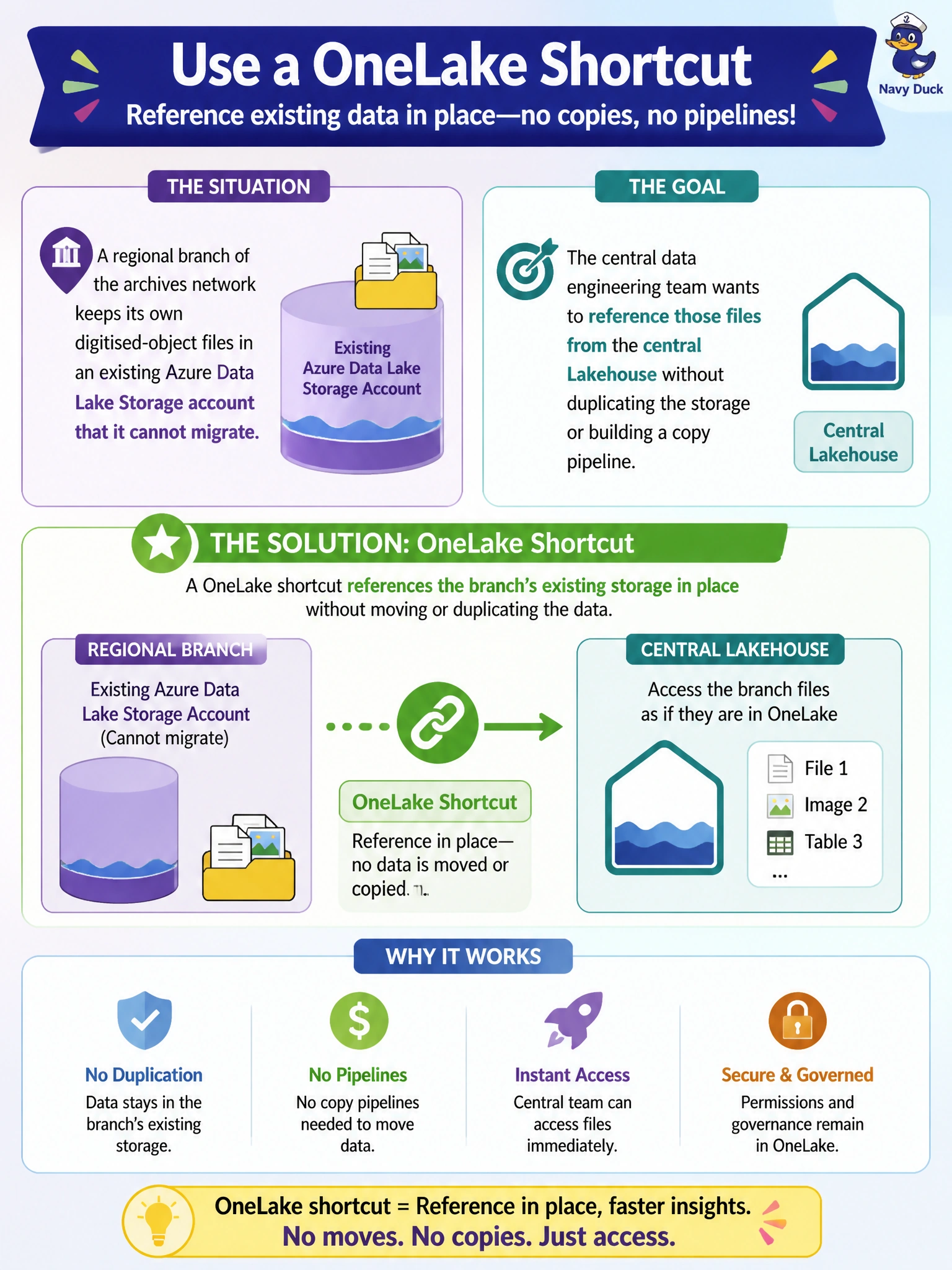
Instead of hauling the branch's files across town, OneLake just puts up a sign pointing at where they already live. A shortcut is a reference to data in another location, so the central Lakehouse can read it in place with no copy, no move, and no duplicate storage cost.
Full Explanation
A OneLake shortcut creates a reference from one location, here the central Lakehouse, to data that physically remains in another location, such as an existing Azure Data Lake Storage account the branch cannot migrate. Consumers of the shortcut see and query the data as if it were local, but nothing is copied or duplicated, and no pipeline needs to run to keep it current, which directly satisfies the requirement to avoid duplicating storage or building a copy pipeline. A scheduled pipeline copy activity does the opposite of what's asked: it physically duplicates the data on a recurring basis, consuming extra storage and introducing latency between runs. A mirrored database is designed for continuous replication from supported operational database sources, such as an Azure SQL Database, into OneLake in near real time; it is not the mechanism for referencing files already sitting in a general-purpose storage account. A manual export-and-import process run by branch IT staff is unreliable, unaudited, and reintroduces exactly the duplication and pipeline-building effort the team is trying to avoid. Before relying on the shortcut, confirm the central team's permissions on the target storage account are sufficient and stable, since a shortcut only works as long as the underlying access to the referenced location remains valid.