
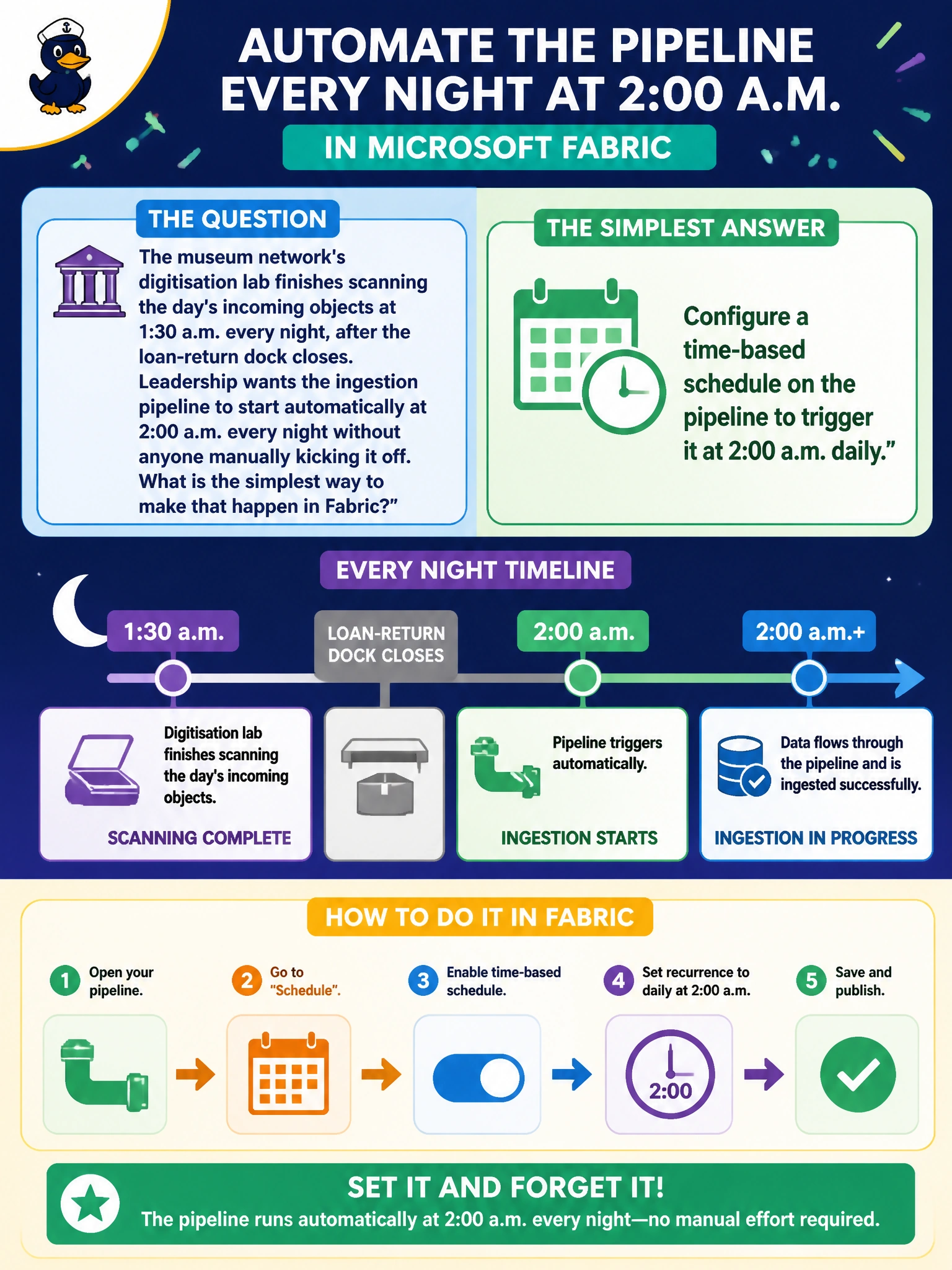
The museum network's digitisation lab finishes scanning the day's incoming objects at 1:30 a.m. every night, after the loan-return dock closes. Leadership wants the ingestion pipeline to start automatically at 2:00 a.m. every night without anyone manually kicking it off. What is the simplest way to make that happen in Fabric?
Select an answer to reveal the explanation.
Short Explanation
When the clock, not an event, is what decides the run time, a schedule is the tool for the job. Set a recurring time-based trigger for 2 a.m. and Fabric handles the rest — no one has to remember to click run.
Full Explanation
A schedule trigger fires a pipeline at a fixed recurring time, which is exactly the requirement here: a known clock time, every night, with no dependency on an unpredictable external event. Configuring that schedule on the pipeline removes the need for any human to be awake and available at 2 a.m. Manually starting the pipeline defeats the whole purpose of automation and introduces the exact human-error risk leadership is trying to eliminate. An event-based trigger tied to a file landing is the right tool when the timing is unpredictable and driven by something arriving, such as an ad hoc upload — but here the timing is a known, fixed clock time, so an event trigger adds unnecessary complexity and risk of the file never landing on schedule. A pipeline's timeout property controls how long a run is allowed to execute before Fabric cancels it as stalled; it has nothing to do with when a run starts, so setting it to a clock time would not do what's being asked and would likely just cause an early, unrelated cancellation. The caveat: scheduled triggers rely on the workspace's configured time zone, so confirm that setting explicitly rather than assuming it matches the museum's local time. Check it by looking at the pipeline's trigger history the next morning to confirm the run started at 2:00 a.m.