
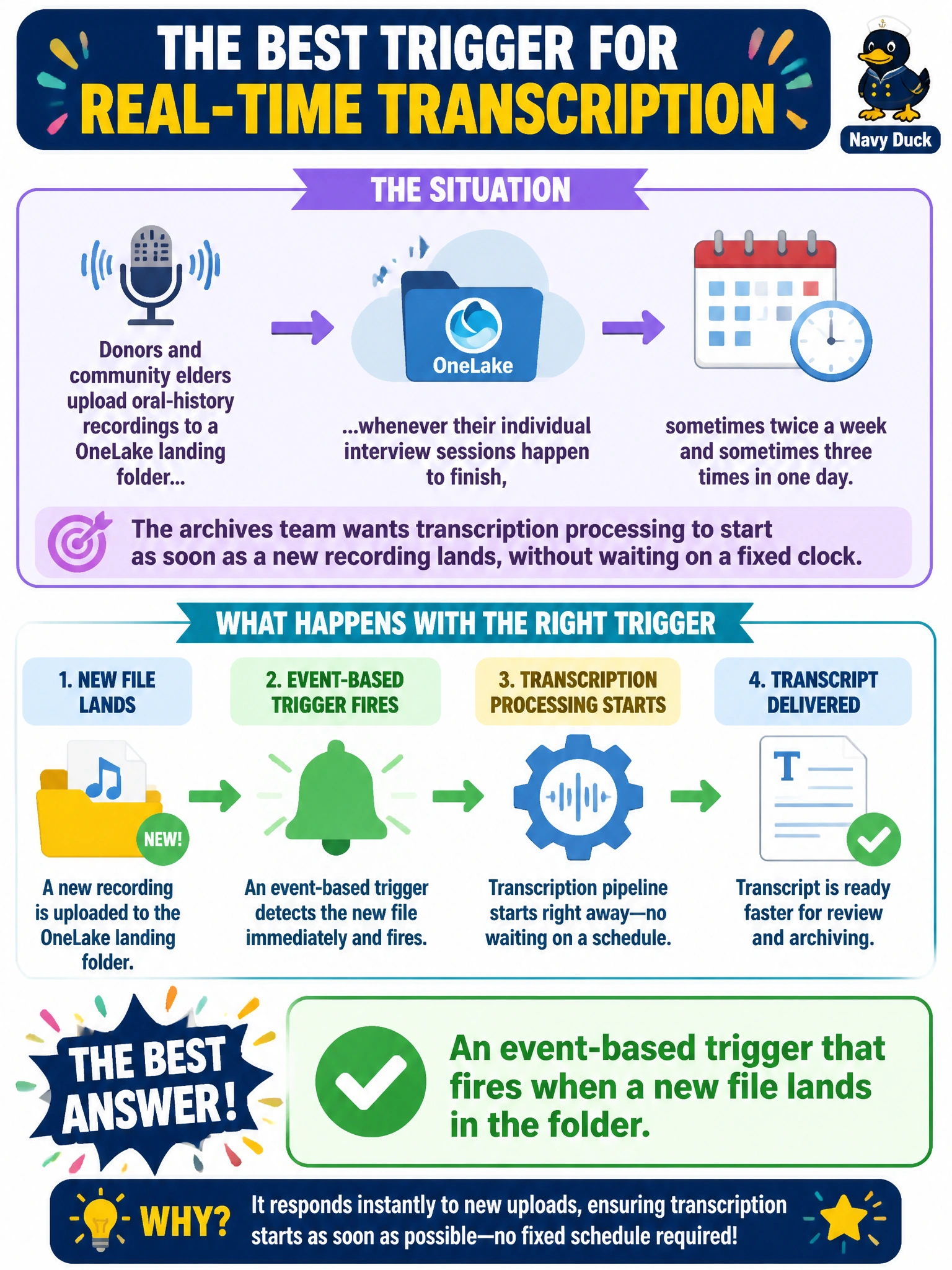
Donors and community elders upload oral-history recordings to a OneLake landing folder whenever their individual interview sessions happen to finish, sometimes twice a week and sometimes three times in one day. The archives team wants transcription processing to start as soon as a new recording lands, without waiting on a fixed clock. What kind of trigger fits this pattern best?
Select an answer to reveal the explanation.
Short Explanation
Uploads here don't follow a clock — they follow whenever a donor finishes talking. That's the signature of an event-based trigger: it reacts to something happening, a file landing, rather than to a time on the calendar. A fixed hourly or nightly schedule would either process nothing on quiet days or sit idle for hours on busy ones.
Full Explanation
An event-based trigger starts a pipeline in response to something happening in the environment, such as a new file being written to a monitored location, which matches recordings that arrive on an unpredictable, donor-driven cadence rather than a fixed clock. That gives near-immediate processing on busy days and no wasted runs on quiet ones. An hourly schedule technically catches new arrivals eventually, but it burns compute checking an empty folder most hours and still delays processing by up to fifty-nine minutes, which is a worse fit than reacting to the arrival itself. A manual trigger requires a person to notice the file and remember to start the pipeline, reintroducing exactly the human-dependency problem automation is meant to remove, especially awkward for recordings landing at odd hours. A nightly fixed schedule is well suited to genuinely clock-driven batch work, like the digitisation load, but here it would delay same-day transcription until the next scheduled run regardless of when the donor actually finished. The caveat: event-based triggers still need sensible guardrails, such as ignoring partial or in-progress uploads, so the trigger doesn't fire on an incomplete file. A concrete check: drop a test file into the landing folder and confirm the pipeline run appears in trigger history within moments, not on the next clock tick.