
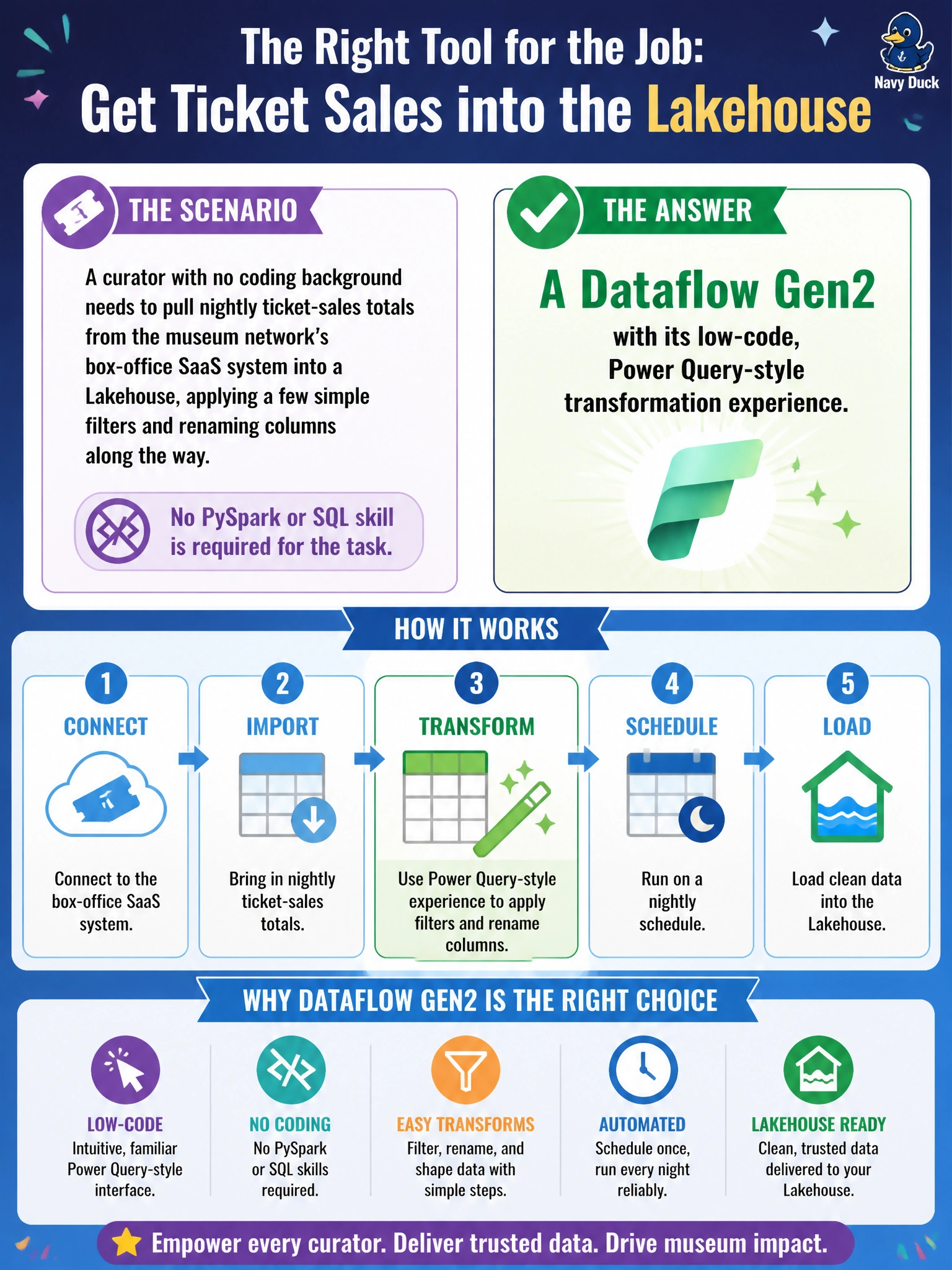
A curator with no coding background needs to pull nightly ticket-sales totals from the museum network's box-office SaaS system into a Lakehouse, applying a few simple filters and renaming columns along the way. No PySpark or SQL skill is required for the task. Which tool should the data engineering team hand her?
Select an answer to reveal the explanation.
Short Explanation
A Dataflow Gen2 is built for exactly this kind of job: point-and-click filters, renames, and merges, no code required. It's the same mindset as Power Query — drag a step, see the preview, move on. Handing a curator a notebook or T-SQL would ask her to learn a whole new skill for a task that doesn't need one.
Full Explanation
Dataflow Gen2 exists specifically to let non-developers perform batch transformations through a visual, query-editor interface, then land the result in a Lakehouse or Warehouse — which matches a curator doing light filtering and renaming with no coding background. A raw Copy activity with no transform step just moves data as-is; someone would still have to fix column names and filters afterward, defeating the point of automating the job. A PySpark notebook demands Spark and Python fluency that the scenario explicitly says she doesn't have, and handing it to her invites broken cells rather than a repeatable pipeline step. A T-SQL stored procedure requires SQL skill and a Warehouse-side object to maintain, again outside her skill set, and it moves the transformation logic away from the low-code surface built for this exact persona. The caveat: Dataflow Gen2 is well suited to moderate transformation volume and simple business logic, not to heavy Spark-scale joins or custom code, so a data engineer would still take over if the requirements grow more complex. A concrete check: open the Dataflow Gen2 in the Fabric workspace and confirm the applied steps list matches the filters and renames the curator described, with a clean preview of the output columns.