
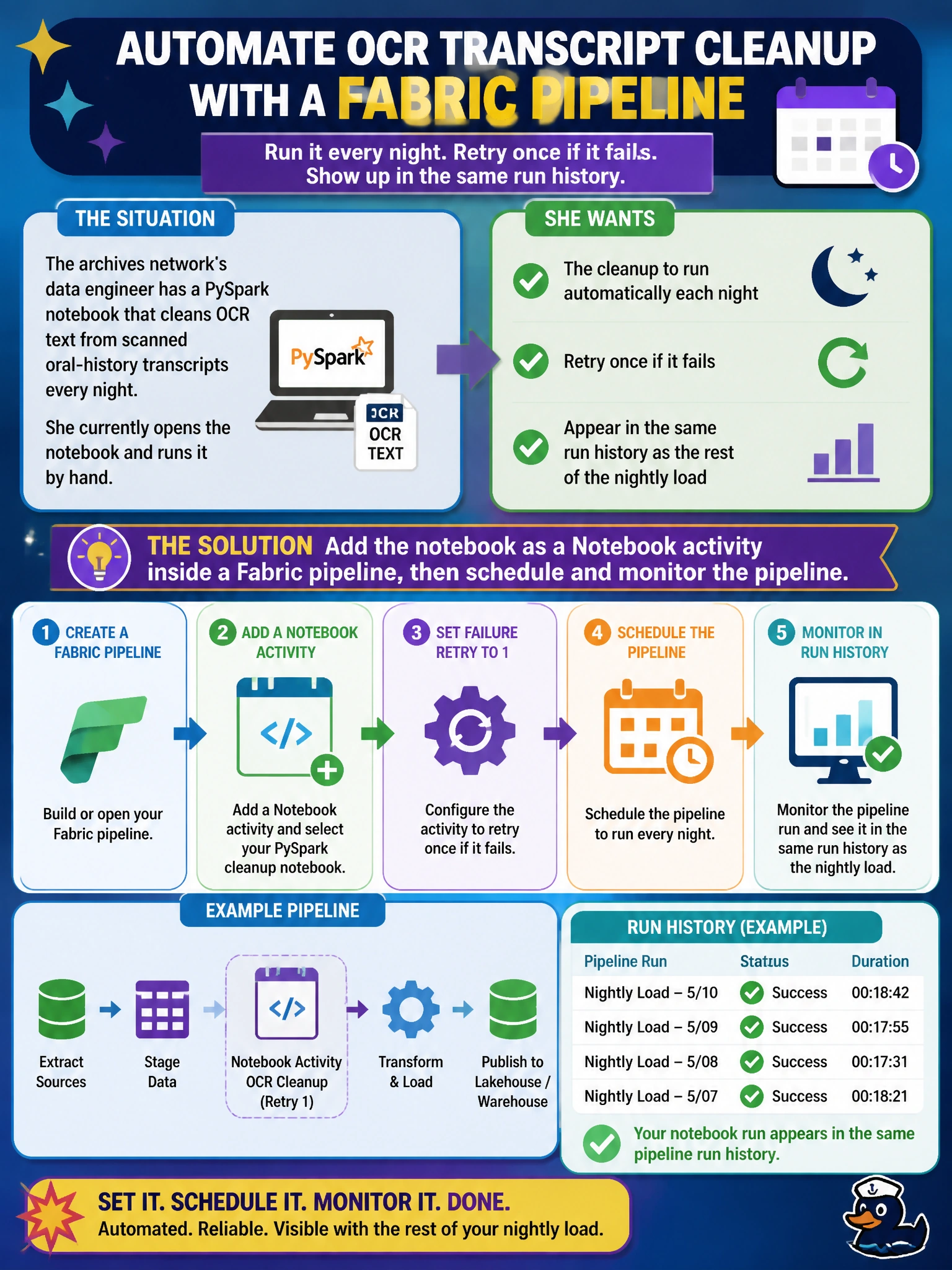
The archives network's data engineer has a PySpark notebook that cleans OCR text from scanned oral-history transcripts every night. She currently opens the notebook and runs it by hand. She wants the cleanup to run automatically each night, retry once if it fails, and appear in the same run history as the rest of the nightly load. What should she do?
Select an answer to reveal the explanation.
Short Explanation
Think of a pipeline as the conductor and the notebook as one musician in the orchestra — the notebook does the actual cleanup, but scheduling, retries, and a run history belong to the conductor. Drop the notebook into a Notebook activity inside a pipeline and you get all three in one place. Running it by hand never joins the rest of the nightly story.
Full Explanation
A pipeline is Fabric's orchestration layer: it schedules runs, tracks success or failure per activity, and lets you set a retry count and interval directly on the activity, all visible in the Monitoring hub alongside the copy and transform steps that feed it. Wrapping the existing notebook in a Notebook activity keeps the PySpark logic exactly as written while adding that operational layer around it. Rebuilding the logic as a Dataflow Gen2 throws away working code to force it into a low-code tool that isn't designed for arbitrary Spark transformations, and it still wouldn't give her the retry-and-history behavior she's after without also living inside a pipeline. A personal reminder has no retry logic and no audit trail if the run fails at 2 a.m. Running a script from an external cron job outside Fabric loses native dependency chaining with the rest of the nightly load and creates a blind spot nobody on the Fabric side can see. The caveat: a notebook can still be run on demand for testing, but production orchestration should own the schedule. Check it by opening the pipeline's run history in the Monitoring hub and confirming the Notebook activity shows a completed status with the configured retry count.