
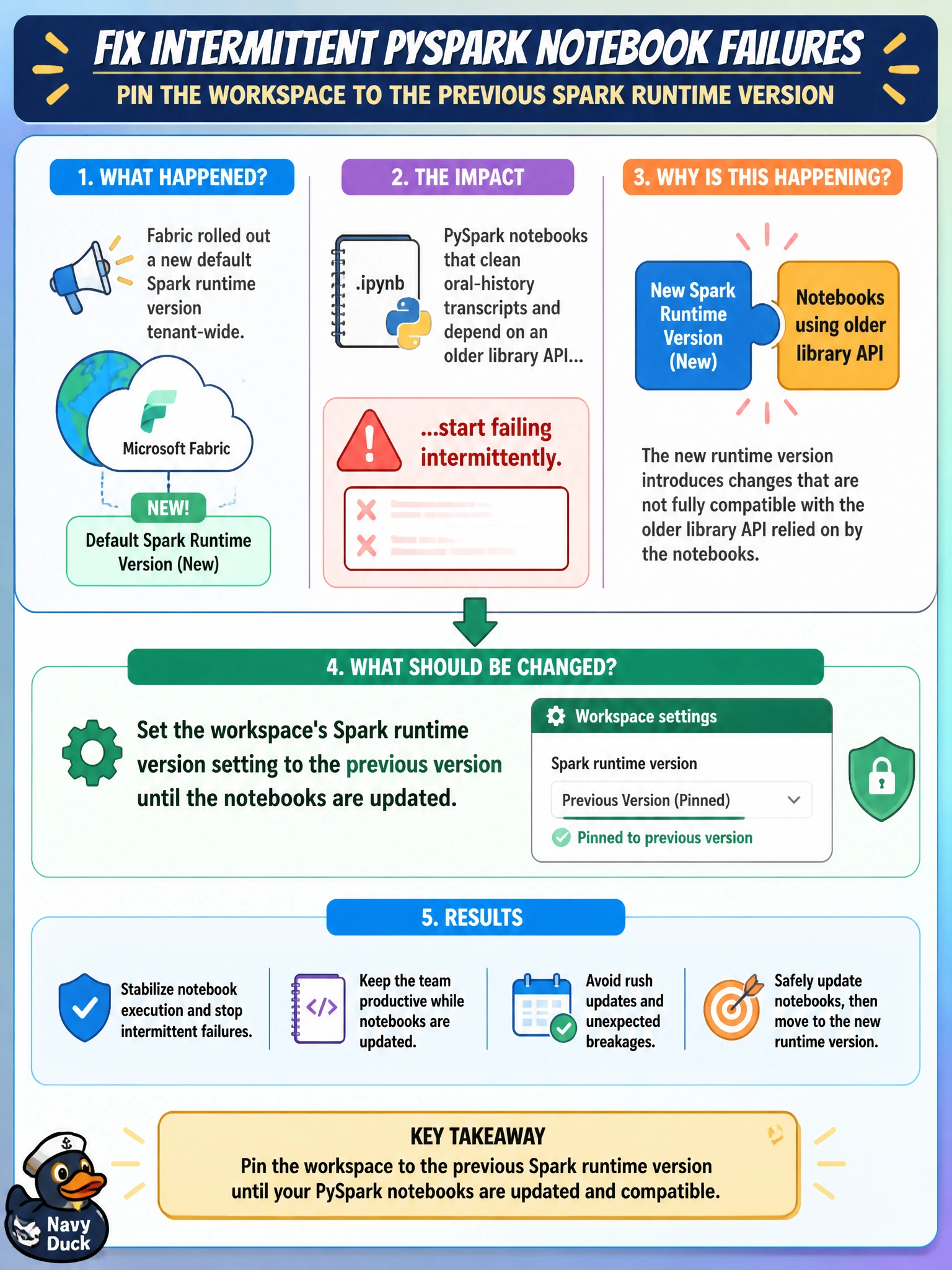
After Fabric rolled out a new default Spark runtime version tenant-wide, PySpark notebooks that clean oral-history transcripts and depend on an older library API start failing intermittently. The team wants to pin the workspace to the previous runtime version until the notebooks are updated. What should be changed?
Select an answer to reveal the explanation.
Short Explanation
Think of the Spark runtime version like the edition of a toolbox -- a newer edition can quietly swap out a tool the old code expects. Pinning the workspace back to the previous runtime version buys the team time to update their notebooks without breaking things today.
Full Explanation
The Spark runtime version is a workspace-level setting controlling which underlying Spark and library versions notebooks in that workspace run against, so pinning it back to the previous version directly restores compatibility for code depending on an older library API, buying time for an orderly update. Increasing the custom pool's node size changes compute sizing, not which software version the runtime provides -- it would not fix an API-compatibility failure. Turning on high concurrency mode changes how notebook sessions are shared, an unrelated axis from which runtime version is in use. Moving to a larger capacity raises the compute ceiling available tenant-wide but does not change the Spark runtime version running inside any given workspace. A caveat: pinning to an older runtime is a temporary bridge, not a permanent fix -- the team should still plan to update the notebooks to the current API since older runtimes eventually reach end of support. Confirm the fix by checking the workspace's Spark settings show the previous runtime version selected and that the previously failing notebooks now run cleanly.