
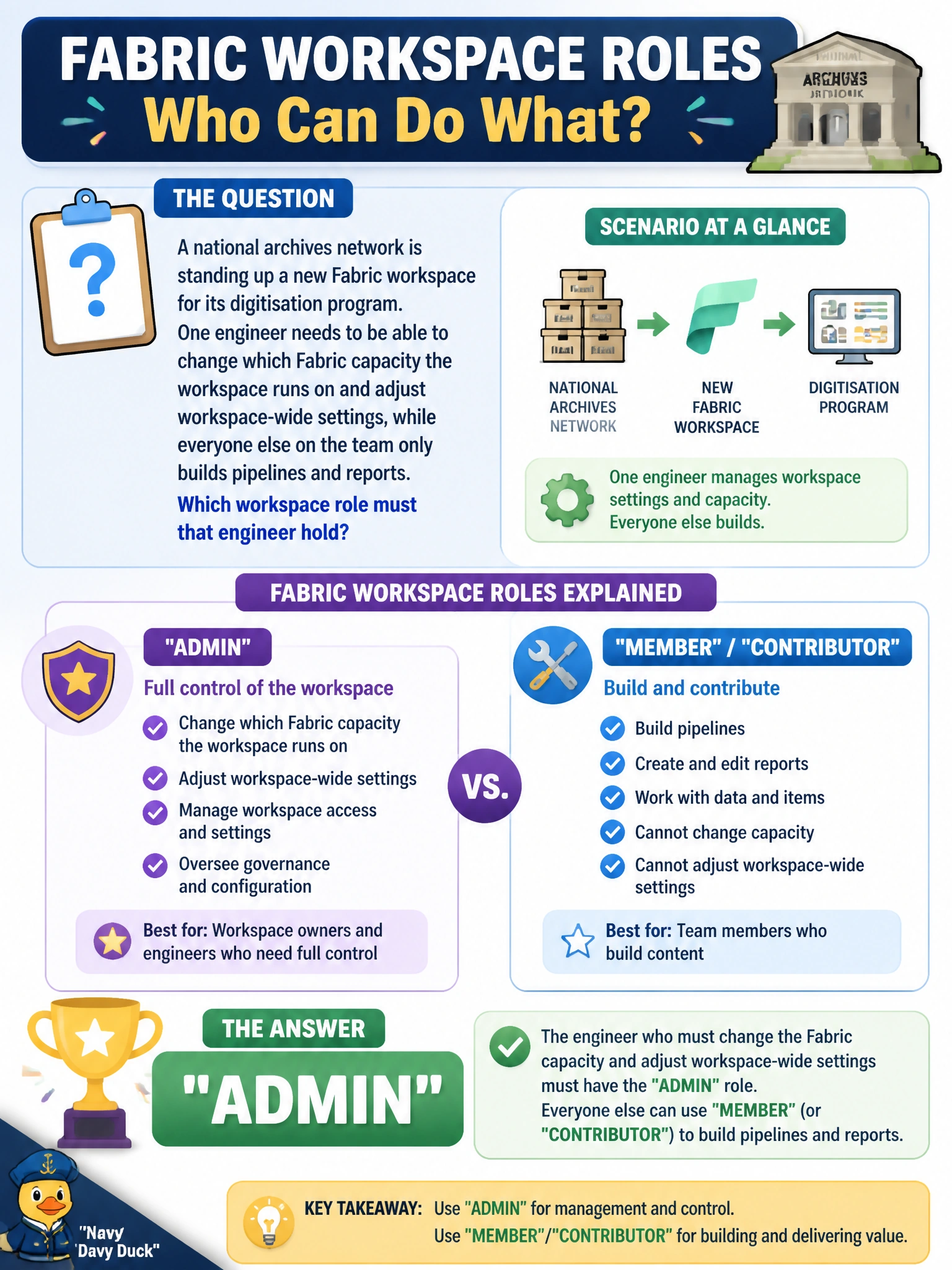
A national archives network is standing up a new Fabric workspace for its digitisation program. One engineer needs to be able to change which Fabric capacity the workspace runs on and adjust workspace-wide settings, while everyone else on the team only builds pipelines and reports. Which workspace role must that engineer hold?
Select an answer to reveal the explanation.
Short Explanation
Think of the workspace roles like a museum's building access badges: everyone gets in to do their job, but only one badge opens the utility room where the power gets switched. Reassigning the capacity a workspace runs on is a building-level decision, so it's locked to Admin. Member, Contributor, and Viewer can all touch content, but none of them can touch the plumbing.
Full Explanation
Fabric workspace roles form a hierarchy — Admin, Member, Contributor, Viewer — and only Admin carries workspace-management capabilities such as assigning or changing the backing capacity, managing workspace-level settings, and controlling who else holds which role. Member can add and remove people at or below their own level and edit content, but cannot repoint the workspace at a different capacity or change tenant-adjacent settings. Contributor can create, edit, and publish items (pipelines, lakehouses, reports) but has no access-management or capacity authority at all. Viewer is read-only and cannot modify anything. The distractors fail because they describe roles scoped to content, not to the workspace container itself: Member's elevated ability to manage people is still bounded below Admin, and Contributor/Viewer have no administrative surface whatsoever. In practice, a Fabric estate keeps the Admin list short and audited, because capacity reassignment affects billing and performance for every item in the workspace. A quick operational check: in the workspace's Manage access pane, only accounts listed under the Admin role should ever see the capacity-selection control under workspace settings.