
Before promoting a batch of item changes from the Test stage to the Production stage during a major exhibit launch, the pipeline owner wants to review exactly which items differ between the two stages first, rather than deploying blind and rolling back if something breaks. What should they do?
Select an answer to reveal the explanation.
Short Explanation
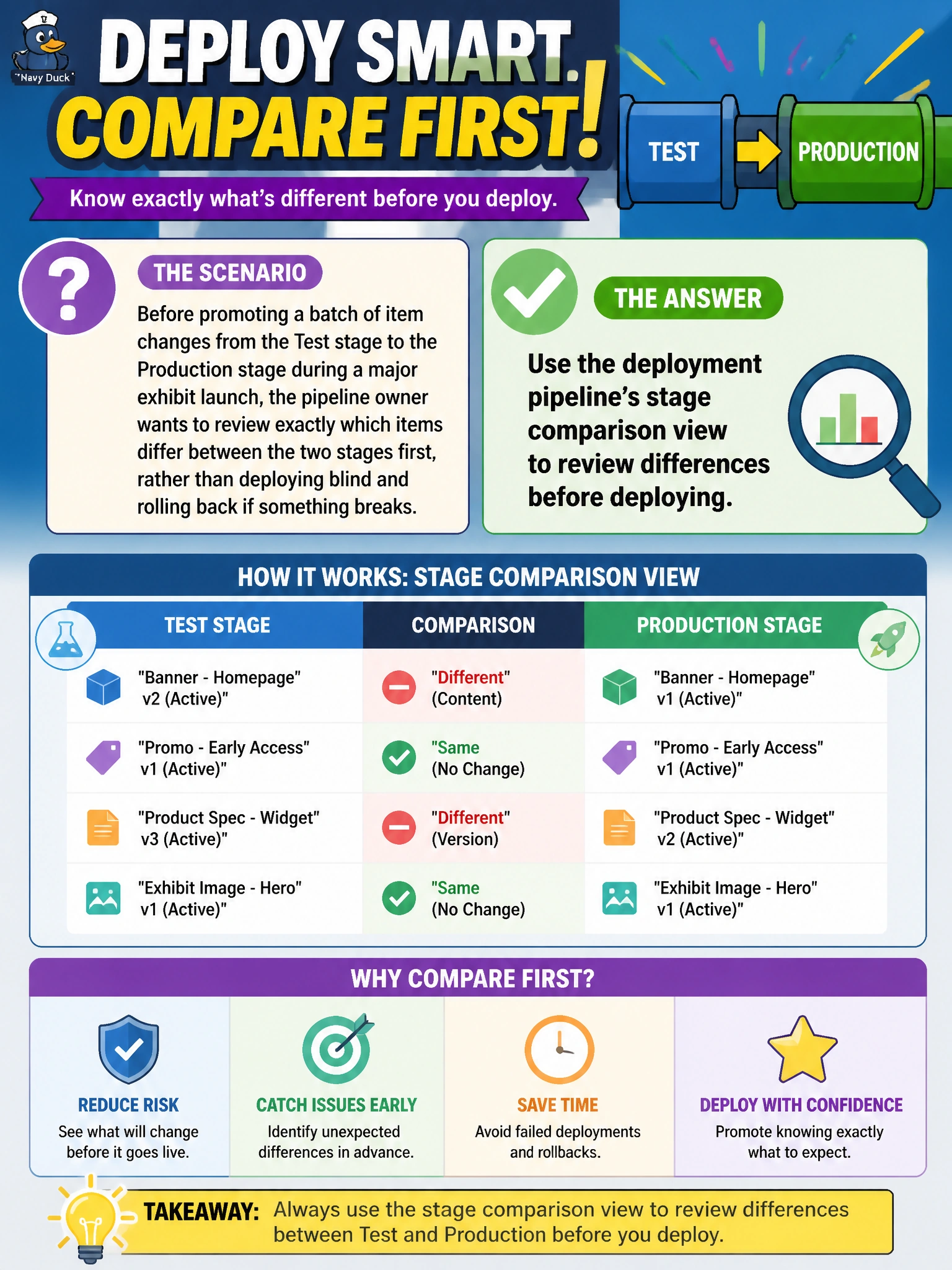
The stage comparison view is like a before-and-after side-by-side, showing exactly which items differ between Test and Production before anything actually moves. It's the difference between checking your work before submitting it and finding out about mistakes only after they're already live.
Full Explanation
A deployment pipeline's stage comparison view lays out exactly which items differ, and how, between two stages before any deployment happens, giving the pipeline owner a chance to catch unintended changes before promoting to Production during a high-stakes exhibit launch. Deploying directly and rolling back afterward accepts avoidable risk to live content that a five-minute comparison could have caught beforehand -- a costly habit right before a major public launch. Manually listing item names from memory is slow, incomplete, and misses the actual content-level differences that matter, not just which items exist. Relying solely on Git commit history shows what changed in source control, but it does not directly reflect the current state of the two Fabric deployment-pipeline stages, which can diverge from raw commit history depending on what's been synced and deployed. A caveat: stage comparison surfaces item-level differences; it doesn't replace testing the actual behavior of complex items like notebooks or pipelines. Confirm the review is complete by checking the comparison view shows no unexpected differences before clicking Deploy.