
A teammate updated the connected Git branch for a Lakehouse notebook while another engineer separately edited the same notebook directly inside the workspace, and syncing now shows the two versions cannot merge automatically. What must the engineer do?
Select an answer to reveal the explanation.
Short Explanation
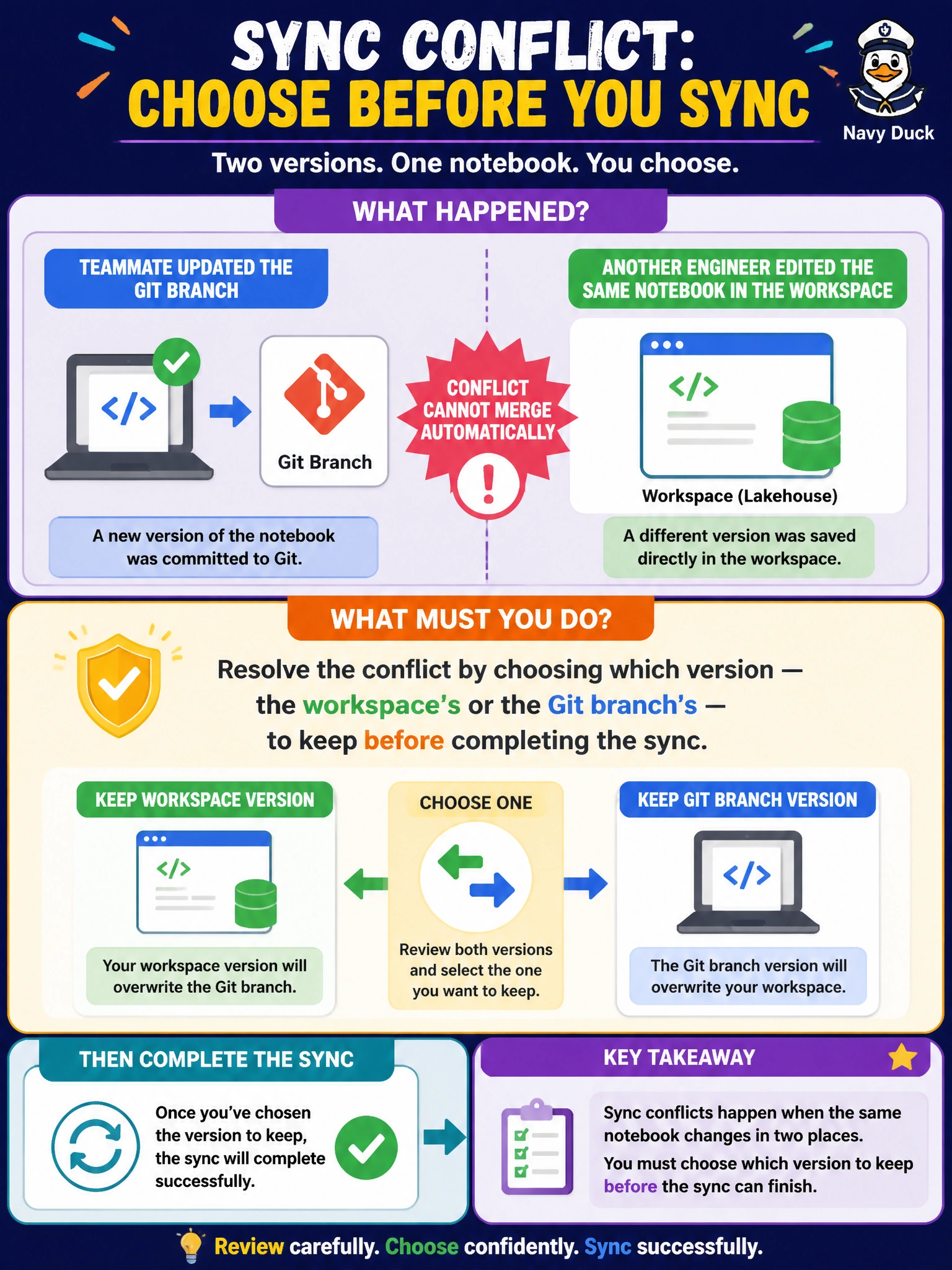
A sync conflict is Git integration's way of saying these two versions disagree and it won't guess which one's right. The engineer has to step in and pick, workspace version or Git branch version, before the sync can go through; nothing resolves it in the background.
Full Explanation
When both the connected Git branch and the workspace have independently changed the same item's definition, Fabric's Git integration flags a conflict and requires the engineer to explicitly choose which version to keep, workspace or branch, before the sync can complete -- that manual resolution step is the correct and required path. Deleting and recreating the notebook throws away one side's changes without giving anyone the chance to review what's actually different, which risks silently losing real work. Disconnecting and reconnecting Git does not resolve a content conflict and, worse, risks disrupting the branch's tracked commit history for no benefit. There is no automatic, delayed conflict resolution in Fabric's Git integration -- conflicting changes require a decision, not a wait. A scope note: after resolving the conflict, the engineer should review the kept version carefully, since the version not chosen is effectively discarded from that sync. Confirm resolution by checking the workspace's Source control pane shows a clean, conflict-free status after the choice is made.