
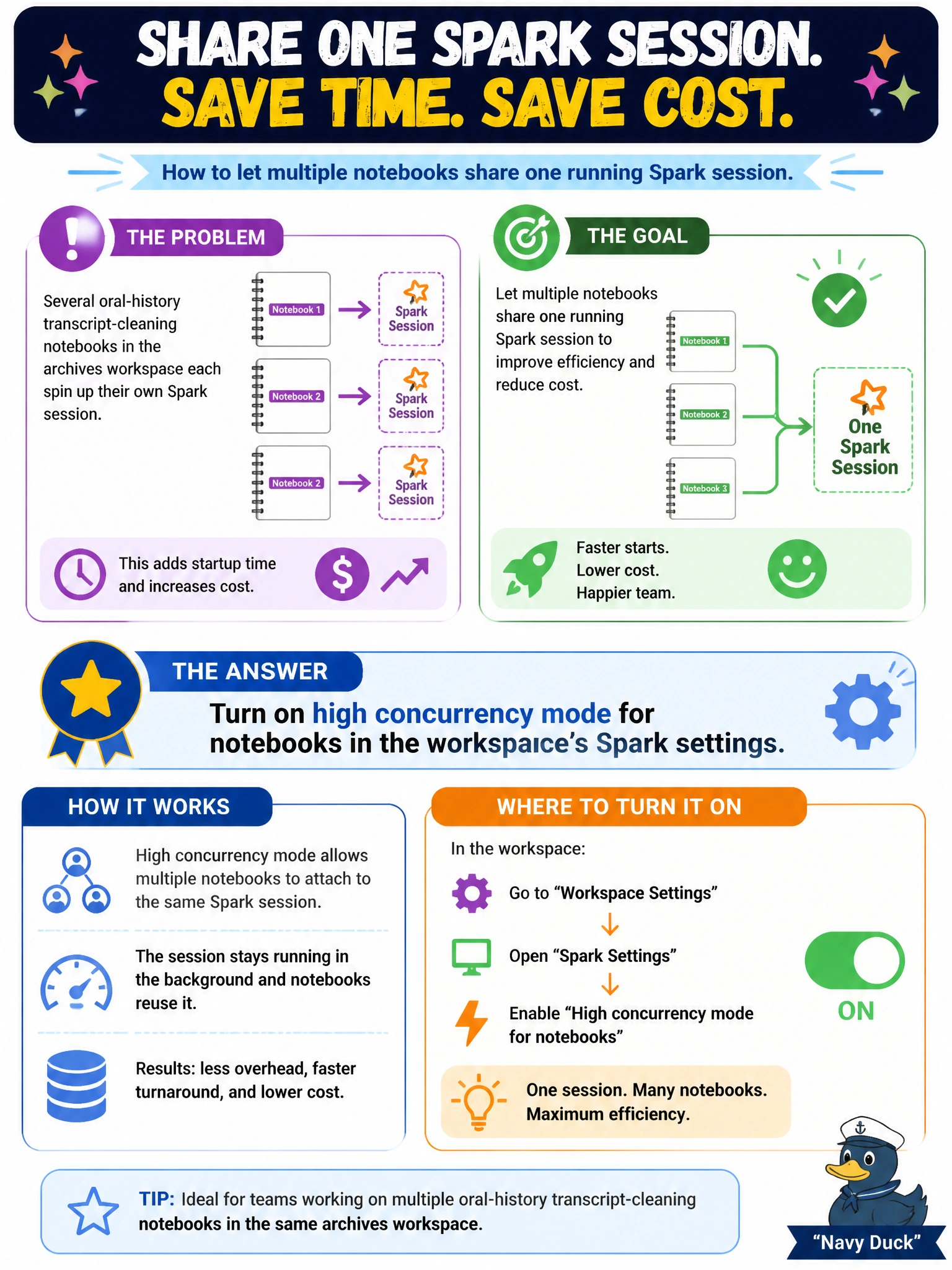
Several oral-history transcript-cleaning notebooks in the archives workspace each spin up their own Spark session, and the team wants multiple notebooks to share one running session to cut both startup time and cost. What Spark setting accomplishes this?
Select an answer to reveal the explanation.
Short Explanation
High concurrency mode is like carpooling instead of everyone driving separately -- several notebooks share one already-running Spark session instead of each spinning up its own car from scratch, so people get there faster and burn less fuel doing it.
Full Explanation
High concurrency mode, a Spark workspace setting, lets multiple notebooks share a single running Spark session rather than each one starting a dedicated session, which is exactly the cost and startup-time savings the team is after. Increasing the assigned capacity SKU raises the overall compute ceiling available tenant-wide but does not, by itself, make separate notebook sessions share resources -- it just makes each individual session potentially larger or faster to obtain. Creating a separate custom pool per notebook moves in the opposite direction of the goal: more dedicated pools means more separate sessions, not shared ones. OneLake shortcut caching addresses data-read latency for shortcuts and has no bearing on Spark session sharing. A caveat worth knowing: high concurrency mode works best for notebooks with similar resource needs run by the same or related users, since they're now competing for the same shared session's resources. Confirm the setting worked by watching the Spark monitoring view show multiple notebook runs attached to one shared session ID.